Step Action Illustration
7
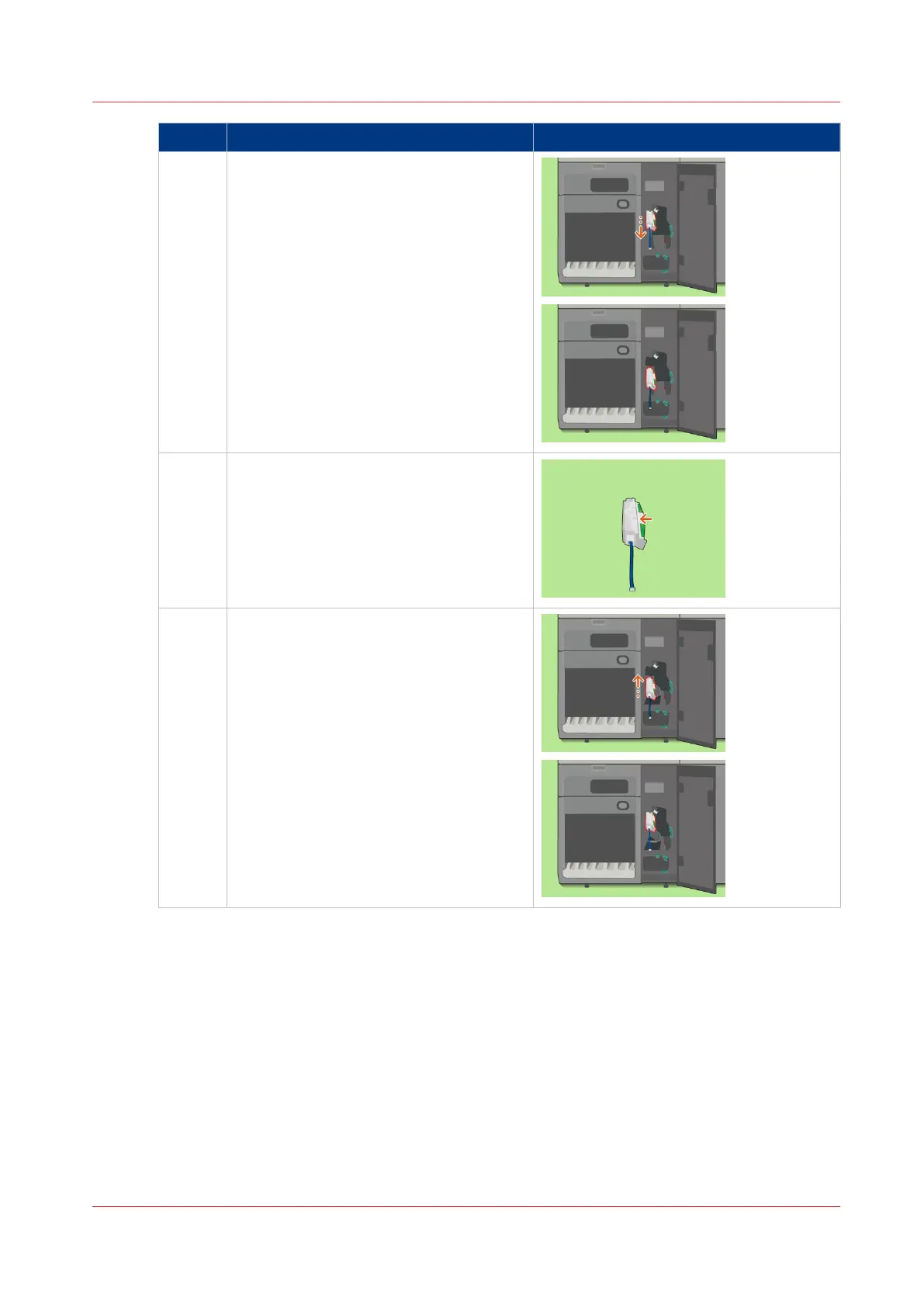
Attention: Do not pull the flat cable.
Pull out the registration unit.
8 Remove any pieces of paper from the reg-
istration unit.
9 Place the registration unit back. The ar-
rows must be on top.
4
Clear a Paper Jam in the Registration Unit
Chapter 18 - Printer Operation Care (POC)
421
Canon varioPRINT 135 Series














 To Next Page