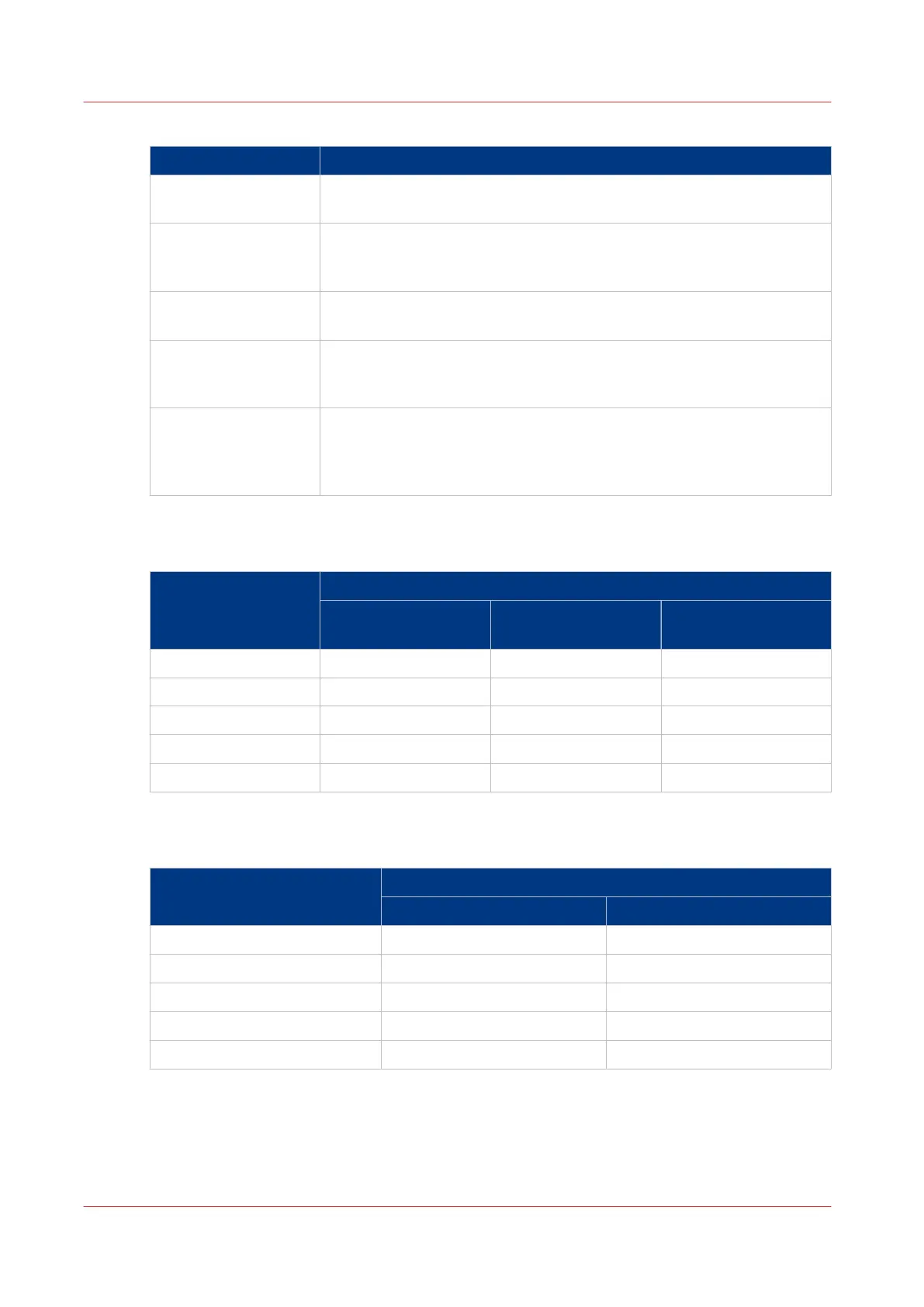
When to use which workflow
Profile When to use
[Standard] You need a productive workflow but you still want to have sufficient
control over the jobs.
[Job by job] You want to start the jobs one by one. Each time a job has been prin-
ted, the machine goes on hold. Always touch [Resume] in the dash-
board to start the next job.
[Check and print] You want to check the quality and layout of each first set of a job be-
fore the remaining sets will be printed.
[Manual planning] The jobs are sent to the machine in a random order. You can manually
define the most productive order in which the machine will print the
jobs.
[Unattended] You want to continue printing while you are absent, for example after
working hours. Then the machine will print the scheduled jobs, provi-
ded that all the required media, supplies and output locations are avail-
able.
The Default Settings for [Receive]
The default [Receive] settings
Workflow profile [Receive] settings
[Destination of print
job]
[Destination of copy
job]
[Destination of Doc‐
Box job]
[Standard] [Scheduled jobs] [Scheduled jobs] [Scheduled jobs]
[Job by job] [As in job] [Scheduled jobs] [Scheduled jobs]
[Check and print] [Scheduled jobs] [Scheduled jobs] [Scheduled jobs]
[Manual planning] [Waiting jobs] [Waiting jobs] [Scheduled jobs]
[Unattended] [As in job] [Scheduled jobs] [Scheduled jobs]
The Default Settings for [Print]
The default [Print] settings
Workflow profile [Print] settings
[Confirm start of job] [Check first set]
[Standard] [Off] [As in job]
[Job by job] [On] [As in job]
[Check and print] [Off] [On]
[Manual planning] [Off] [As in job]
[Unattended] [Off] [Off]
Work with the Workflow Profiles
44
Chapter 4 - Adapt Printer Settings to Your Needs
Canon varioPRINT 135 Series














 To Next Page