Media Registration Procedure
1. The system prints a number of registration sheets.
2. Scan the printed registration sheets one by one. First the front side, then the back side.
3. The systems calculates the registration adjustment parameters.
4. The system sets the calculated parameters as default registration parameters for this specific
media.
Start a Media-Specific Registration via the Trays View
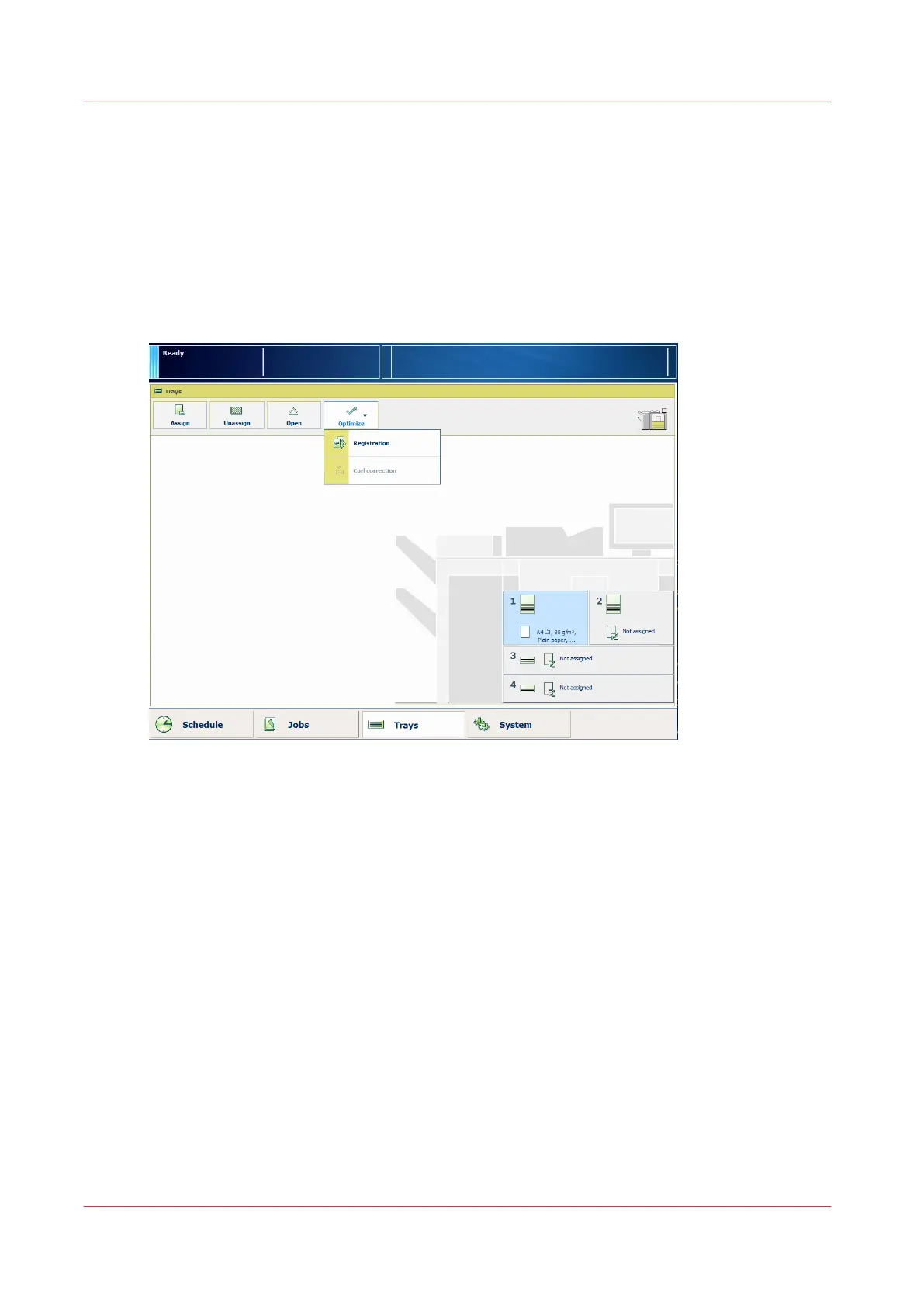
1. On the control panel, touch [Trays] to open the trays view.
2. Select the media for which you want to perform the media registration.
3. Touch [Optimize] -> [Registration].
When the media is larger than 420 mm (16.5") in X direction (feed direction) you get a
reminder to enter the actual sheet size via the manual adjustment.
4. At [Automatic adjustment], touch [Start].
When a maintenance PIN is defined in the Settings Editor, a numerical keyboard appears.
5. Enter the maintenance PIN to start the wizard.
6. Touch [Next].
Start a Media-Specific Registration from the Media Catalog
1. On the control panel, touch [System] -> [Media] to open the Media Catalog.
Media-Specific Registration
92
Chapter 5 - Media Handling
Canon varioPRINT 135 Series














 To Next Page