CDE360 Vector Control AC Drive Introduction
2.3) Configure the following parameters according to the motor nameplate and actual requirements.
2.4) Set running frequency by adjusting the signal level of AI1.
2.5) The AC drive will run forward when the switch K1 is closed, and run reverse when the K2 is
closed. If the K1 and K2 are both in closed or open status, the AC drive will stop.
Example 3: Start/stop the AC drive and set frequency through communication (Modbus RTU
protocol, RS485 interface)
Operating steps:
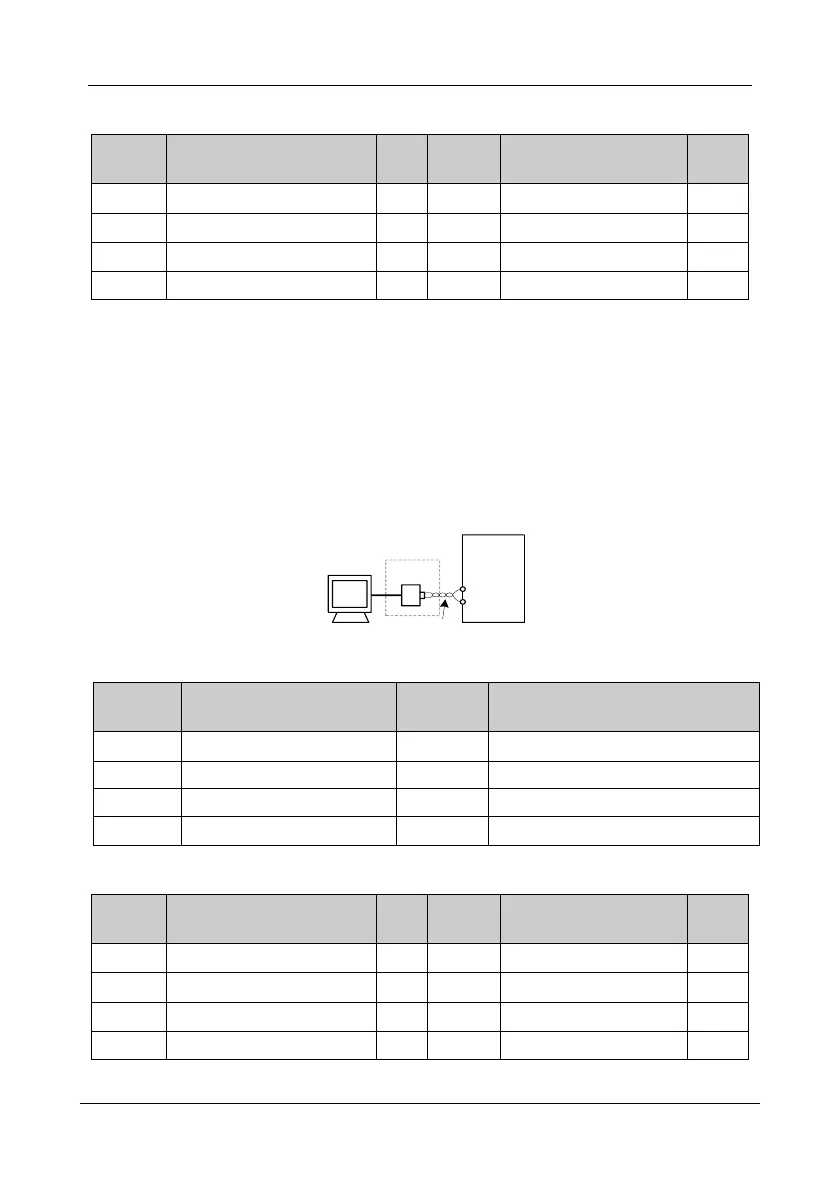
3.1) Connect the control device to the AC drive directly if it supports RS485 interface. Otherwise,
please add an communication adapter box.
485+
485-
AC
drive
Adapter
Controller
Twisted pair
3.2) Configure the following communication related parameters.
Command sources selection
Commands from the communication.
No check, 8-N-2 data format
3.3) Configure the following parameters according to the motor nameplate and actual
requirements..



 To Next Page