3-CONTROLS/INSTRUMENTS
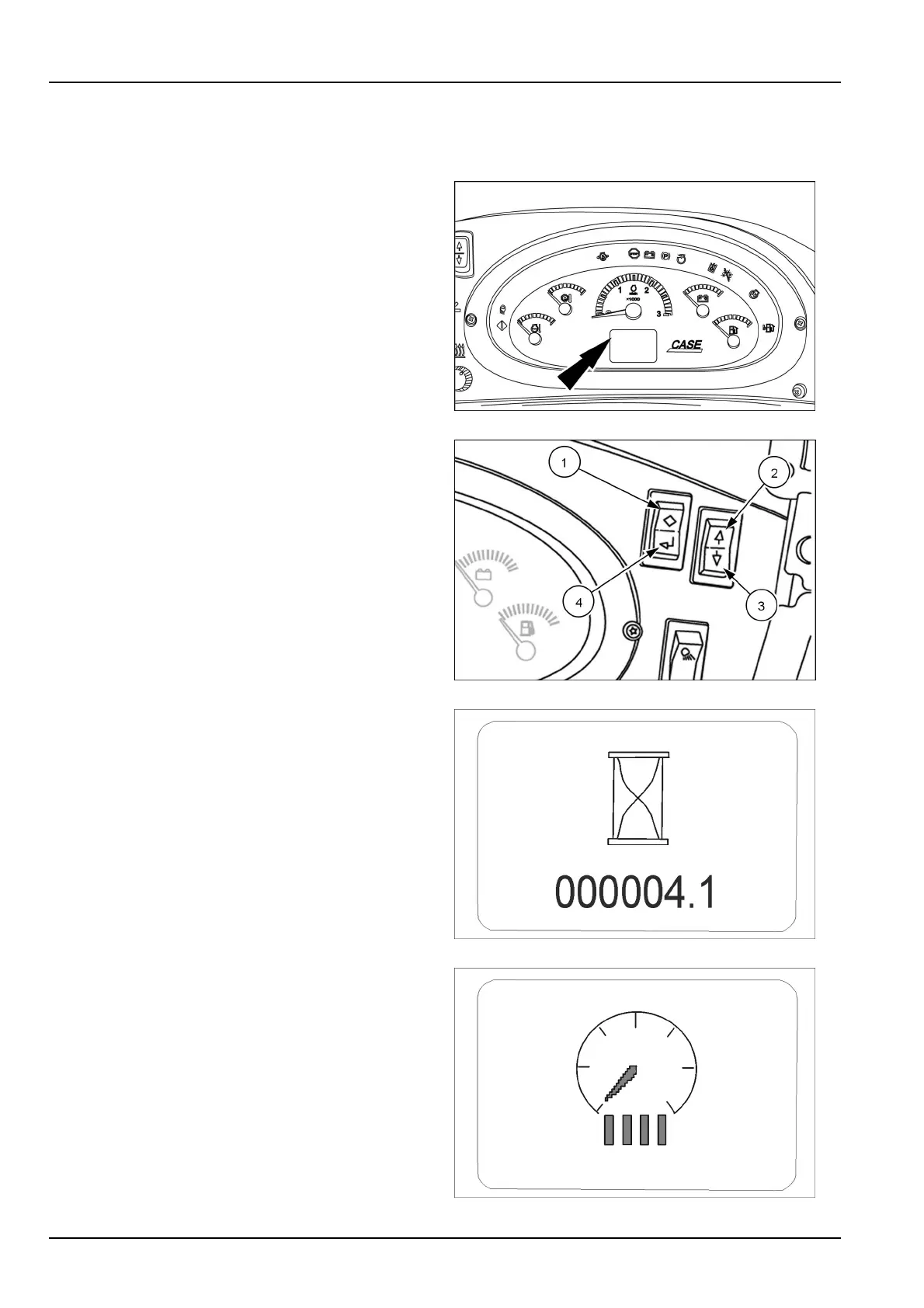
Menuscreendisplay
Displayscreen
Inadditiontotheindicator/warninglamps,theAdvanced
InstrumentCluster(AIC)displaysinformationonthedis-
playscreen.Themenuscreenscanalsobeusedtopro-
grammachinefunctionalityandperformdiagnosticsand
troubleshooting.
RCPH10TLB138AAF1
Usethetworockerswitchesonthesideconsoletomove
throughthemenuscreens.
•
Escape(1)-Returntotheprevioustopmenuorescape
backtothemainscreen.
•
Uparrow(2)-Movebackwardthroughthemenu
screens.
•
Downarrow(3)-Moveforwardthroughthemenu
screens.
•
Enter(4)-Selectspecicdisplayscreensorstore
screen-denedcongurationsettingstomemory.
RAPH12UTL0172AA2
Main(enginehour):
Onstartup,showsthemainscreengraphicalongwiththe
machinehours.
NOTE:Youmaychecktheenginehourswithouttheigni-
tionkey.Presseitherofthemenuselectionswitchesand
thecurrentenginehourswillappearinthedisplayfor10
seconds.
RCPH10TLB194AAF3
Displaydimmer/brightness:
Increaseordeceasethescreenbrightness.Fourbarsare
maximumscreenbrightness.
RCPH10TLB196AAF4
3-24



 To Next Page