Chapter 4 – How to Use the Illuminator
Section 4.9 – Optional Printing Treatment Reports and Additional Labels
4-21
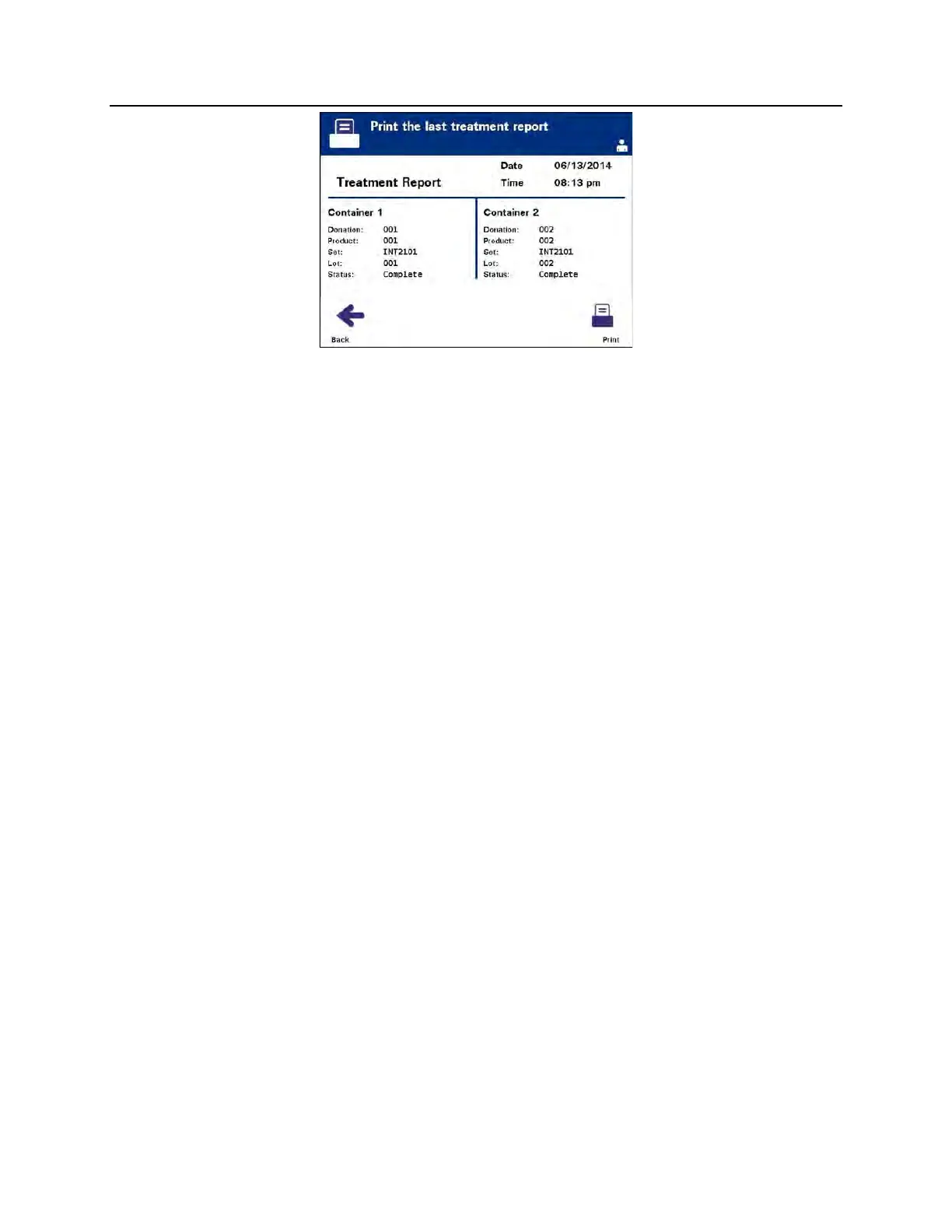
3. If this screen is incorrect, press the ‘Back’ button. The ‘Select a
report to print’ screen will appear. Use the arrow buttons to
choose the ‘Specific Treatment’ option. (Refer to the Specific
Treatment section below.)
4. If the ‘Print the last treatment report’ screen is correct, press the
‘Print’ button. The ‘Printing Last Treatment Report’ information
screen will appear to confirm that printing is occurring.
5. When the report has been printed, the ‘Select a report to print’
screen will appear.
NOTE:
The treatment report will contain information specific to the
treatment selected. This will include illuminator identification (ID),
donation number, blood product code, operator ID, treatment
start date/time and treatment status.



 To Next Page