Chapter 4 – How to Use the Illuminator
Section 4.9 – Optional Printing Treatment Reports and Additional Labels
4-25
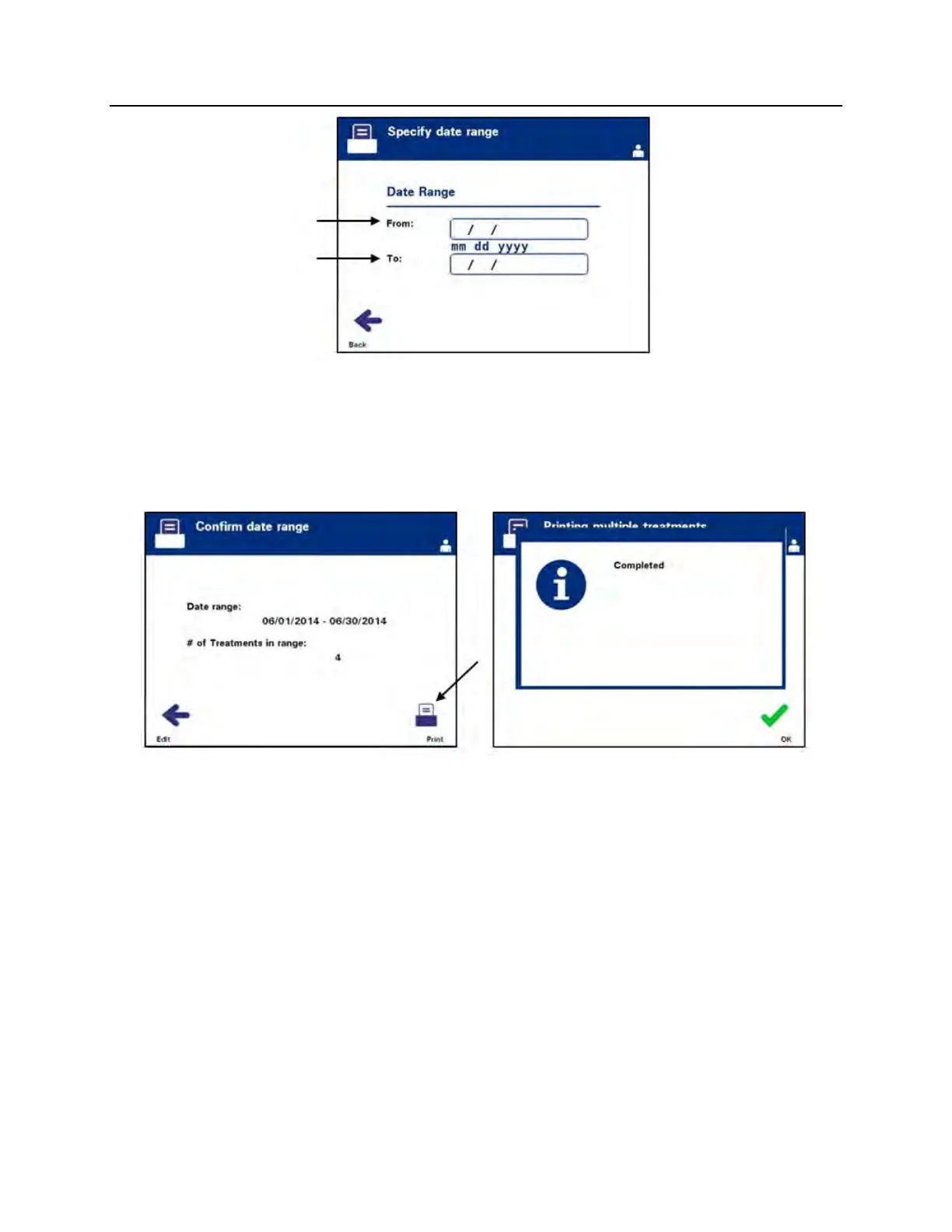
5. Use the keypad to enter the ‘From’ date. Then, use the arrow
buttons to advance to the ‘To’ date. Use the keypad to enter
the ‘To’ date.
6. Press the ‘Enter’ button to confirm the desired date range. The
‘Confirm date range’ screen will appear.
7. When the reports have been printed, the ‘Completed’ screen
will appear. Press ‘OK’.
8. The ‘Select treatments’ screen will appear.



 To Next Page