Chapter 4 – How to Use the Illuminator
Section 4.9 – Optional Printing Treatment Reports and Additional Labels
4-24
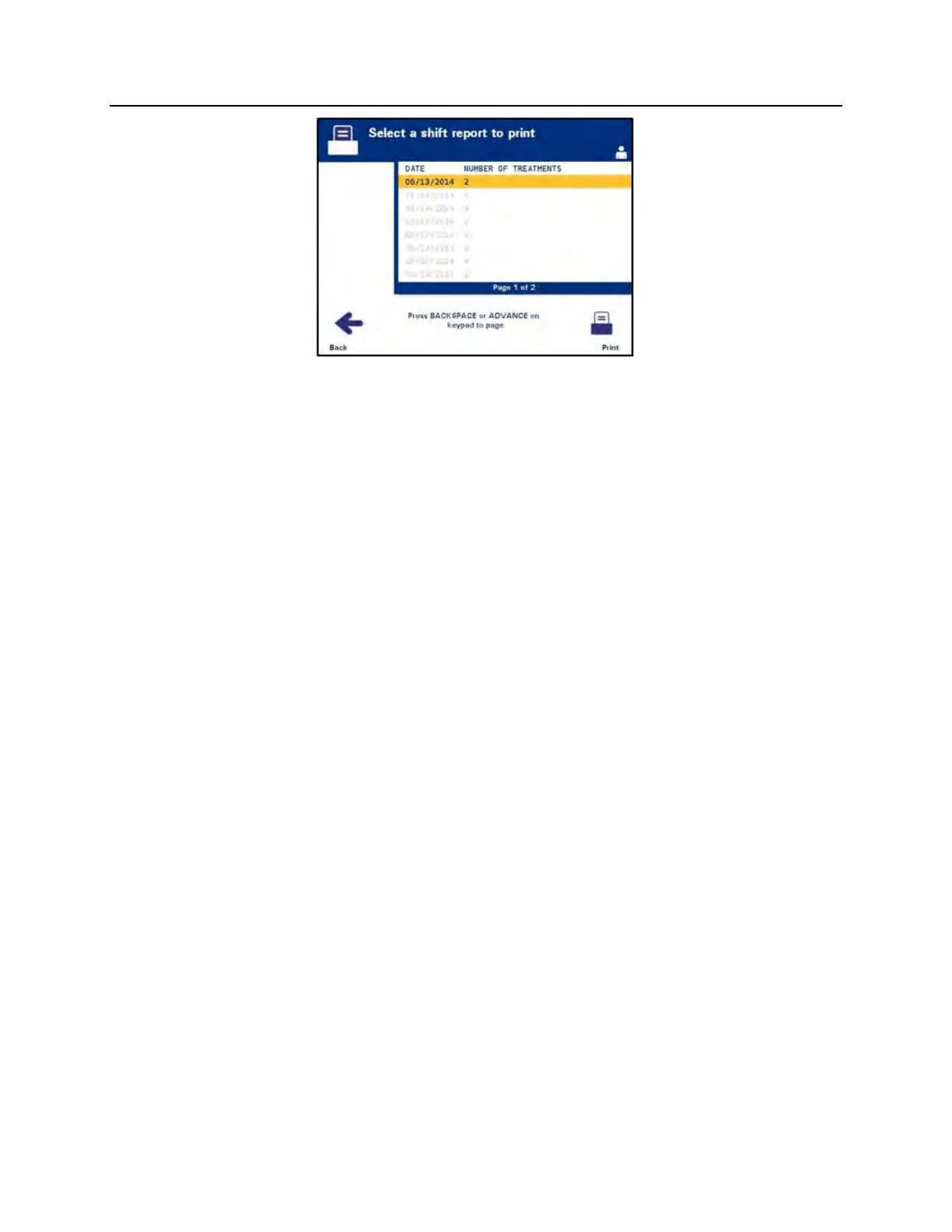
5. Use the arrow buttons to choose the desired date. If the date is
not listed on the screen, press the advance () or backspace
() buttons on the keypad to display the next page(s) of
dates. Continue to use these buttons until you find the correct
page with the desired date listed. Then use the arrow buttons
to choose the desired date.
NOTE:
The shifts will be listed by date and number of treatments in
chronological (oldest to newest) order.
6. Press the ‘Print’ button to select the desired date. The
‘Printing shift report’ screen will appear.
7. When the report has been printed, the ‘Select a report to print’
screen will appear.
Treatments in
Date Range
The Treatments in Date Range option refers to a user designated set
of dates in which treatments were performed on the illuminator. To
print this report:
1. While in the ‘Select a report to print’ screen, use the arrow
buttons to select the ‘Multiple Treatments’ option.
2. Press the ‘Enter’ button to choose the option. The
‘Select treatments’ screen will appear.
3. Use the arrow buttons to select the ‘Treatments in Date Range’
option.
4. Press the ‘Enter’ button to choose the option. The ‘Specify date
range’ screen will appear.



 To Next Page