Chapter 8 – Appendix
Section 8.2 – Summary of Operator Steps
8-8
Unload
Processing
Set(s)
Refer to Section 4.8 for details.
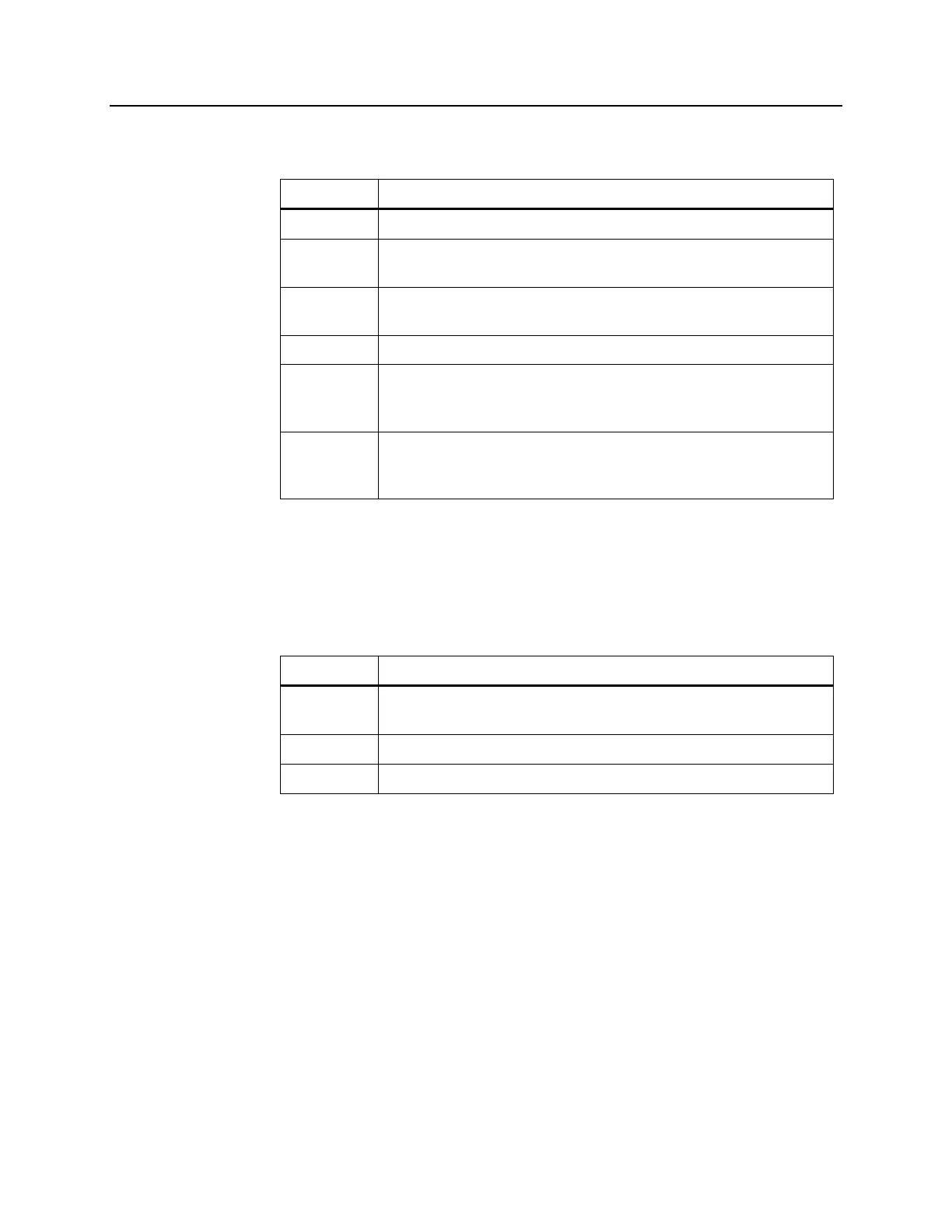
Step Action
1. Press the ‘Unlock Door’ button.
2. An information screen will appear to confirm that label
printing is occurring.
3. The ‘Unload containers’ screen will appear. Open the
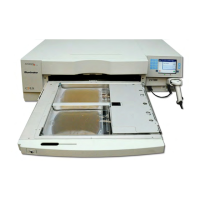
front door of the illuminator.
4. Pull out the drawer and open the cover.
5. Check the screen for the treatment status symbol. Follow
your facility’s procedures for handling product recorded
as Incomplete.
6. When the label had printed, place the label on the
illumination container and remove the containers from
the tray.
This completes the illumination process.
Process
Additional
Blood Products
Refer to Section 4.8 for details.
Step Action
1. Press the ‘Treatment’ button. The ‘Enter username’ screen
will appear.
2. Repeat the Enter Credentials steps.
3. Repeat the Load Processing Set(s) steps.


 To Next Page