Chapter 4 – How to Use the Illuminator
Section 4.3 – Load Processing Set(s)
4-6
Section 4.3 Load Processing Set(s)
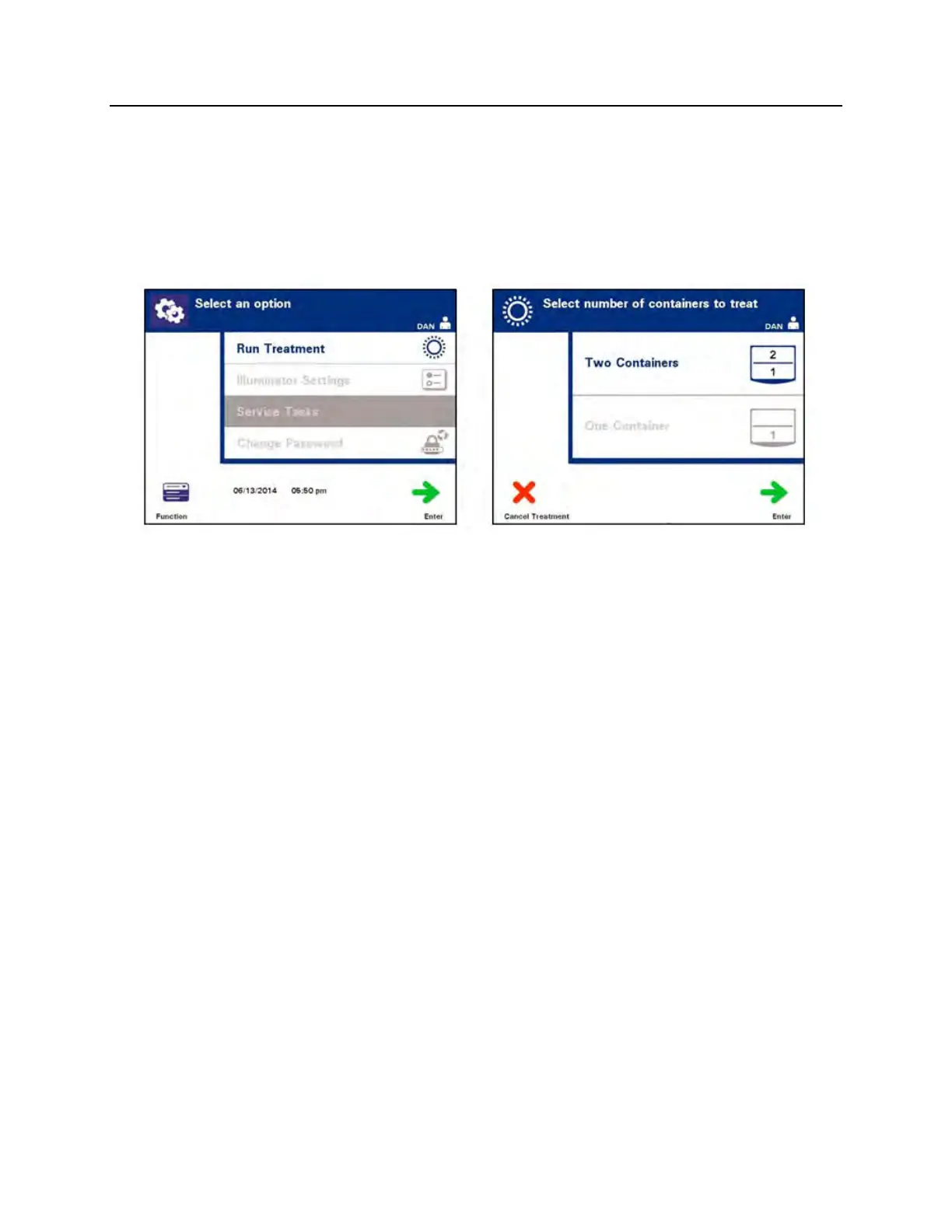
1. Access the ‘Select an Option’ screen (refer to Section 4.2), then
use the arrow buttons to select the ‘Run Treatment’ option.
2. Press the ‘Enter’ button. The ‘Select number of containers to
treat’ screen will appear.
NOTE:
At any time, when entering information into the illuminator, you
may press the ‘Cancel Treatment’ button. This will remove any
information that you have entered and you will go back to the
‘Select a function’ screen.
3. Use the arrow buttons to select the number of containers to
illuminate.
4. Press the ‘Enter’ button.
NOTE:
The illuminator default is set for you to illuminate two containers
using both chambers 1 (front chamber) and 2 (back chamber).
Under normal circumstances, if you wish to illuminate just one
container, then you must use chamber 1. If, however, the front
chamber has malfunctioned and cannot be used, then you may
use chamber 2 to illuminate one platelet or one plasma product.



 To Next Page