Chapter 4 – How to Use the Illuminator
Section 4.3 – Load Processing Set(s)
4-7
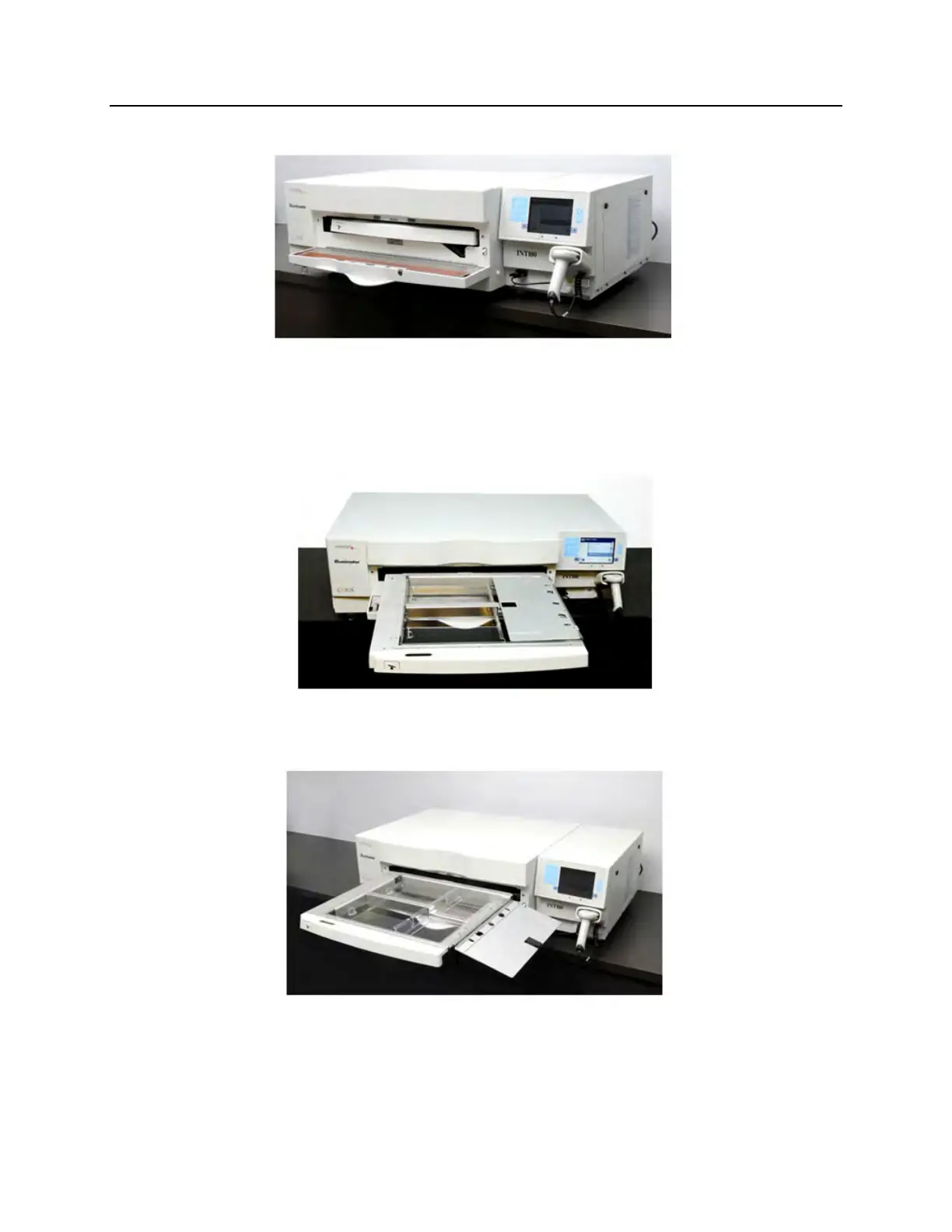
5. Open the front door of the illuminator.
NOTE:
If the door is not opened, then an information screen will appear to
remind you to open the door.
6. Pull out the drawer.
7. Open the cover of the tray by sliding the black latch to the
right. (The cover will open to the right.)



 To Next Page