Chapter 4 – How to Use the Illuminator
Section 4.4 – Scan Barcodes
4-12
2. If the barcode cannot be scanned, you may enter the
information manually by performing the following:
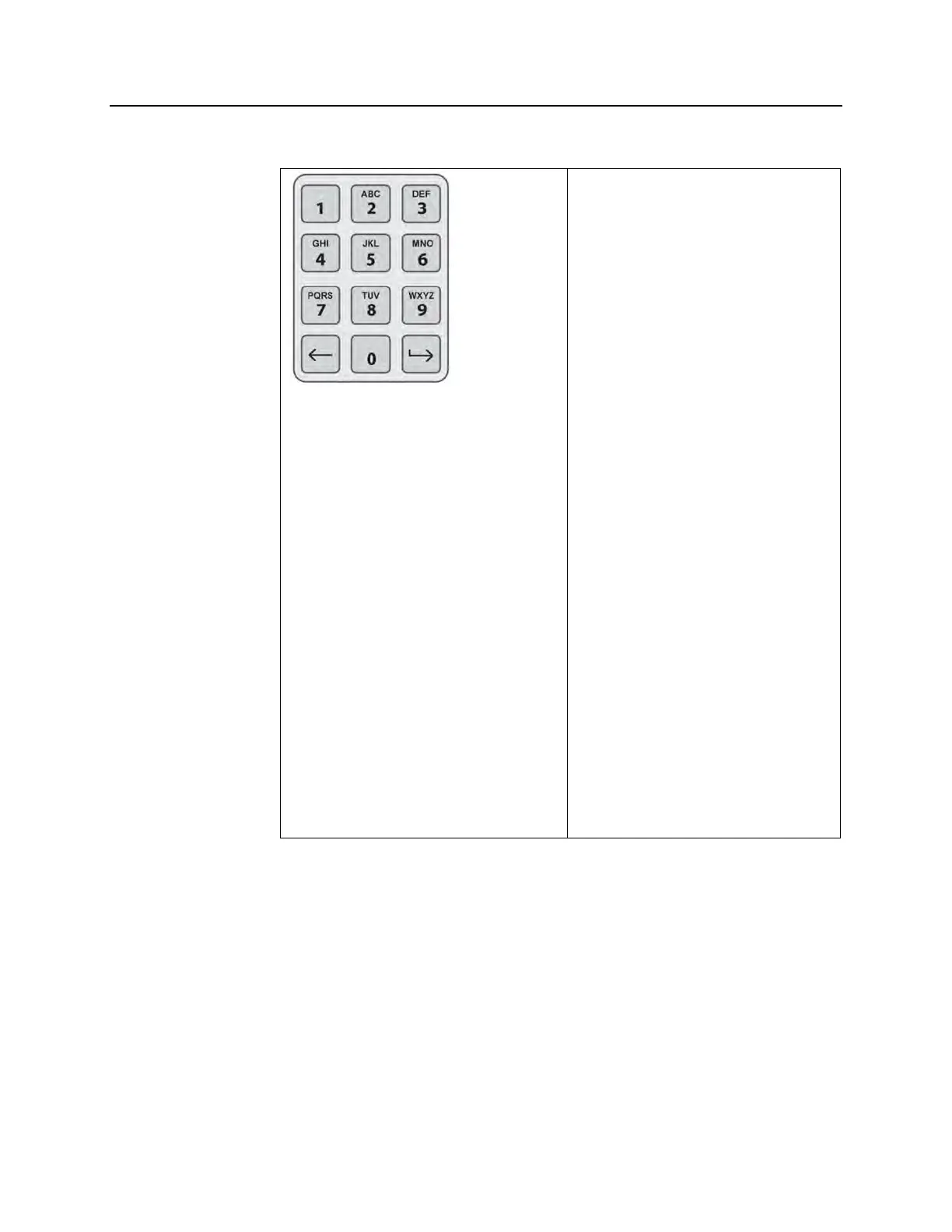
• Use the keypad to enter the
human-readable barcode.
Special characters may be
entered by pressing the ‘l’
button. Refer to Section 3.4 for
the special characters.
• Press the ‘Enter’ button. The
‘Confirm Barcode’ screen will
appear.
• If the barcode is incorrect,
press the ‘Edit’ button. The
‘Enter treatment data for
container 1’ screen will
appear.
• Using the keypad, press
the backspace () button to
delete the wrong barcode.
Then, re-enter the correct
barcode using the keypad.
• Press the ‘Enter’ button. The
‘Confirm Barcode’ screen will
appear.
• If the barcode is correct, press
the ‘OK’ button to confirm the
barcode. The ‘Enter treatment
data for container 1’ screen will
appear.
• Repeat the above steps until
all the barcodes have been
entered.
NOTE:
Each barcode symbology has a specific data input format. Refer to
Section 7.4 for guidelines of manual entry for specific barcode
formats.
When all the barcodes have been scanned for container 1, a
‘Done’ button will appear at the bottom of the screen.
WARNING:
Make sure the barcodes and chamber position of each container
are correctly entered into the illuminator.
3. Press the ‘Done’ button.



 To Next Page