Chapter 4 – How to Use the Illuminator
Section 4.5 – Repeat Set Loading for Container 2
4-13
Section 4.5 Repeat Set Loading for Container 2
If two containers have been selected for treatment, the
‘Enter treatment data for container 2’ screen will appear.
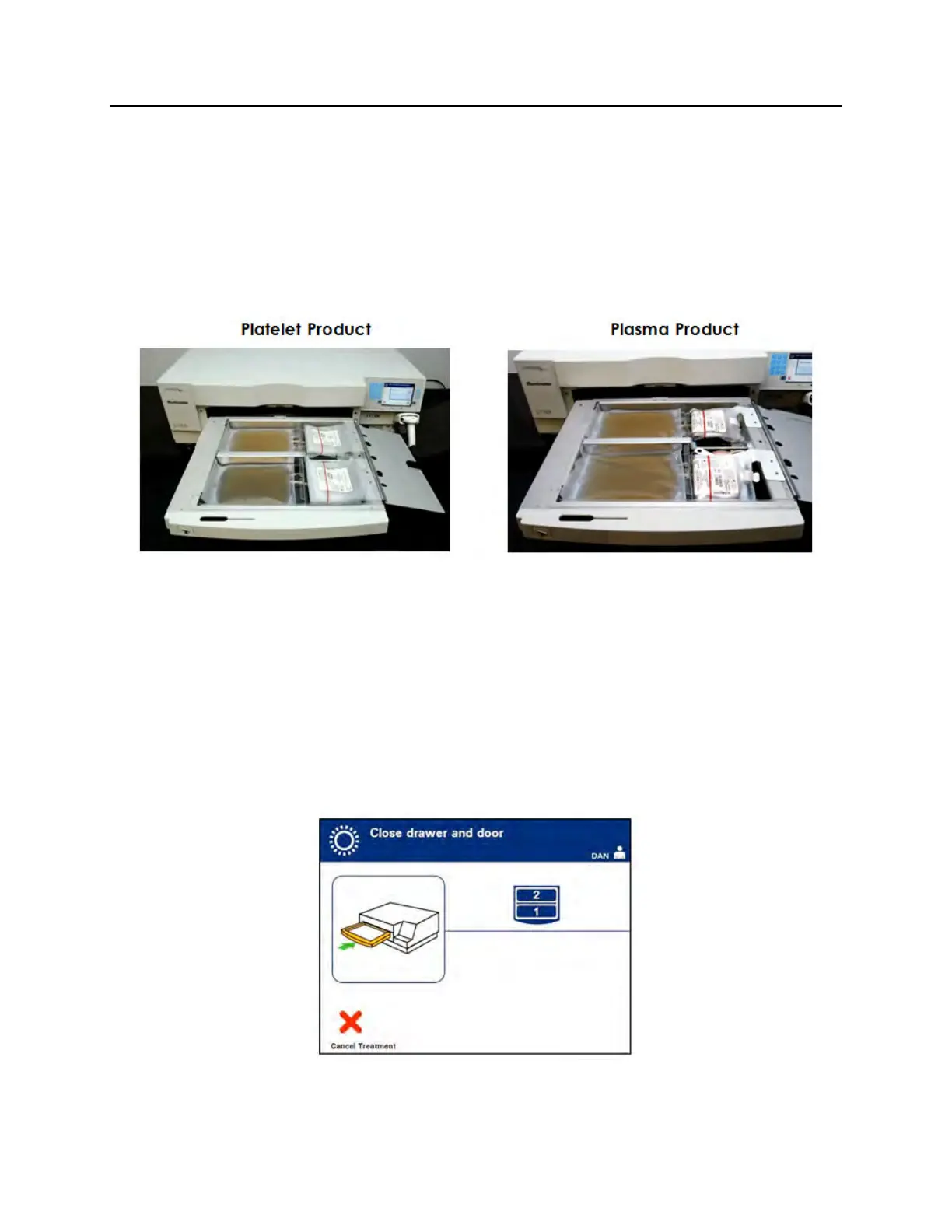
Follow previous steps in Sections 4.3 and 4.4 to load the second set
into the illuminator tray and scan barcodes, placing second
container in the rear chamber 2.
CAUTION
Make sure all tubing is in the tray before closing the cover
and drawer.
1. Close the tray cover and ensure that it is secured by the black
latch.
2. Push the drawer into the illuminator until it clicks in place.
3. Close the door.
The ‘Close drawer and door’ screen will appear.
NOTE:
The door will lock and the agitator will start automatically when the
door is closed.



 To Next Page