Chapter 4 – How to Use the Illuminator
Section 4.6 – Begin Illumination Process
4-14
Section 4.6 Begin Illumination Process
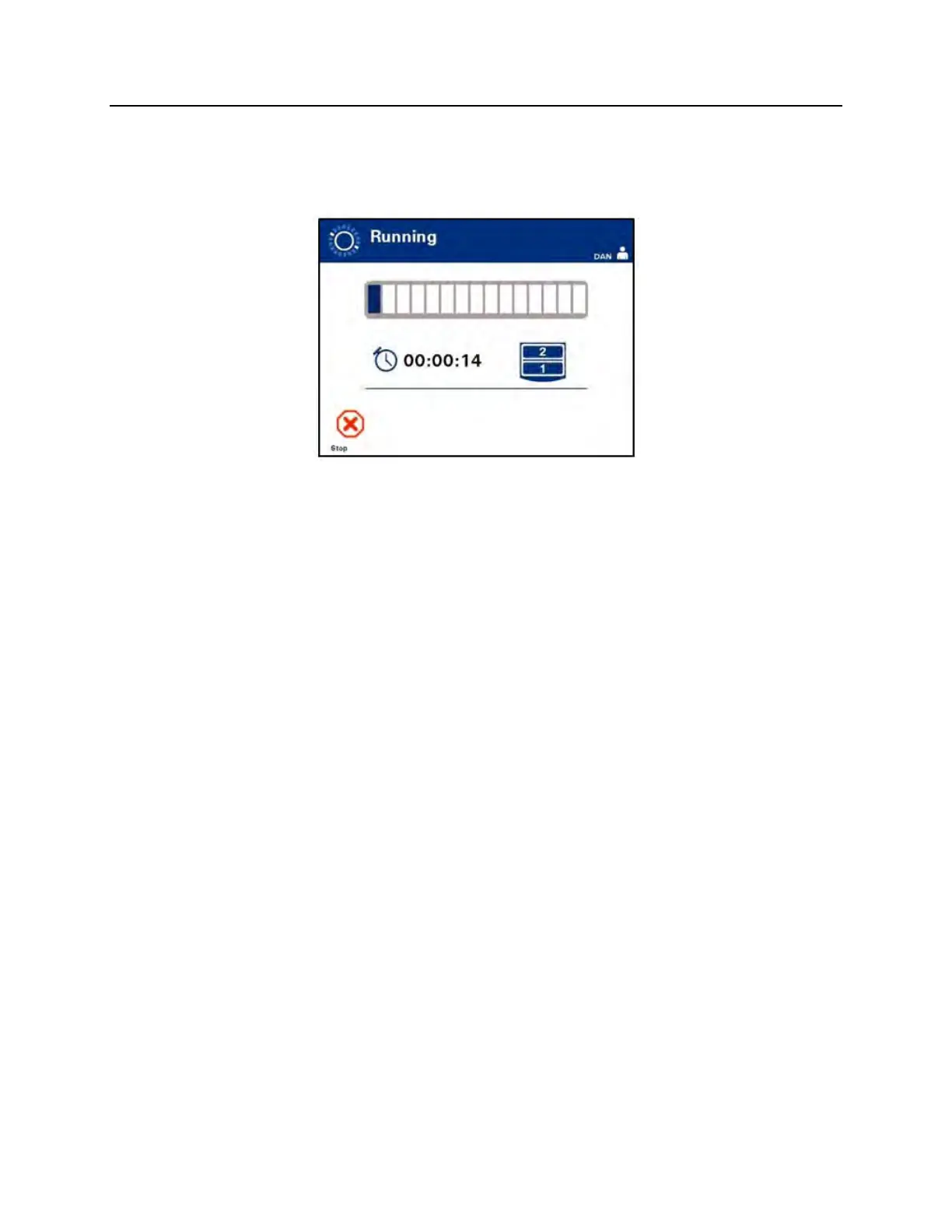
The ‘Running’ screen will automatically appear.
NOTE:
The blue bar moves to the right as the illumination progresses and is
based on the target dose. The numbers beside the clock show how
much time has elapsed since illumination began.



 To Next Page