6 - USE AND OPERATION
Schermate display (ME)
ME2000S - User Manual
85 - 133
Active protocol: CIM Multi
Block char spacing: 4.0 mm
Block line spacing: 6.0 mm
SET UP
HOME
BACK
1
6.10.4 PROTOCOLS
F2
F4
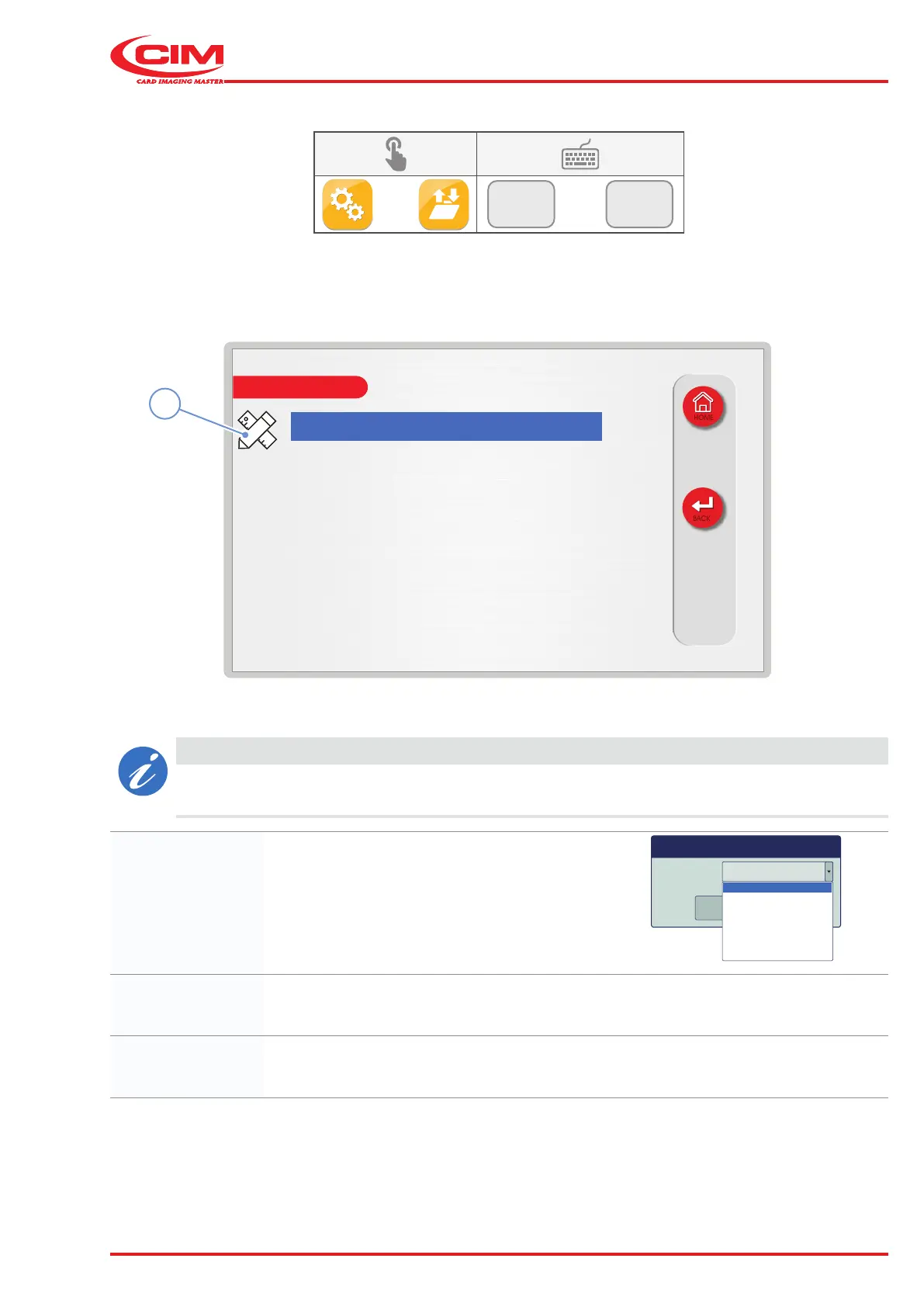
1) Go to the required line using the touch screen (or the arrow keys on the external keyboard).
2) Press the icon (1) or the [F1] key on the external keyboard to set the relative option.
CAUTION
Standard machines only have the MULTI protocol installed, other protocols are optional and will
require additional licenses.
Active protocol: Sets the type of protocol to use.
Active protocol CIM Multi
OK
Cancel
CIM Multi
XON
CIM Stored Default
CIM Stored Selected
# Pound Pound
CIM Basic
Block char
spacing:
Species the spacing for embossed Block or OCR characters.
Block line spacing: Species the line spacing for Block or OCR characters.



 To Next Page