6 - USE AND OPERATION
Schermate display (ME)
ME2000S - User Manual
95 - 133
SERVICE
Select Tag Test and Press Play button
HOME
BACK
0) All punch
1) ‘L’ in each angle
2) CIM text
3) one row normal
4) one row OCR
5) info (large plate only)
LCD EDIT
HOME
BACK
9 8 7 6 5 4 3 2 1 0 - / S C H T E R N M
D A B F G I J K L O P U V W Z X Y Q . ,
‘ a s e o p u c n &
9 8 7 6 5 4 3 2 1 0
1
2
3
A
6.11.2 CARD TEST
F3
F2
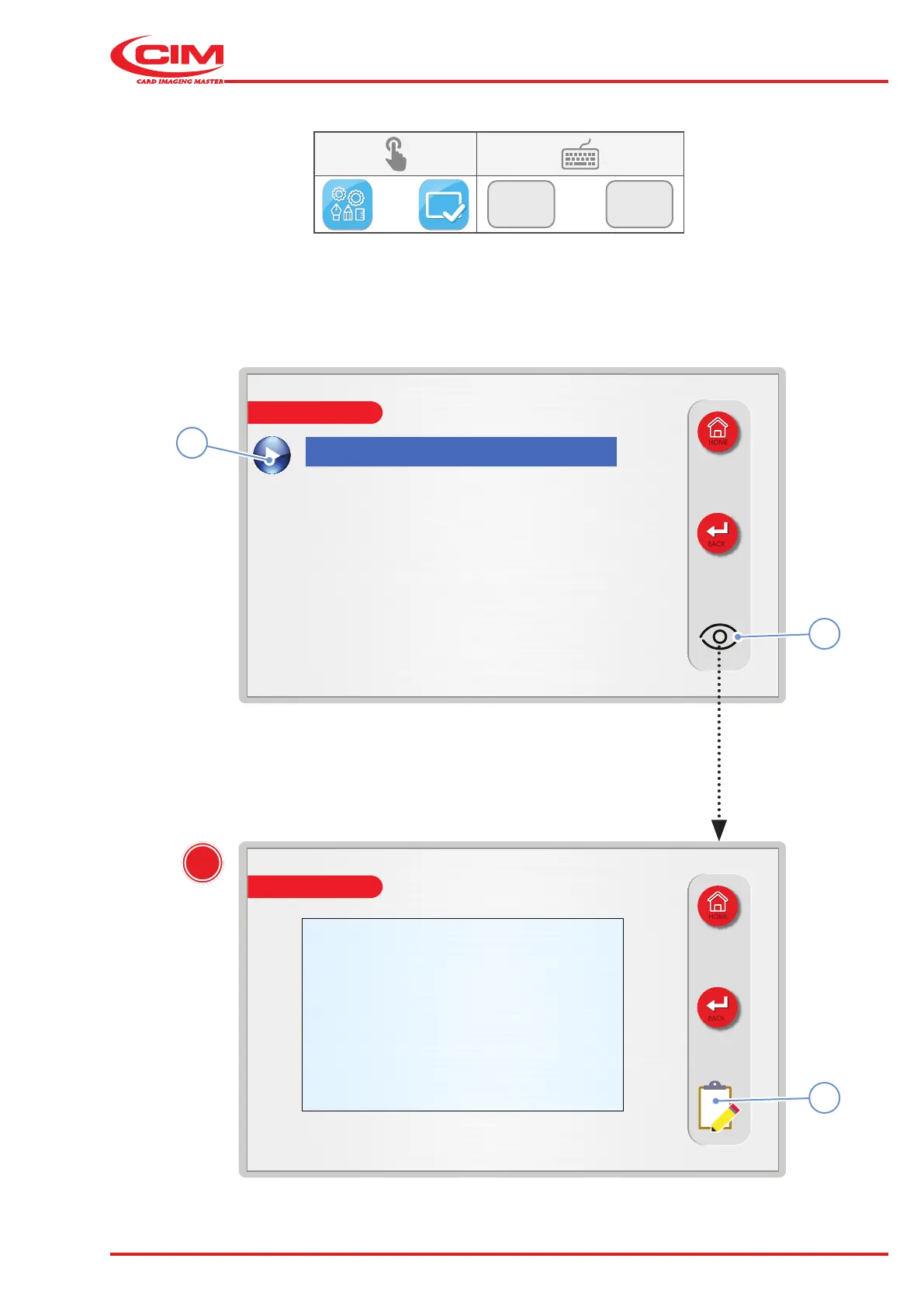
1) Go to the required line using the touch screen (or the arrow keys on the external keyboard).
2) Press the icon (1) if you would like to view a preview (A) of the selected test.
3) Press the icon (2) to exit from the preview and go back to the previous screen.
4) Press the icon (3) to start the test.



 To Next Page