Configuring Voice Services
Using a FAX Machine
Cisco Small Business ATA Administration Guide 51
4
For example:
STEP 5 Enable T.38 fax on the SPA 2102 by configuring the following parameter on the
Line tab for the FXS port to which the FAX machine is connected:
NOTE If a T.38 call cannot be set-up, then the call should automatically revert to
G.711 fallback.
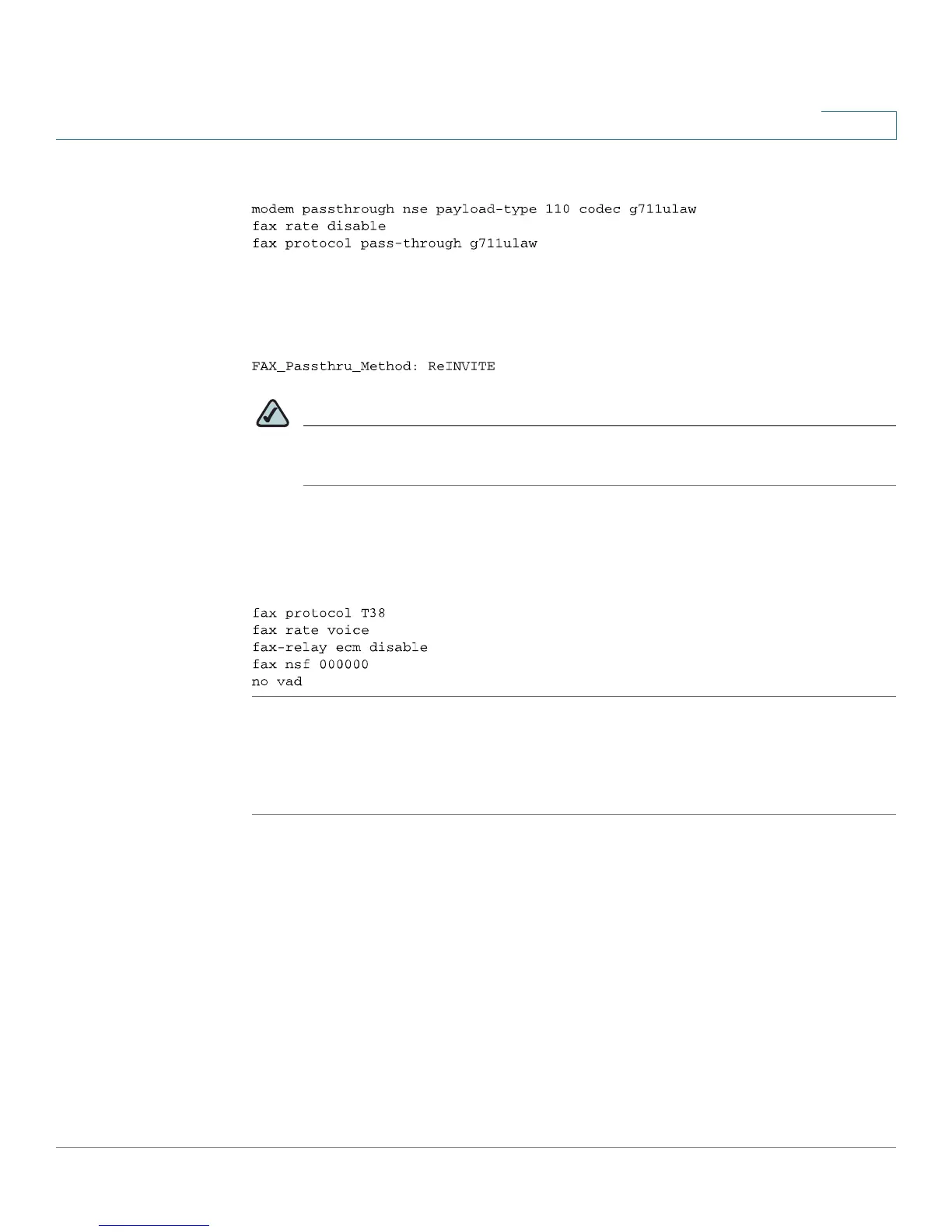
STEP 6 If you are using a Cisco media gateway use the following settings:
Make sure the Cisco gateway is correctly configured for T.38 with the SPA dial
peer. For example:
Fax Troubleshooting
If have problems sending or receiving faxes, complete the following steps:
STEP 1 Verify that your fax machine is set to a speed between 7200 and 14400.
STEP 2 Send a test fax in a controlled environment between two ATAs.
STEP 3 Determine the success rate.
STEP 4 Monitor the network and record the following statistics:
Jitter
Loss
Delay



 To Next Page