4.
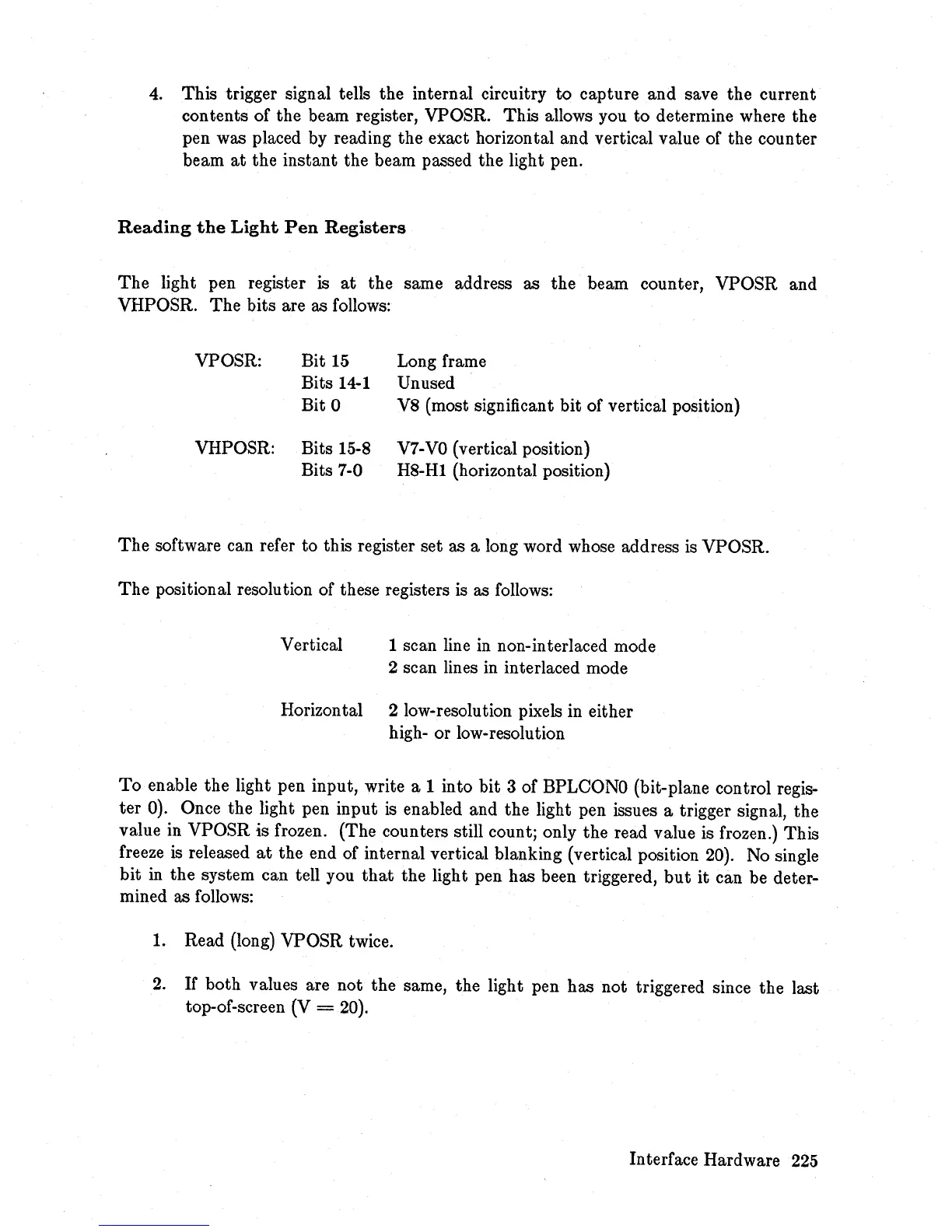
This trigger signal tells the internal circuitry to capture and save the current
contents of the beam register, VPOSR. This allows you
to
determine where the
pen was placed by reading the exact horizontal and vertical value of the counter
beam
at
the instant the beam passed the light pen.
Reading
the
Light
Pen
Registers
The
light pen register
is
at
the same address as the beam counter, VPOSR and
VHPOSR.
The
bits are as follows:
VPOSR: Bit
15
Long frame
Bits
14-1
Unused
Bit 0 V8 (most significant bit of vertical position)
VHPOSR: Bits 15-8
V7-
VO
(vertical position)
Bits 7-0 H8-Hl (horizontal position)
The
software can refer to this register set as a long word whose address
is
VPOSR.
The
positional resolution of these registers is as follows:
Vertical 1 scan line
in
non-interlaced mode
2 scan lines
in
interlaced mode
Horizontal 2 low-resolution pixels in either
high- or low-resolution
To
enable the light pen input, write a 1 into bit 3 of BPLCONO (bit-plane control regis-
ter 0). Once the light pen input
is
enabled and the light pen issues a trigger signal, the
value in VPOSR is frozen. (The counters still count; only the read value is frozen.) This
freeze is released
at
the end of internal vertical blanking (vertical position
20).
No single
bit
in
the system can tell you
that
the light pen has been triggered,
but
it can be deter-
mined as follows:
1. Read (long) VPOSR twice.
2.
If
both values are not the same, the light pen has not triggered since the last
top-of-screen (V
=
20).
Interface Hardware
225














 To Next Page