Operation
6-14 Operator's Manual
rSO
2
scale limit. When being decreased, the upper alarm limit is allowed to bump the lower alarm limit
until it reaches 5 units above the lower rSO
2
scale limit.
Upper Alarm Limits
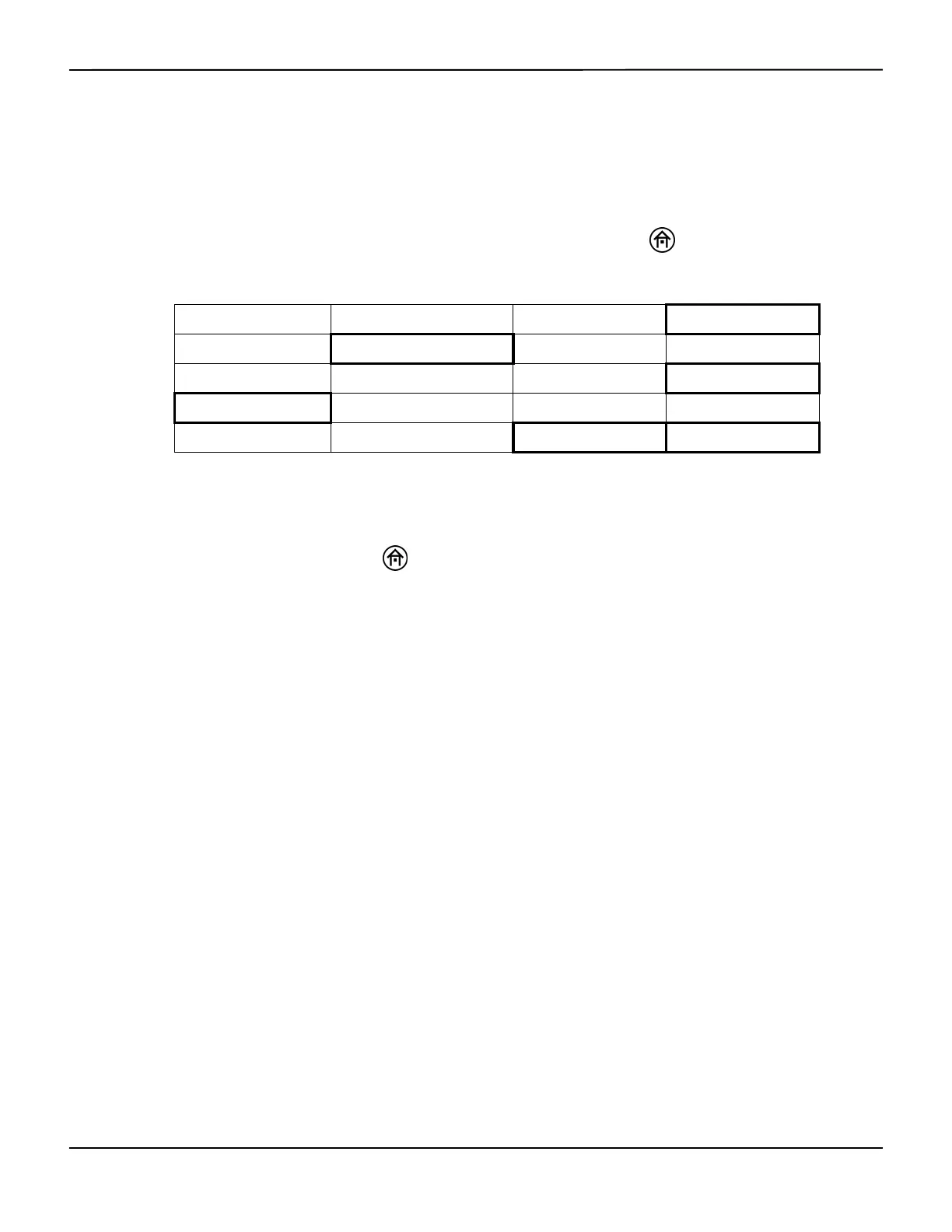
To manually change the upper alarm limit settings, press the HOME key to display the Main
screen, then perform the following navigation bar options:
In the User configuration menu, under UPPER ALARM LIMITS, select ON then NEXT to scroll to the
channel or channels to be changed. Select the INCREASE and DECREASE options to adjust the
upper alarm value or values.
When finished, press the HOME key to exit the User configuration menu and return to the
Main screen. On the Main screen, the new alarm limit is displayed (numerical and graphical).
The upper alarm limits may be turned on or off according to operator preference:
• The default setting is OFF.
• To disable the visual and audible UPPER ALARM LIMITS, select OFF.
• To enable the visual and audible UPPER ALARM LIMITS, select ON.
Auto Lower Alarm Limits
The lower alarm limits may be set automatically. Each lower alarm limit will be independently set
to the percentage below baseline (variance) at the time of setting a baseline.
Note:
When the Auto lower alarm is activated, the “Auto Lower Alarm” message appears in the lower right corner
of the screen. If the system is operating on battery backup, the “Auto Lower Alarm” message will not
appear on the screen.
BASELINE MENU EVENT MARK ALARM AUDIO ON/OFF NEXT MENU
OUTPUT SELECT USER CONFIGURATION TIME SCALE NEXT MENU
NEXT PREVIOUS OFF ON
NEXT PREVIOUS INCREASE DECREASE
NEXT PREVIOUS INCREASE DECREASE















 To Next Page