61
44000-UG-01-01-EN_CPI_Paypod Embedded Pay Station_User Guide_V1.1.pdf
Operation
Paypod™ Embedded Pay Station
Published by CPI
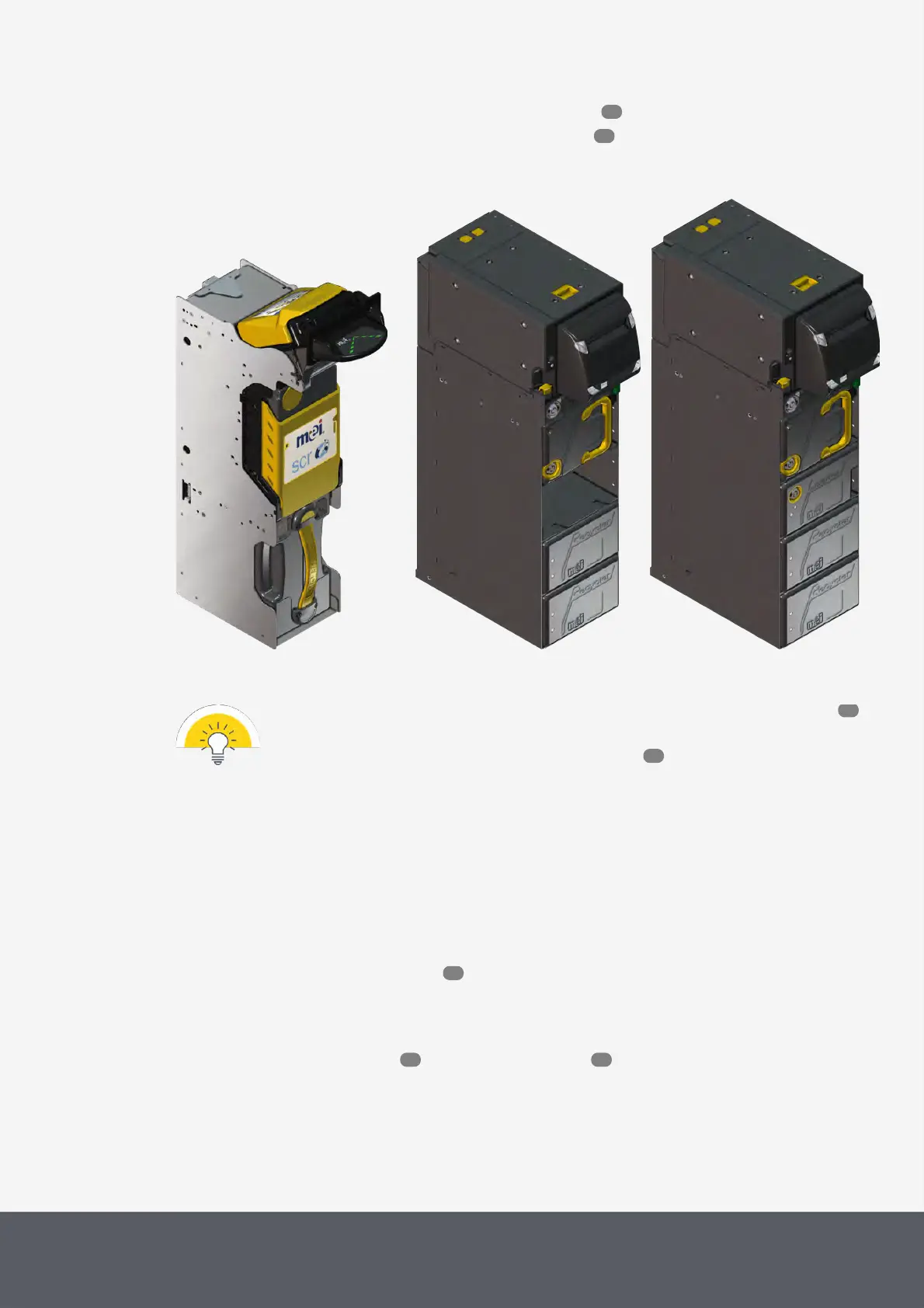
· Removing, opening and reinstalling the E24banknote loading unit
· Removing and reinstalling the E23/E24banknote recycling units
· The units are locked by means of individual keys. Please refer to the pay station key locks for
details on the Paypod™ keys.
· To gain access to the banknote recycler please read here .
4.10.1 Removing and Reinstalling the E22 Banknote Acceptance Unit
The banknote acceptance unit can be removed with its bezel installed.
To remove the banknote acceptance unit
1 If necessary, wait until a transaction has been finished.
2 Gain access to the banknote recycler .
3 Lift[A] the release bar[1] to unhinge the acceptance unit.
4 Firmly grasp the acceptance unit[2] and pull it out to the front[B].
5 Continue with cleaning the unit or clearing a banknote jam .
67
70
19
53
53
100 118



 To Next Page