73
44000-UG-01-01-EN_CPI_Paypod Embedded Pay Station_User Guide_V1.1.pdf
Handling Cash
Paypod™ Embedded Pay Station
Published by CPI
· If a coin is deposited but the relevant hopper is full, this coin is rejected and directed to the coin
return cup.
· In case the refilling process is canceled, all money inserted so far will be returned.
The administrator receives a status e-mail giving details such as:
· POSlinq™ middleware reload
· Terminal ID
· Refilling details, coins deposited
· Alert report of recycling units' levels
· Paypod™ pay station inventory
· User ID
· POSlinq™ middleware version
This confirmation e-mail lists different parameters and numbers depending on the customized con-
figuration. It is also possible to configure various e-mails containing different details to be sent to dif-
ferent addresses.
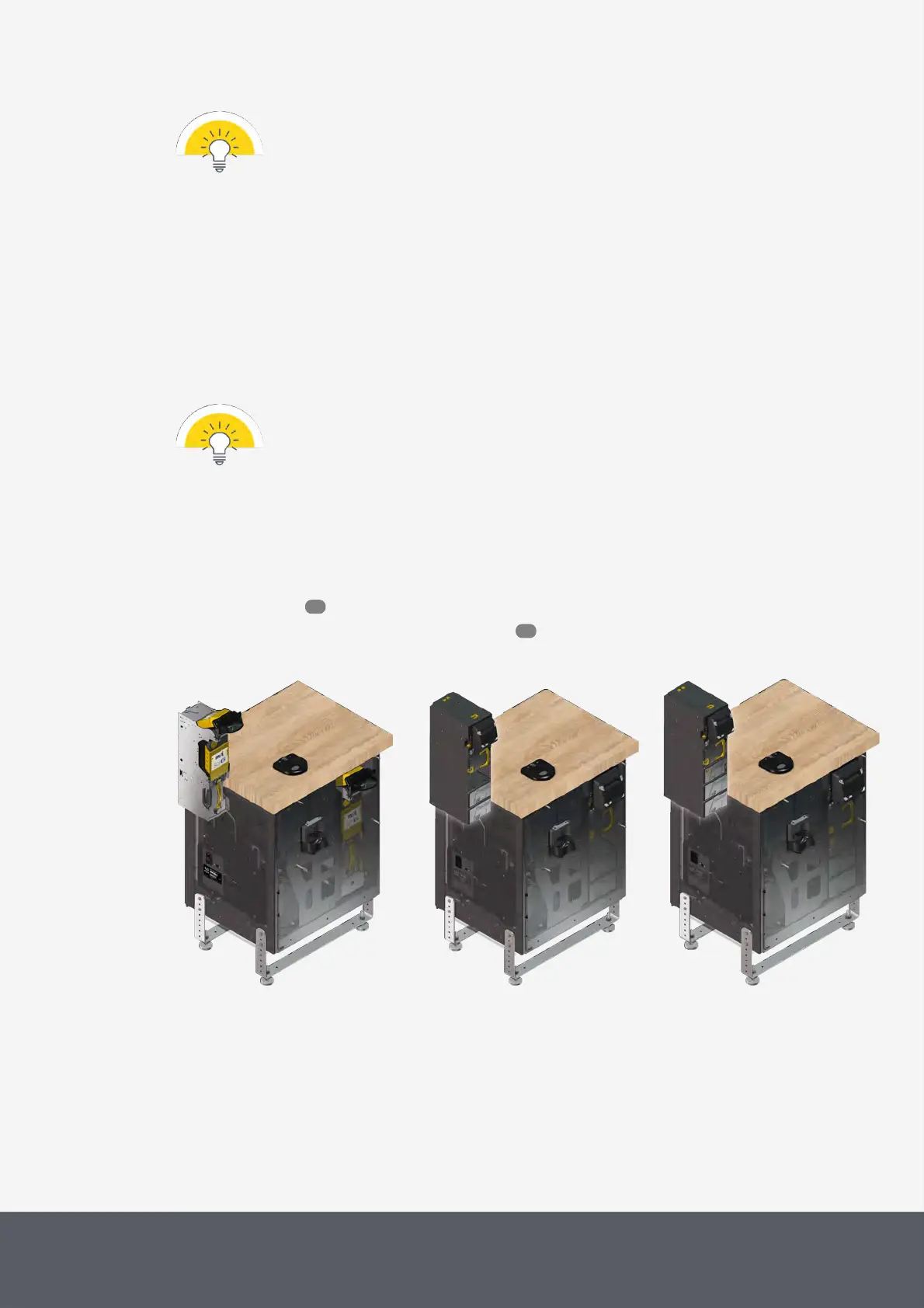
5.1.2 Refilling Banknotes
Read here to learn how to refill the
· banknote recycler note by note
· E24banknote recycler by means of the loading unit
E22 with Banknote Recycler
E23 with Banknote Recycler
E24 with Banknote Recycler
74
76



 To Next Page