101
44000-UG-01-01-EN_CPI_Paypod Embedded Pay Station_User Guide_V1.1.pdf
Cleaning
Paypod™ Embedded Pay Station
Published by CPI
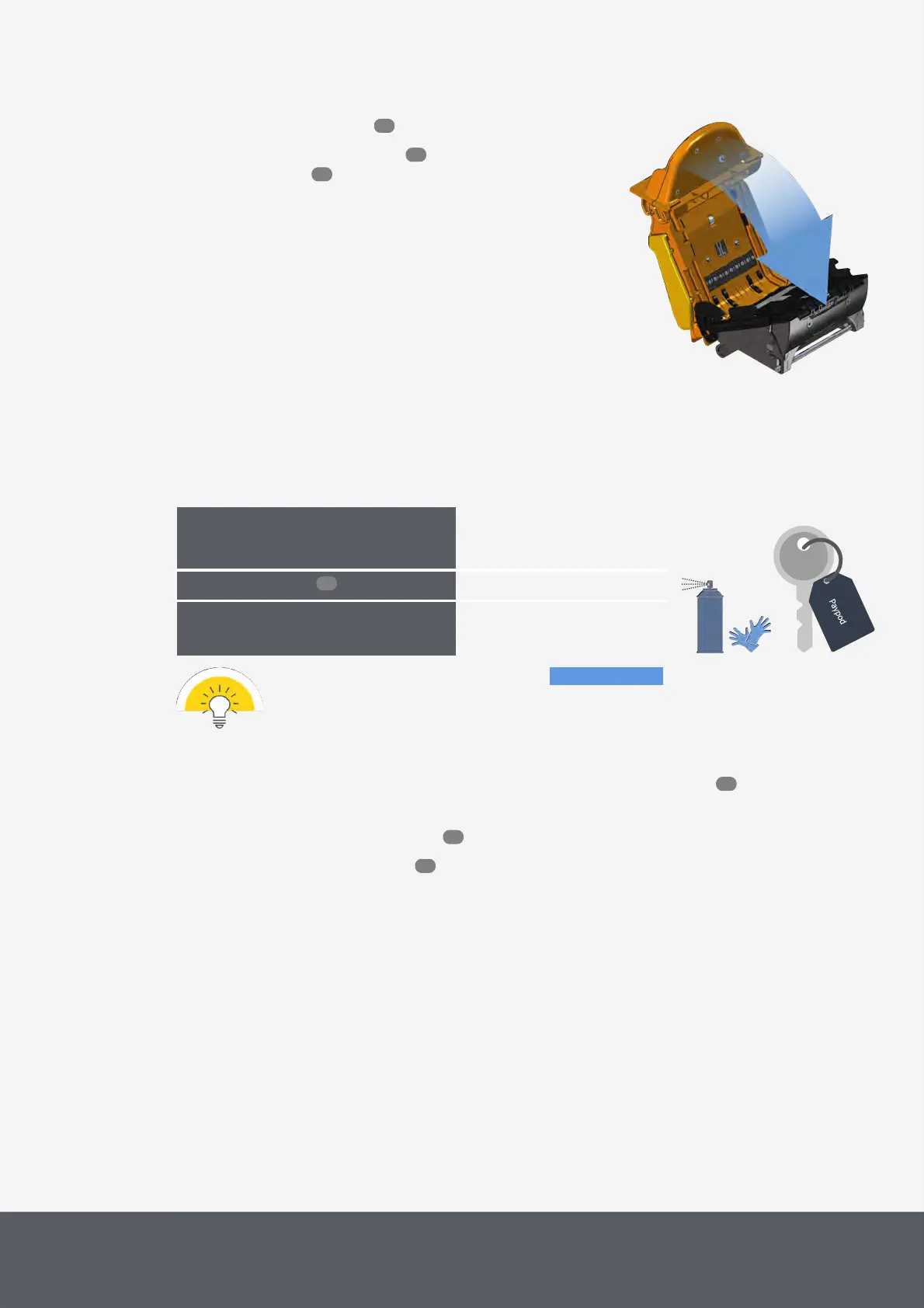
7 Close the acceptance unit again[C].
8 Close the Paypod™ pay station , reconnect it
and switch it on again.
Closing E22 Banknote Acceptance Unit
6.7 Cleaning the E22 Banknote Vault
As needed, at least every six
months/60,000cycles, indicated
in POSlinq™ middleware
What cleaning agents do I need?
What other tools do I need?
· Disposable gloves
· Pay station key
The following cleaning instructions show the parts to be cleaned in blue.
To clean the banknote vault
1 If necessary, wait until a transaction has been finished, switch the pay station off and disconnect it from
power.
2 Gain access to the banknote recycler .
3 Remove the E22banknote vault .
4 Hold the unit in one hand, use the other hand to rotate the drum gear[1] backwards[A].
An audible click is heard after each rotation. The movement must be smooth and free from any unexpected fric-
tion.
5 Use compressed air to clean the transmission gears[2] and optical lenses[3] of dust or debris[B].
6 Turn the unit around[C] to clean the transmission gears[4] and lenses[5] on the other side[D].
62
55
46
96
46
53
62



 To Next Page