111
44000-UG-01-01-EN_CPI_Paypod Embedded Pay Station_User Guide_V1.1.pdf
Cleaning
Paypod™ Embedded Pay Station
Published by CPI
B bottom side of the acceptance unit[3] to be accessed from the bottom through the cash box chamber
C inner part of spine[4] towards the bottom.
D outer (flap) part of the spine[5] also towards the bottom.
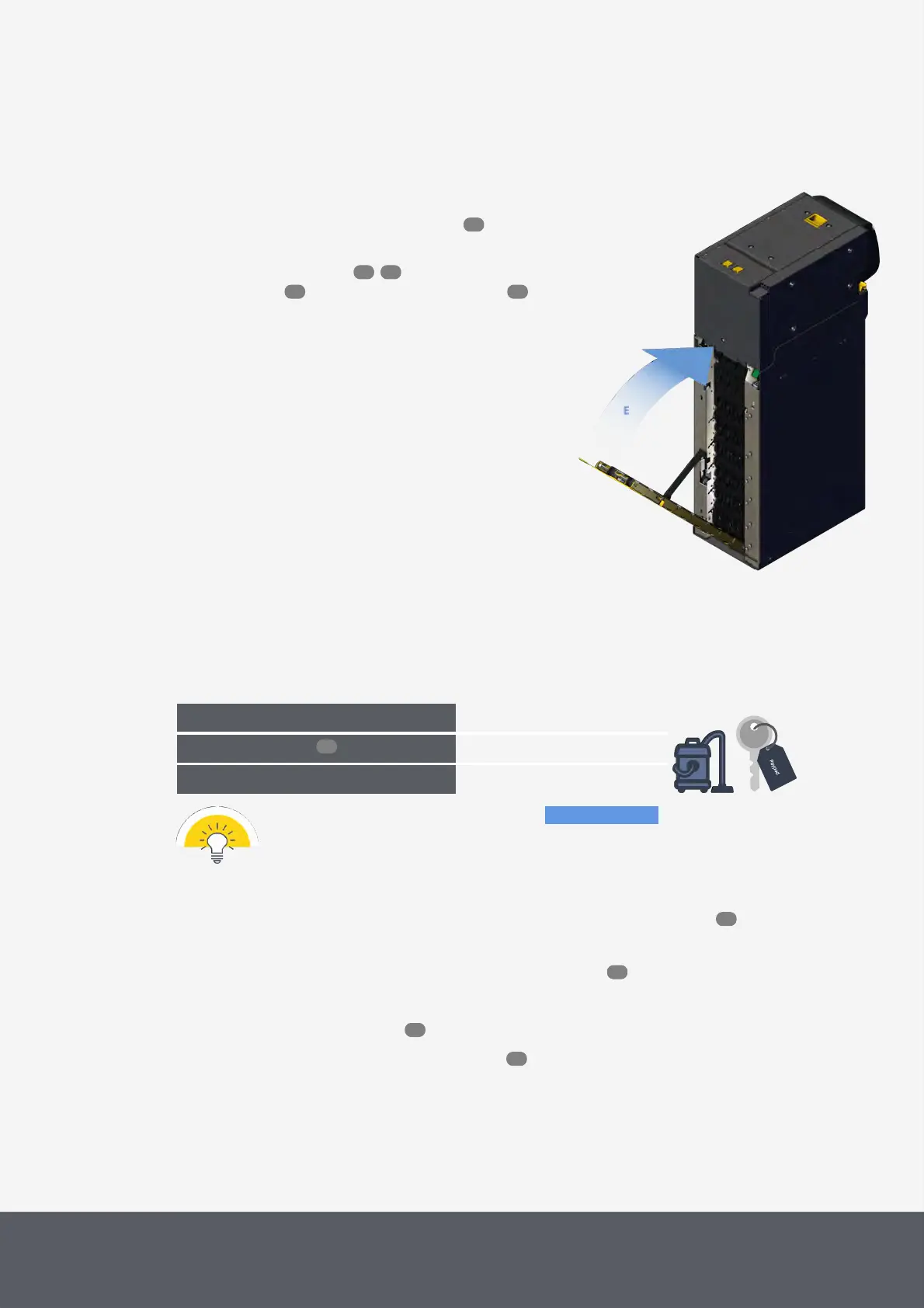
7 Close the lower rear flap again[E].
8 Open the cash box cassette and empty it .
Now the cassette may be reinstalled.
9 Reinstall the cash box , close the Paypod™
pay station , reconnect it and switch it on
again.
Closing E23/E24 Banknote Recycler's Lower Rear Flap
6.11 Cleaning Chassis Interior
As needed, at least every month
What cleaning agents do I need?
What other tools do I need?
The following cleaning instructions show the parts to be cleaned in blue.
To clean the chassis interior
1 If necessary, wait until a transaction has been finished, switch the pay station off and disconnect it from
power.
2 Open the Paypod™ pay station and its payment component cart .
3 Use a vacuum cleaner to remove all dust or debris from the inside of the pay station chassis.
4 Close the Paypod™ pay station again.
5 Reconnect the pay station and switch it on again .
91
66 66
55 46
96
46
53
55
46



 To Next Page