83
44000-UG-01-01-EN_CPI_Paypod Embedded Pay Station_User Guide_V1.1.pdf
Handling Cash
Paypod™ Embedded Pay Station
Published by CPI
11 Tap the X button to close screen[I].
The pay station is back in operating mode and ready for the next transaction.
The administrator receives a status e-mail giving details such as:
· POSlinq™ middleware float down report type
· Terminal ID
· Emptying details, coins dispensed
· Alert report of recycling units' levels
· Paypod™ pay station inventory
· User ID
· POSlinq™ middleware version
This confirmation e-mail lists different parameters and numbers depending on the customized con-
figuration. It is also possible to configure various e-mails containing different details to be sent to dif-
ferent addresses.
12 If necessary, remove the box/bag and bring return cup back down to its normal position, so that it locks/clicks
in the lowest position.
13 Close the Paypod™ pay station again.
In case you use the coin return cup to collect the coins, coin processing pauses if the return cup is
full of coins, and automatically continues as soon as the tray has been emptied.
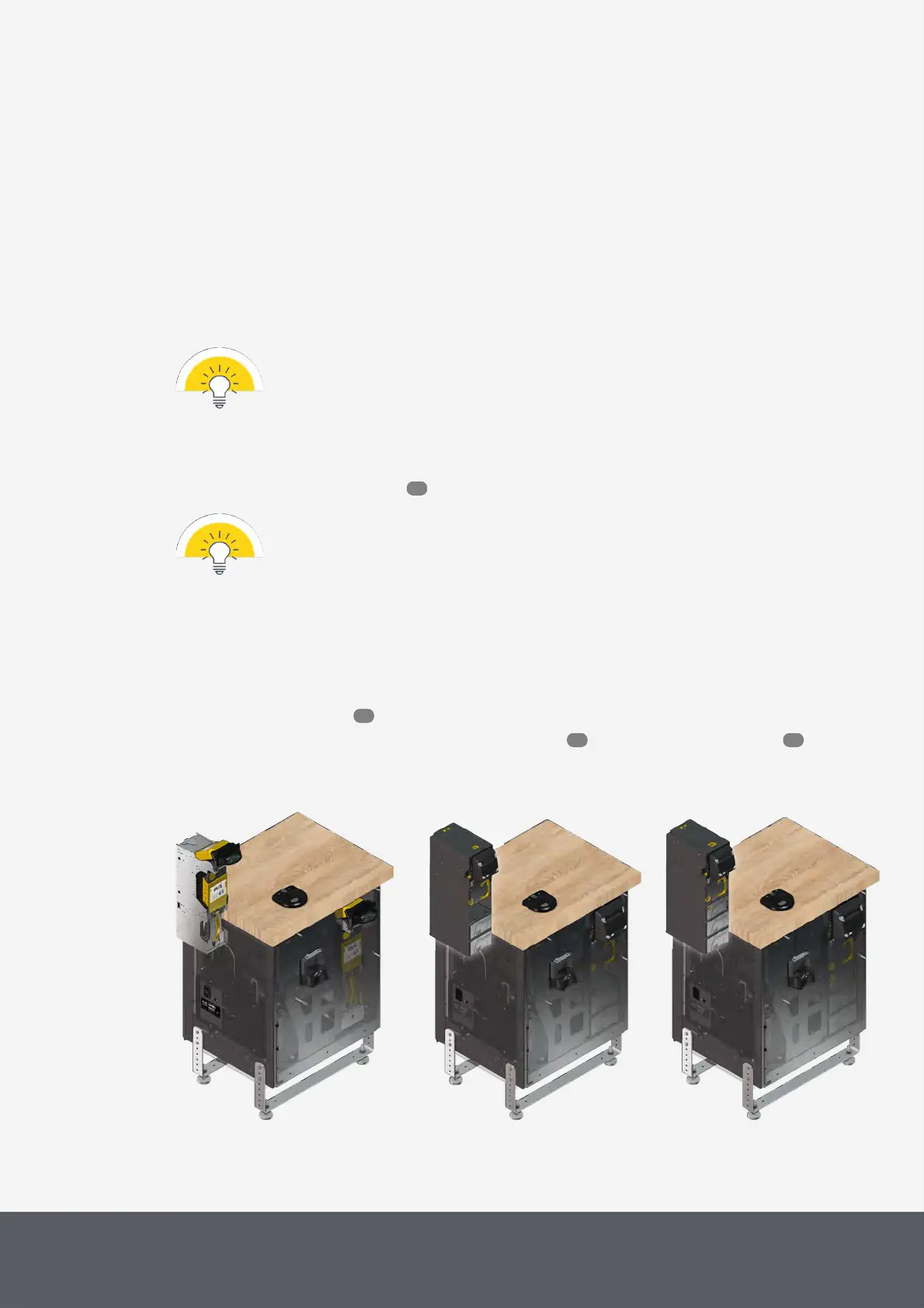
5.3.2 Dispensing Banknotes, Emptying Banknote Recycler
Read here how to either
· dispense single banknotes or
· dispense all banknotes, i.e. empty the E22banknote recycler or E23/E24banknote recycler
E22 with Banknote Recycler
E23 with Banknote Recycler
E24 with Banknote Recycler
55
84
86 89



 To Next Page