96
44000-UG-01-01-EN_CPI_Paypod Embedded Pay Station_User Guide_V1.1.pdf
Paypod™ Embedded Pay Station
Cleaning
Published by CPI
· E22banknote acceptance unit
· E22banknote vault
· E22banknote transporting unit
· E22banknote cash box
· E23/E24banknote path
· Chassis interior
However, the outside pay station parts have to be cleaned more frequently depending on the Paypod™ environ-
ment.
6.2 Cleaning Agents and Tools
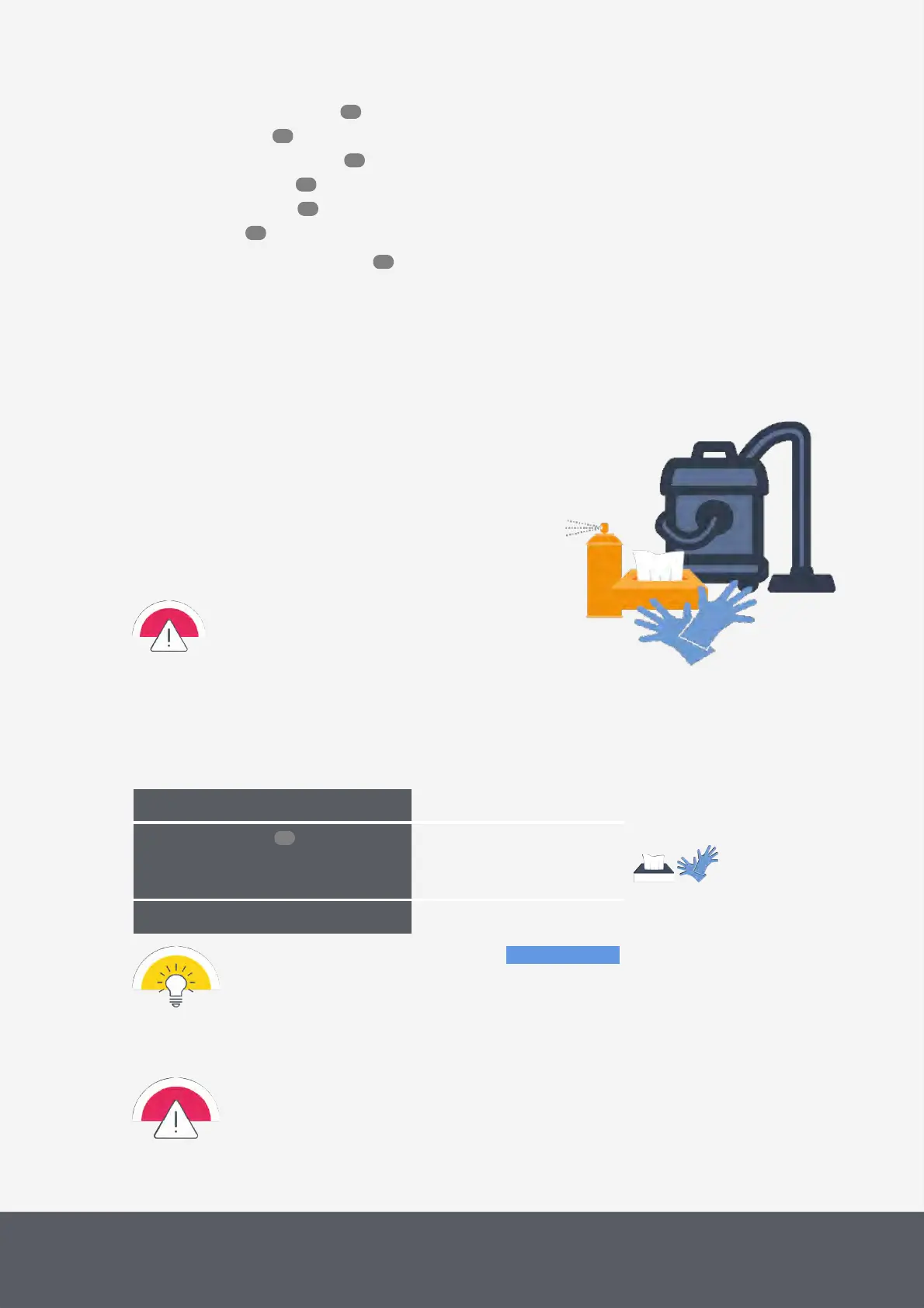
· Hoover/vacuum cleaner
· Spray of filtered and compressed air with a maximum pressure of
50PS (3.5bars)
e.g.: Elix
®
Clean, article no.723
· If necessary, mild cleaner, e.g., multimedia cleaner
e.g.: Elix
®
Clean, article no.260
· Slightly moistened cleaning tissues
· Disposable gloves
Only use the recommended cleaning agents/tools and
do not use solvents or scouring agents that could af-
fect the plastic and optics of the device.
6.3 Cleaning the Paypod™ Pay Station Outside
As needed, at least every month
What cleaning agents do I need?
· Slightly moistened cleaning tis-
sues
· Screen cleaner
What other tools do I need?
The following cleaning instructions show the parts to be cleaned in blue.
If not daily, the surfaces of the housing should be cleaned from time to time and as required. It may be necessary to
perform more or less frequent cleaning, depending on the operating environment and usage.
· Disconnect the pay station from the main power before cleaning it.
· Moisten cloths only slightly to prevent fluid from entering the device. This would damage the
electronic boards and optics.
100
101
102
105
106
111
96
96



 To Next Page