98
44000-UG-01-01-EN_CPI_Paypod Embedded Pay Station_User Guide_V1.1.pdf
Paypod™ Embedded Pay Station
Cleaning
Published by CPI
The following cleaning instructions show the parts to be cleaned in blue.
It may be necessary to perform more or less frequent cleaning, depending on the operating environment and usage.
· Disconnect the pay station from the main power before cleaning it.
· Moisten cloths only slightly to prevent fluid from entering the device. This would damage the
electronic boards and optics.
· Only use the recommended cleaning agent/tools and do not use solvents or scouring agents
that could affect the plastic and optics of the device.
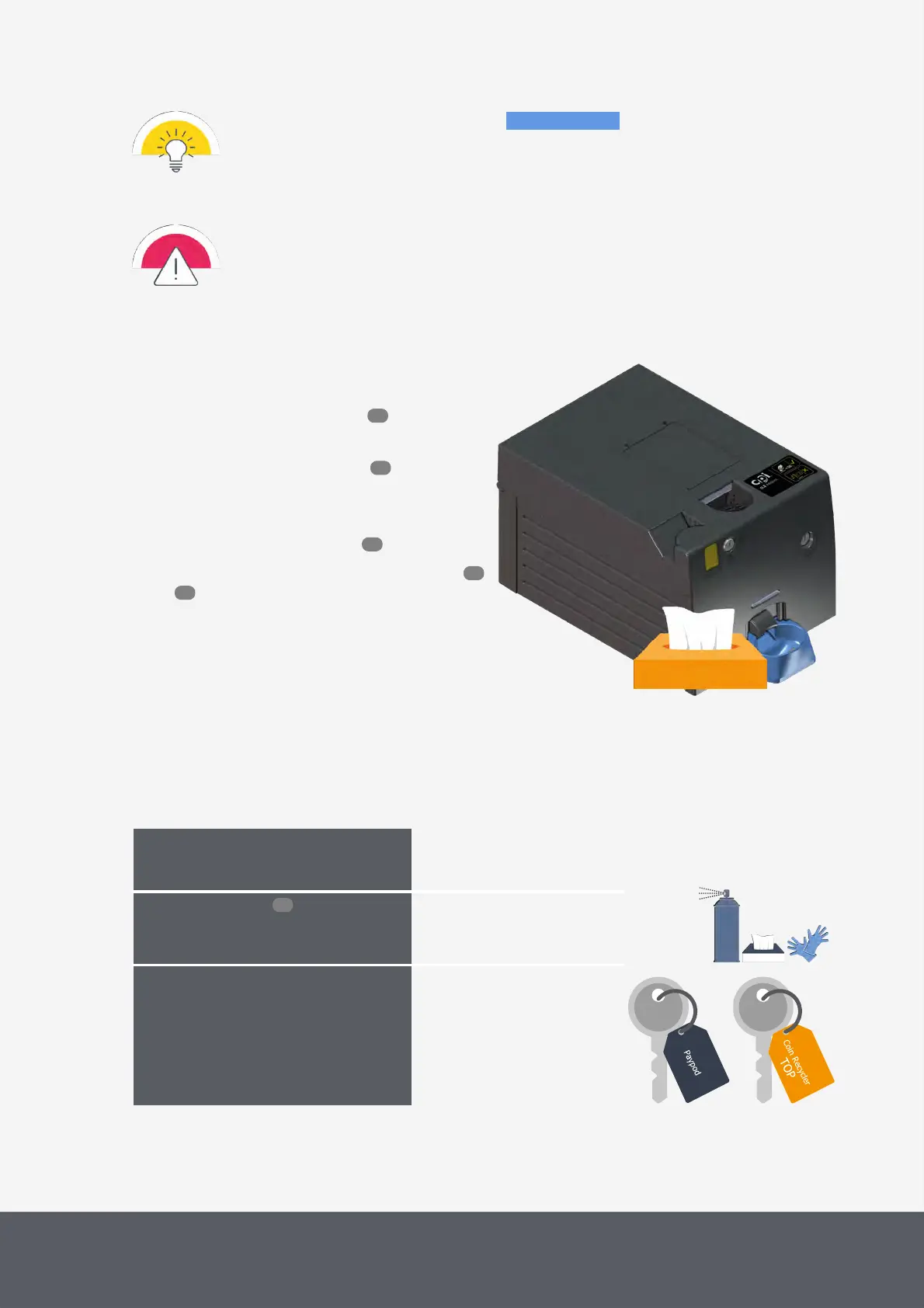
To clean the coin recycler's return cup
1 If necessary, wait until a transaction has been fin-
ished, switch the pay station off and disconnect
it from power.
2 Gain access to the coin recycler .
3 Use a cleaning tissue to remove all dust or debris
from the coin recycler's return cup and allow to dry.
4 Close the Paypod™ pay station again.
5 Reconnect the pay station and switch it on again
.
Cleaning Coin Recycler's Return Cup
6.5 Emptying the Coin Recycler's Dust Tray
As needed, at least every six
months, indicated in POSlinq™
middleware
What cleaning agents do I need?
· Compressed air
· Slightly moistened cleaning tis-
sues
What other tools do I need?
· Disposable gloves
· Pay station key
· Key for coin recycler lid
· If necessary, cloth to cover
bottom units
To assure that no foreign objects reach the coin path the coin input funnel has holes allowing foreign particles to fall in
the dust tray. To clean the dust tray
46
53
55
46
46
96



 To Next Page