GS1 DataBar
TM
Expanded
Product Reference Guide 123
ENTER/EXIT PROGRAMMING MODE
GS1 DataBarTM Expanded — cont.
GS1 DataBar Expanded Set Length 1
This feature specifies one of the bar code lengths for GS1 DataBar Expanded Length Con-
trol. Length 1 is the minimum label length if in Variable Length Mode, or the first fixed
length if in Fixed Length Mode. Length includes the bar code’s data characters only.
The length can be set from 1 to 74 characters. See Set Length 1 on page 268 for more
detailed programming instructions.
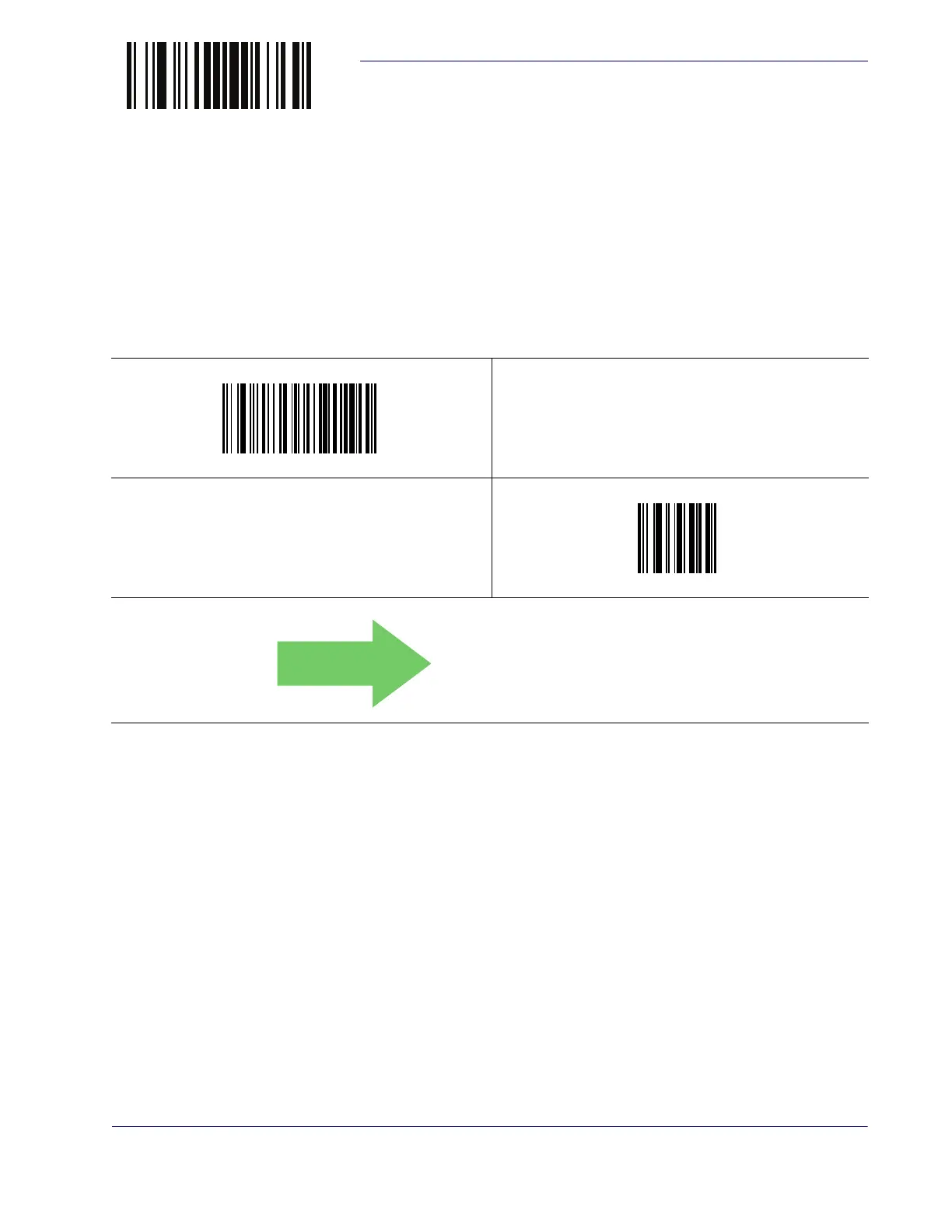
$CXBL1
Select GS1 DataBar Expanded Set Length 1 Setting
Make a mistake? Scan the CANCEL bar code to abort and not
save the entry string. You can then start again at the beginning.
~
CANCEL
DEFAULT
01 = Length 1 is 1 Character


 To Next Page
 Loading...