4-14
95-8533
18.2
ANALOG INPUT MODULE
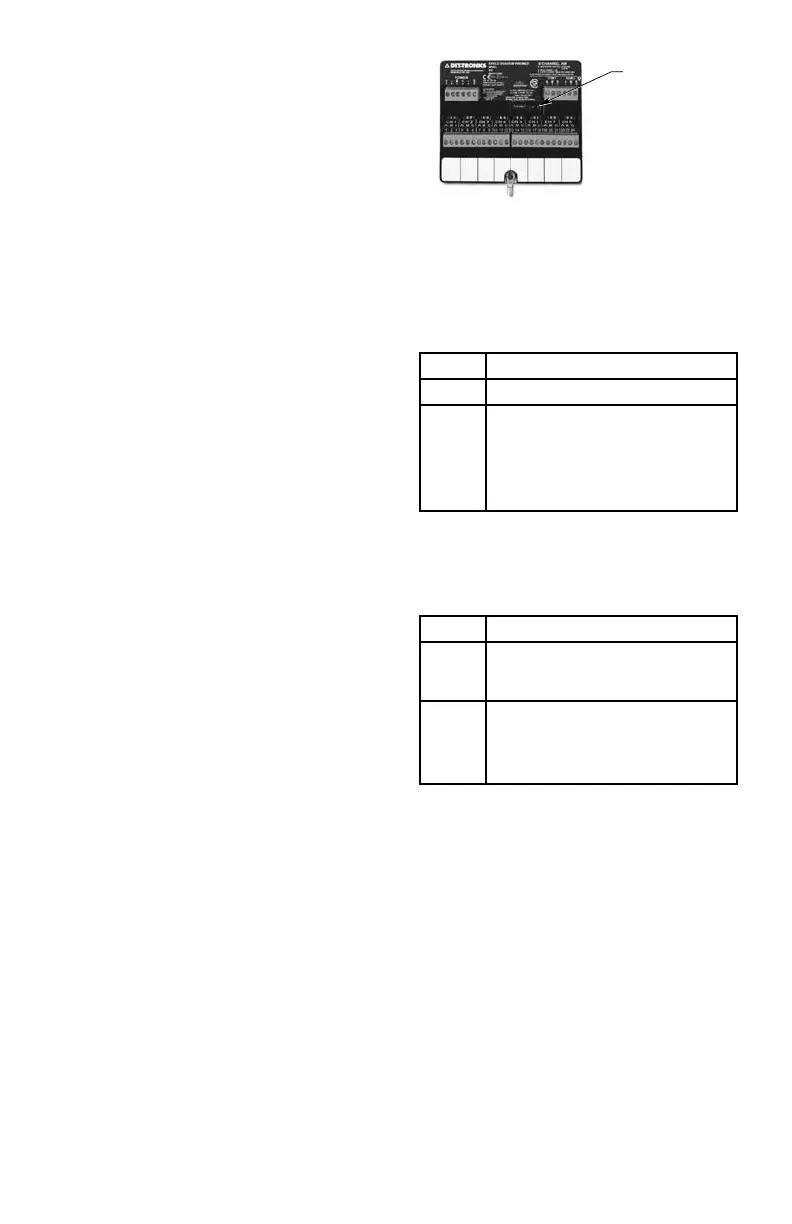
The Analog Input Module (see Figure 4-9) has
18 LED status indicators, two for the device
and two for each channel, located on the front
panel. Refer to Tables 4-13 and 4-14 for a
description of the LED indicators.
POWER-UP SEQUENCE
Set the module address switch prior to applying
power.
The Analog Input Module power-up sequence
illuminates the LEDs for the device and all of its
channels. First the power and fault LEDs are
illuminated, indicating that the device is in a
power-up mode. Next the LEDs are illuminated
in the following sequences:
• Sequentially each channel active red LED
is illuminated, starting with channel 1 and
continuing through channel 8.
• When the red LED for channel 8 is
illuminated, sequentially each channel
active red LED is turned off, starting with
channel 1 and continuing through channel
8.
• Next, the channel fault amber LEDs are
tested in the same manner as the channel
active red LEDs.
When all the LEDs have been illuminated, the
analog input module displays the device’s
LON address by illuminating the channel
active red LED. LON dip switches 1 through
8 will be displayed on channels 1 through 8.
When a dip switch is set to the ON position, the
channel active red LED will be illuminated. The
address is displayed for two seconds.
Once the address has been displayed, the
device’s fault LED will turn off.
After the power-up sequence, the device will
either display an unconfigured state or normal
operation state. In the unconfigured state, the
channel fault amber LEDs flash ON and OFF at
the same rate for all channels.
Table 4-13—Analog Input Module - Device Status Indicators
Table 4-14— Analog Input Module - Channel Status Indicators
LED Device Status
Green On when power is present.
Amber When On steady indicates device
is disabled or must be replaced.
Possible Watchdog Timer problem.
NOTE
Blinks one time at power-up.
LED Channel Status
Red When Blinking indicates a low alarm.
When On Steady indicates a high
alarm.
Amber When Blinking indicates a low power
condition is present or channel is
not properly configured. On steady
indicates out of range condition
Figure 4-9—Analog Input Module Status Indicator Location
STATUS INDICATOR LEDs



 To Next Page