Making copies
5
ineo 163/213 5-21
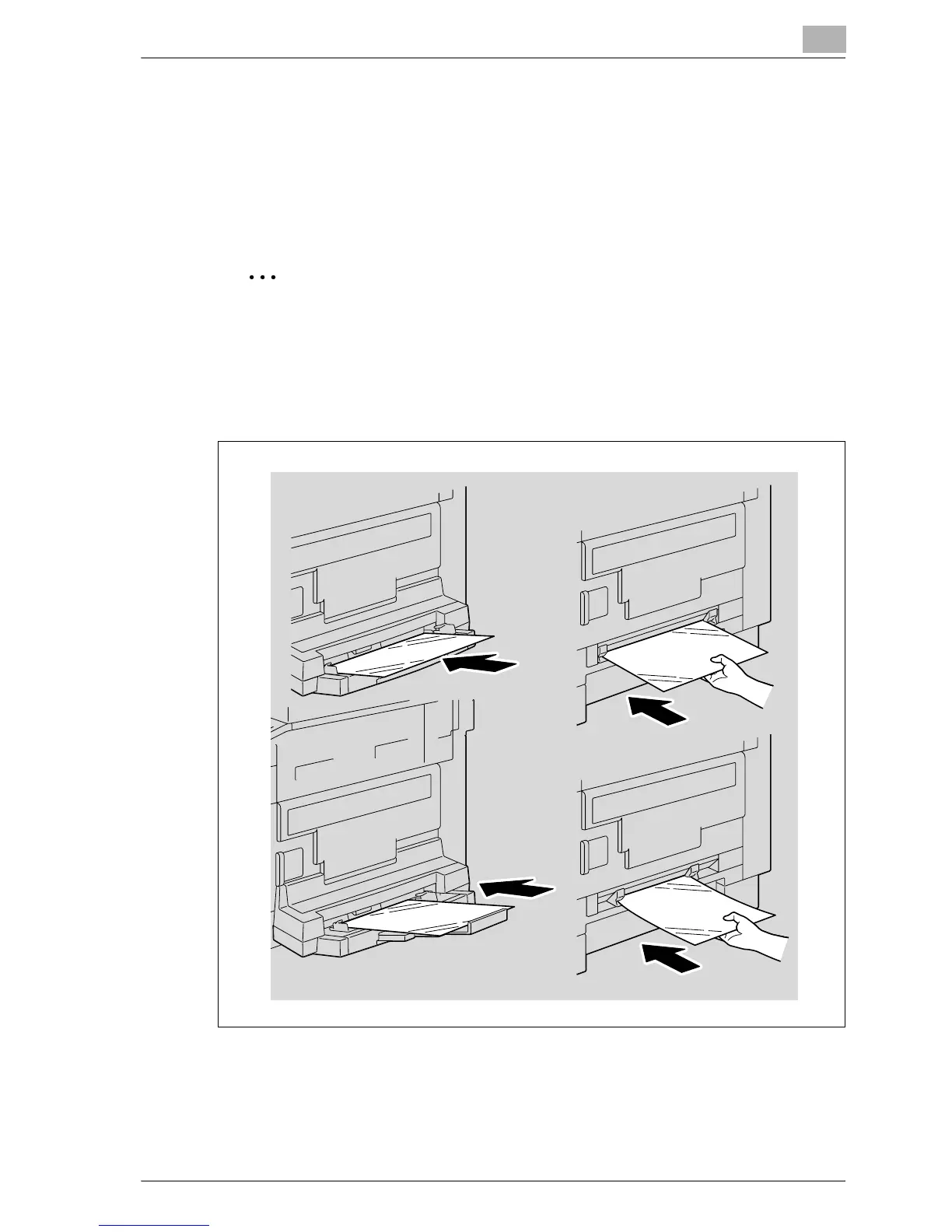
Loading overhead projector transparencies into the bypass tray
Load overhead projector transparencies into the manual bypass tray one
sheet at a time.
A maximum of 20 overhead projector transparencies can be loaded into the
multi bypass tray.
2
Reminder
After overhead projector transparencies have been loaded, specify the
paper size and paper type settings from the control panel.
% Load the overhead projector transparencies in either the w or v
orientation, depending on the orientation of the document.
– For details on specifying the settings for the paper size and paper
type, refer to steps 4 through 7 of the procedures in "Copying onto
manually fed paper (manual bypass tray)" on page 5-28 and
"Copying onto manually fed paper (multi bypass tray)" on
page 5-31.










 To Next Page