6
Advanced copy operations
6-26 ineo 163/213
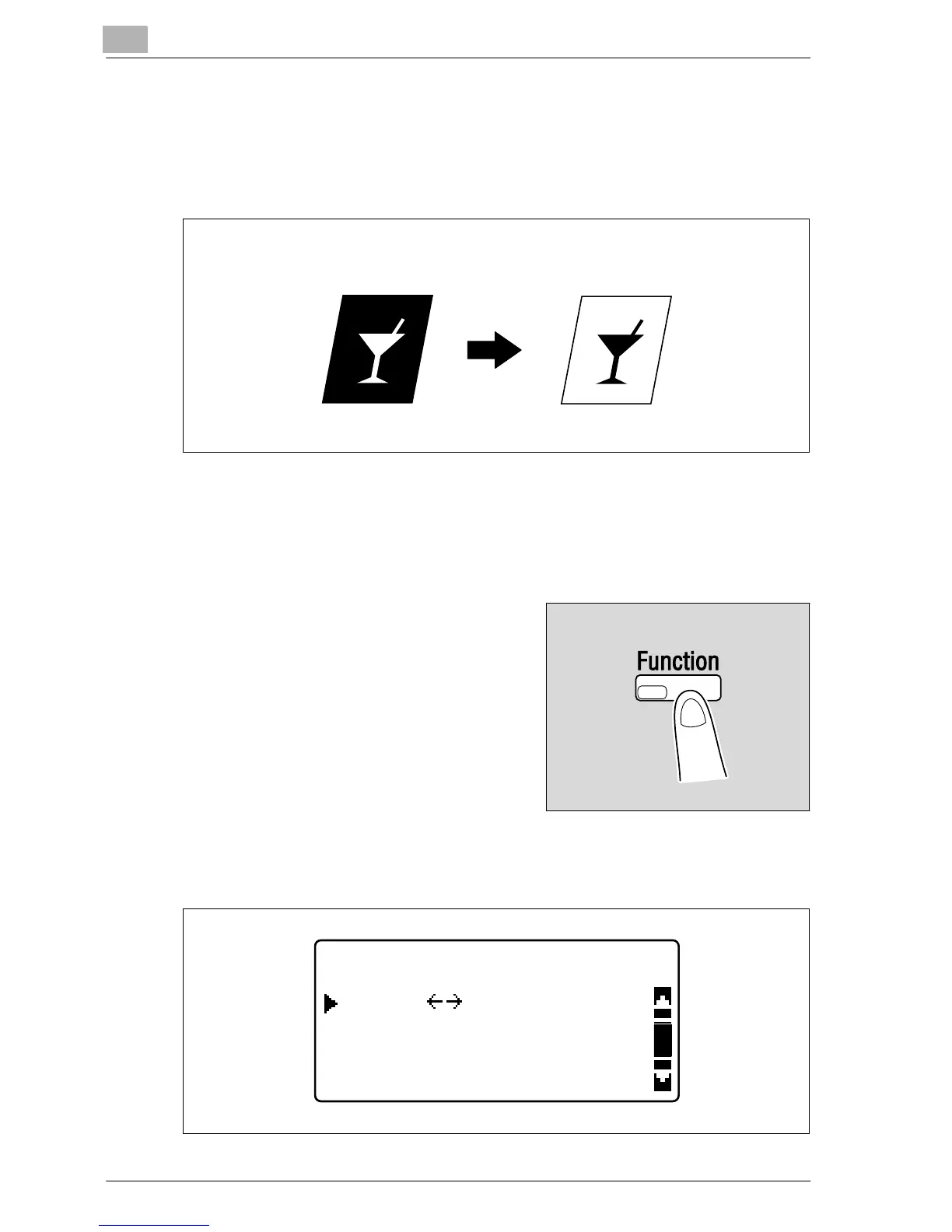
6.6 Negative/positive-reversed copying ("NEG. <-> POS."
function)
Copies can be made with the light-colored areas of the document (media)
and the dark-colored areas of the document (text) reversed.
Making copies using the "NEG. <-> POS." function
1 Position the document to be copied.
– Refer to "Loading the document" on page 4-18.
2 Press the [Function] key.
The COPY FUNCTION menu
appears.
3 Press the [+] or [,] key until "NEG. <-> POS." is selected, and then
press the [OK] key.
Document Copy
COPY FUNCTION
BOOK SEPARATION
NEG.
RETURN
POS.










 To Next Page