Precaution
3
ineo 163/213 3-23
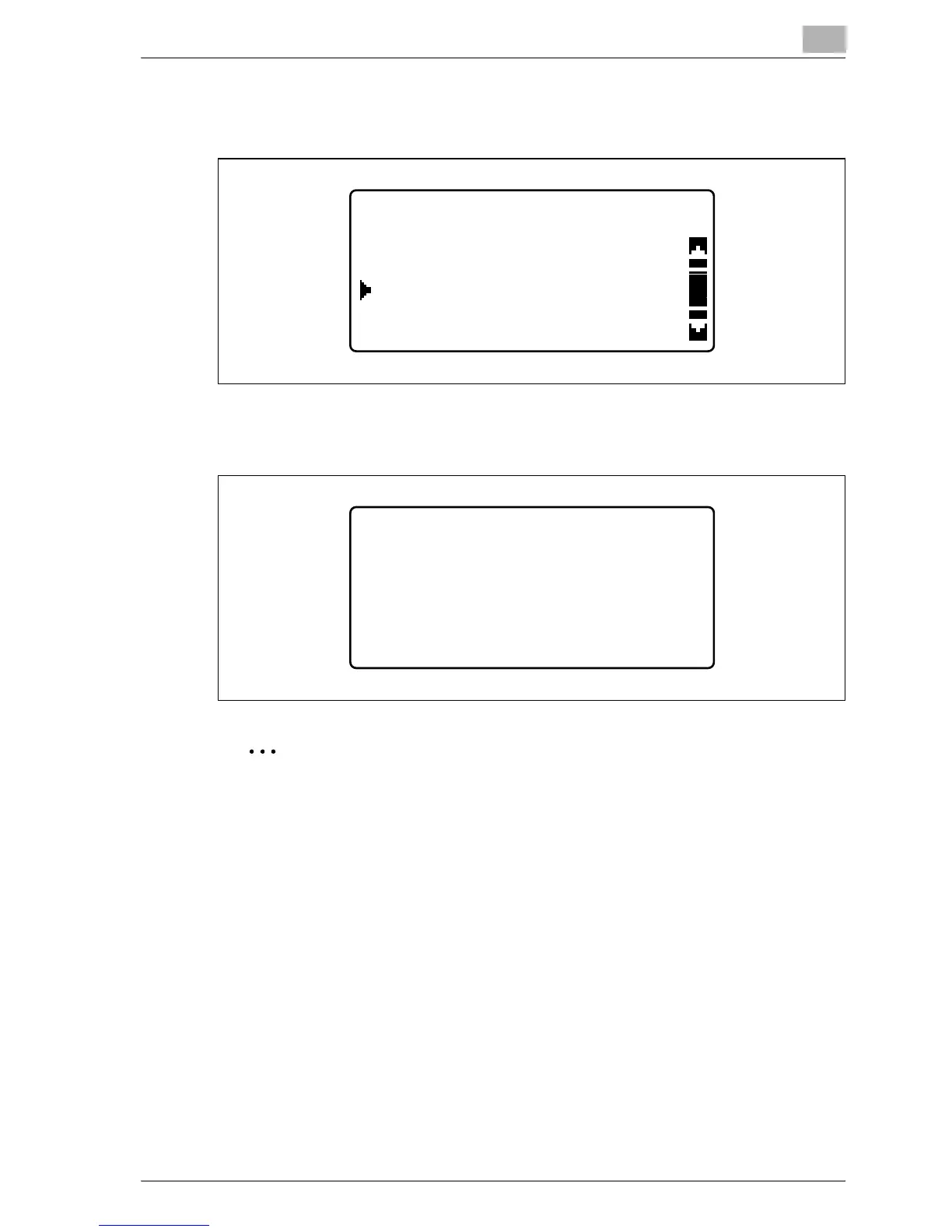
3 Press the [+] or [,] key until "ENERGY SAVE MODE" is selected, and
then press the [OK] key.
4 Use the keypad to type in the length of time until the machine enters
the mode, and then press the [OK] key.
2
Note
The time can be set between 1 and 240 minutes.
To correct the entered number, press the [Clear/Stop] key, and then type
it in correctly.
MACHINE SETTING
ENERGY SAVE MODE
AUTO PANEL RESET
AUTO SHUT OFF
ENERGY SAVE MODE
15 min(1-240min)










 To Next Page