Making copies
5
ineo 163/213 5-67
5.9 Checking machine counters
Pressing the [Confirm] key displays the total number of pages printed since
the machine was installed.
Machine counters that can be checked
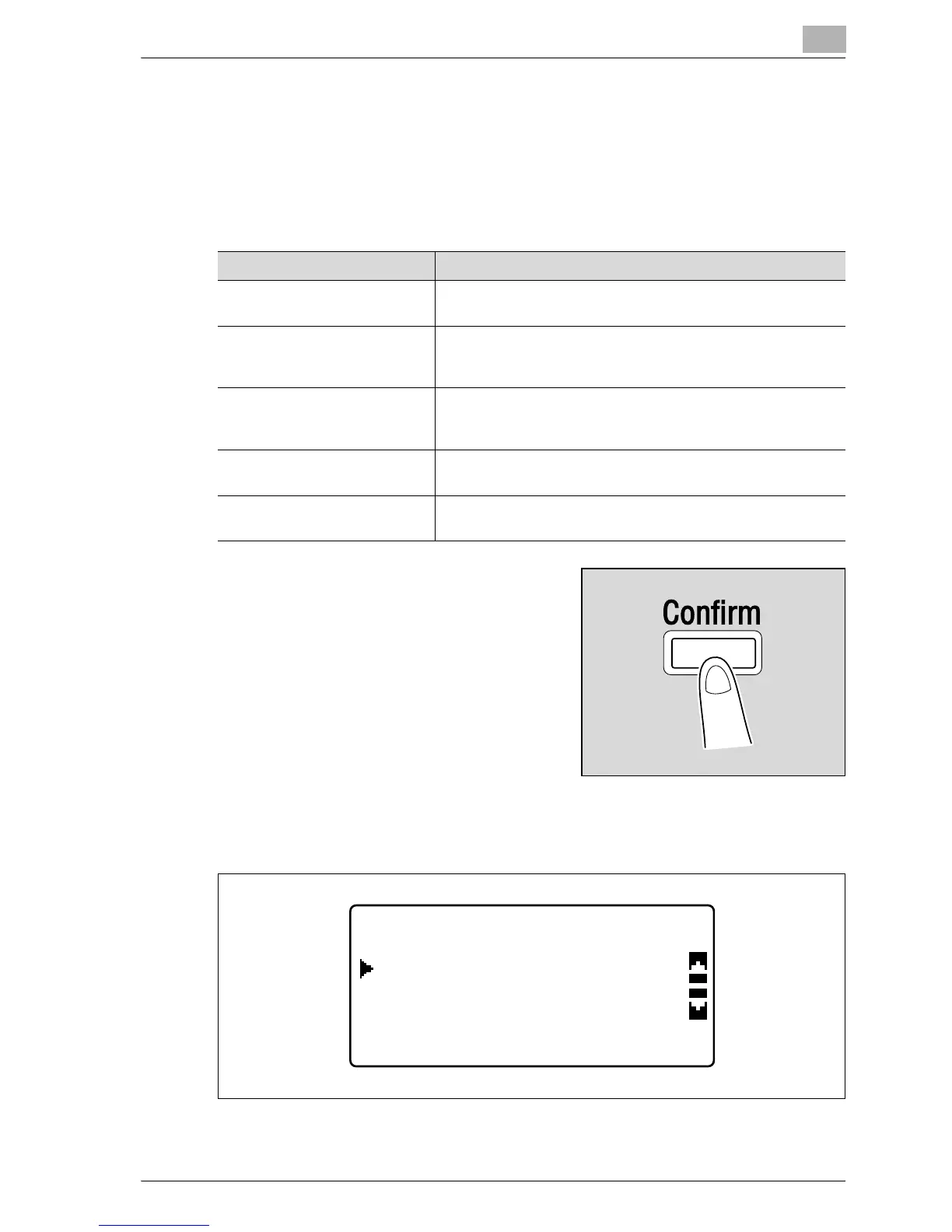
1 With the main screen displayed,
press the [Confirm] key.
The CONFIRM MODE menu
appears.
2 Press the [+] or [,] key until "TOTAL PAGE" is selected, and then press
the [OK] key.
Machine counter Description
TOTAL COUNT This counter shows the total number of pages printed since
this machine was installed.
SIZE COUNT This counter shows the total number of copies/printouts print-
ed on the specified paper size. (The paper size that is counted
should be set by the service representative.)
TOTAL SCAN This counter shows the total number of scans made since this
machine was installed. (Scans made during copying are not
included.)
TX PAGES This counter shows the total number of pages faxed since this
machine was installed.
RX PAGES This counter shows the total number of fax pages received
since this machine was installed.
CONFIRM MODE
RETURN
TOTAL PAGE










 To Next Page