Making copies
5
ineo 163/213 5-43
Copying onto non-standard-sized paper
As an example, the following procedure describes how to make copies onto
non-standard-sized paper (250 mm e 180 mm) loaded into the manual
bypass tray or the multi bypass tray.
2
Note
When loading non-standard-sized documents and paper, be sure to first
measure their sizes.
The document scales at the edges of the original glass are useful for
measuring documents and paper.
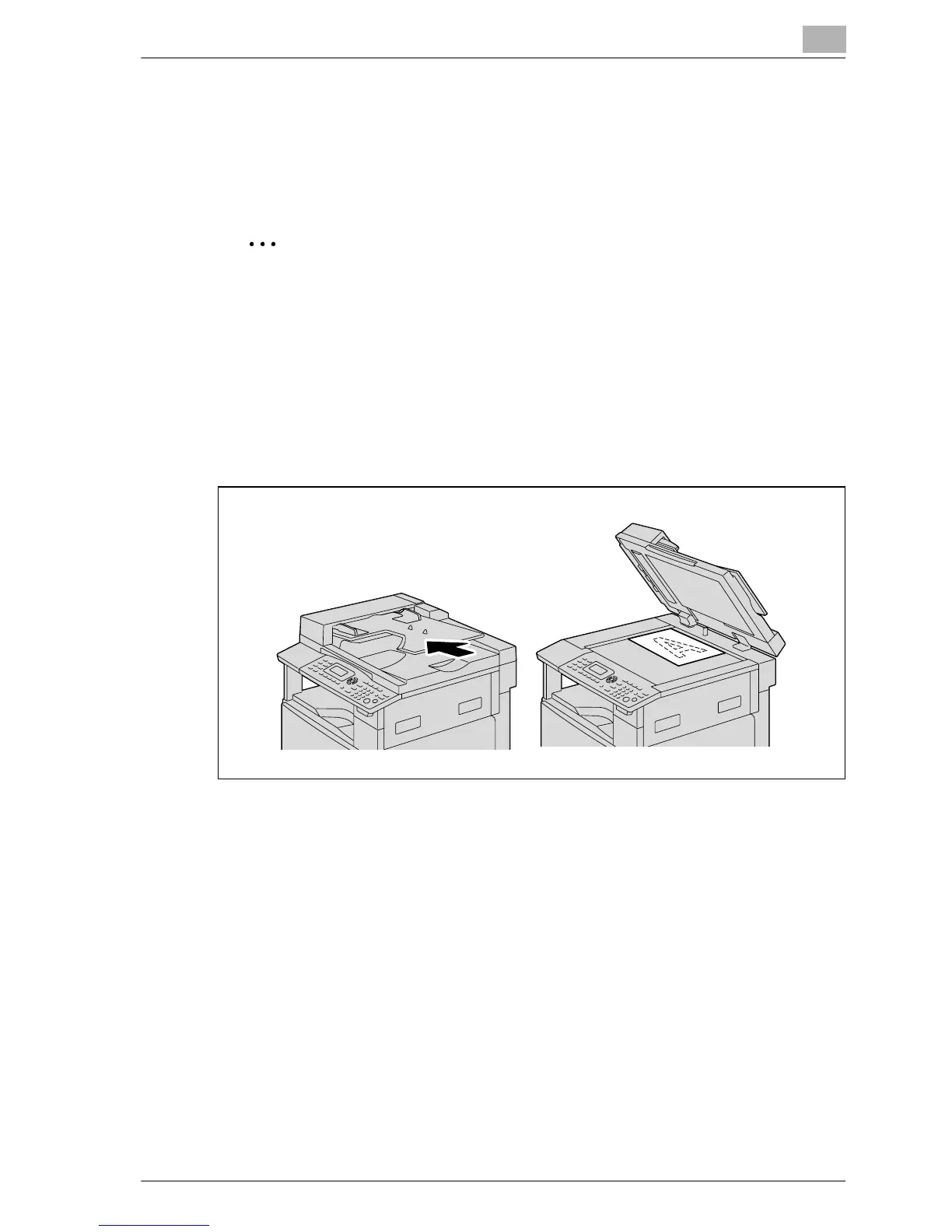
1 Position the document to be copied.
– Refer to "Loading the document" on page 4-18.










 To Next Page