Making copies
5
ineo 163/213 5-11
5.2 Stopping/restarting/canceling a copy job
Follow the procedure described below to stop a copy job.
1 Select the desired copy settings, and then press the [Start] key.
Copying begins.
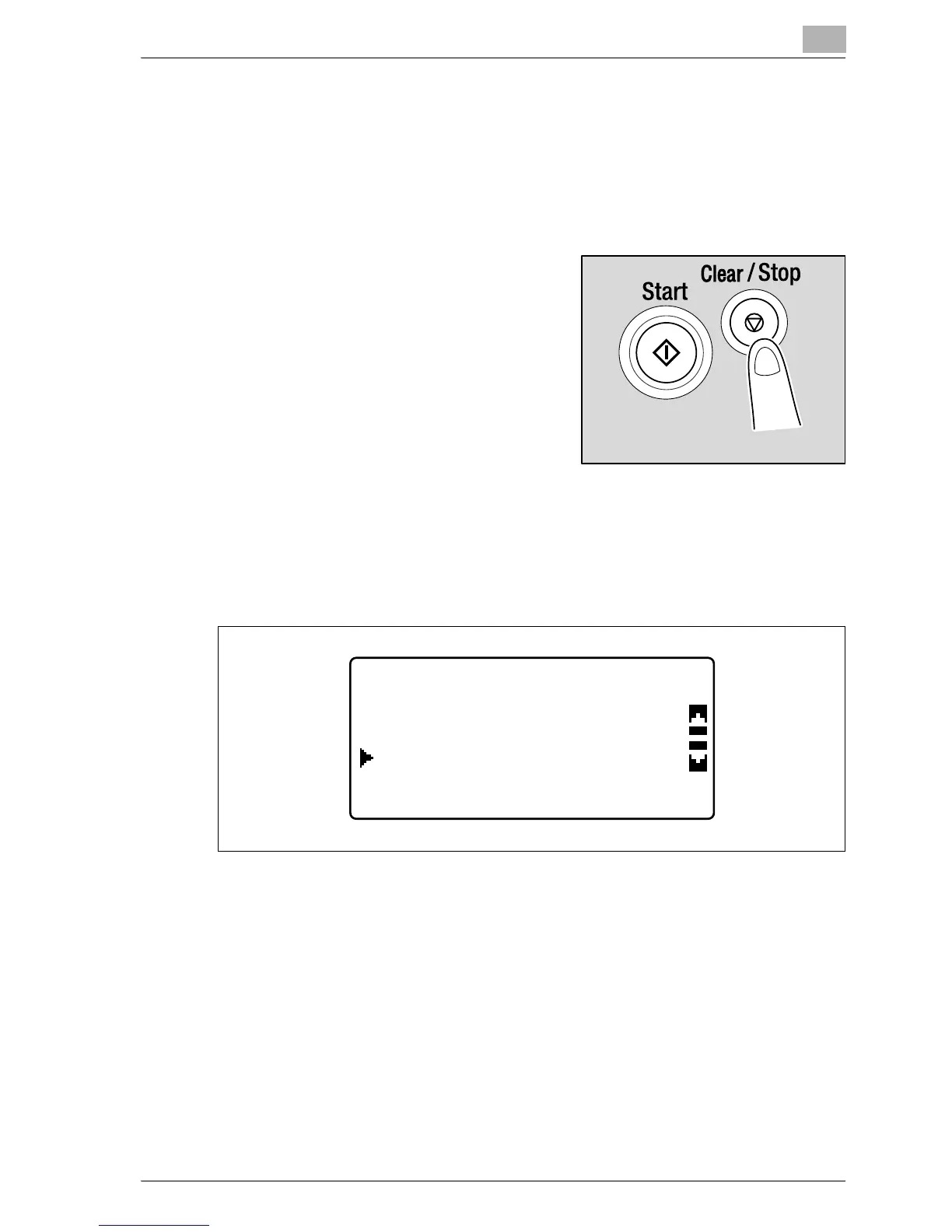
2 During copying, press the
[Clear/Stop] key. The message
">>Please Wait" appears, and the
job is stopped.
– To continue the stopped job, select "NO", and then press the [OK]
key.
JOB CANCEL
NO
YES










 To Next Page