5
Making copies
5-38 ineo 163/213
Copying onto label sheets
As an example, the following procedure describes how to make copies onto
200 mm e 250 mm label sheets loaded into the 1st paper drawer.
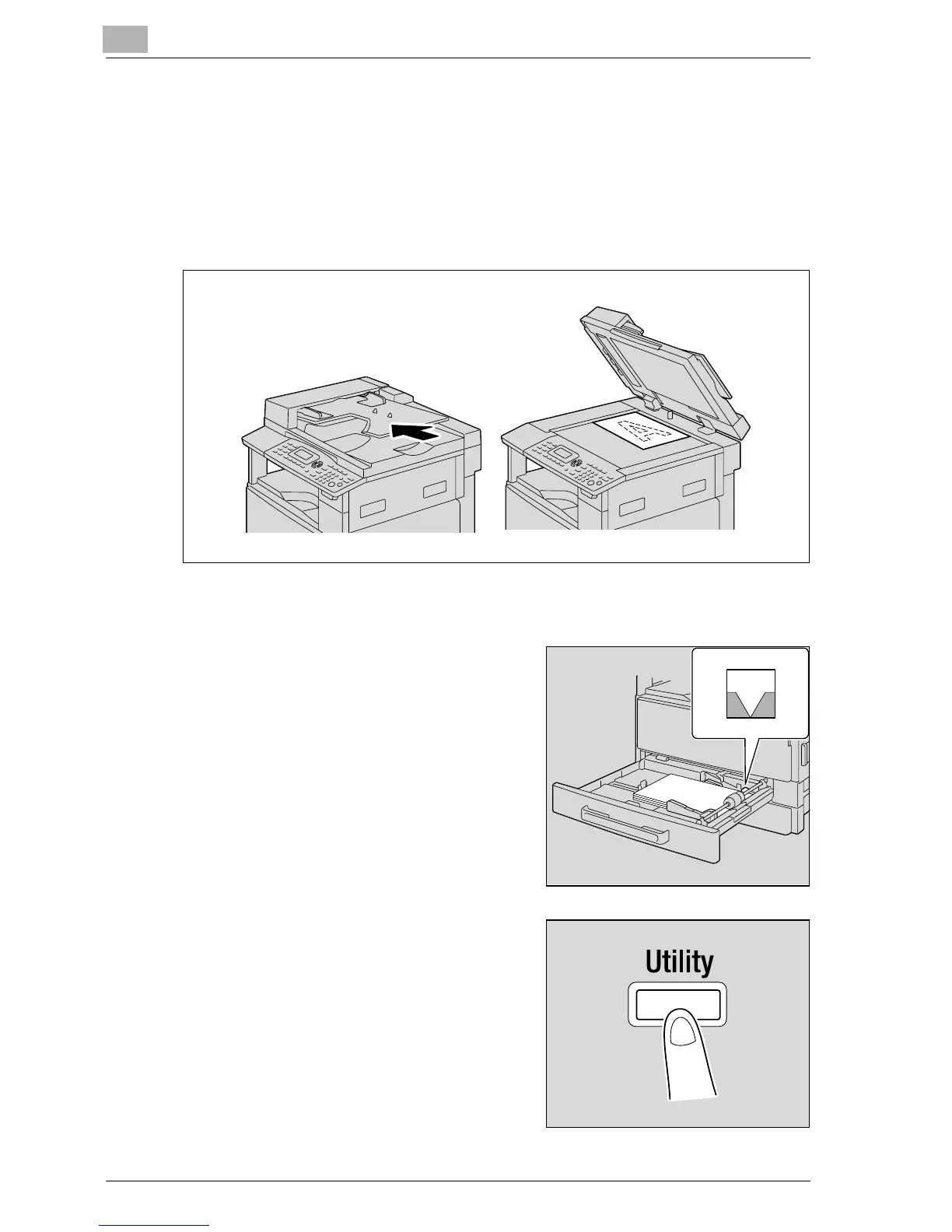
1 Position the document to be copied.
– Refer to "Loading the document" on page 4-18.
2 Adjust the paper guides in the 1st paper drawer, and then load the label
sheets into the drawer.
– Load the label sheets so that the
side to be printed on faces up, as
shown in the illustration.
3 Press the [Utility] key.
The UTILITY MODE menu appears.










 To Next Page