Advanced copy operations
6
ineo 163/213 6-31
6.8 Registering copy settings
Store up to two of the more frequently used copy setting programs for
immediate recall when necessary.
The following copy settings can be registered.
- Number of copies
- Paper source (including "AUTO")
- Quality
- Density (including "AUTO")
- Functions available with the [Function] key (ERASE, PAGE MARGIN, X/Y
ZOOM, NEG. ´ POS. and BOOK SEPARATION)
- Mixed Original
- Settings on the COMBINE ORIGINAL menu
If a custom paper size is specified for a paper drawer, the custom paper size
is not registered. For details on registering custom paper sizes, refer to
"CUSTOM SIZE MEMORY" on page 7-28.
To register copy settings
2
Note
Copy programs cannot be stored while the machine is warming up or
while a copy job is paused (Interrupt mode).
1 Select the various settings.
– Refer to "Before making copies" on page 4-3.
– Refer to "Advanced copy operations" on page 6-3.
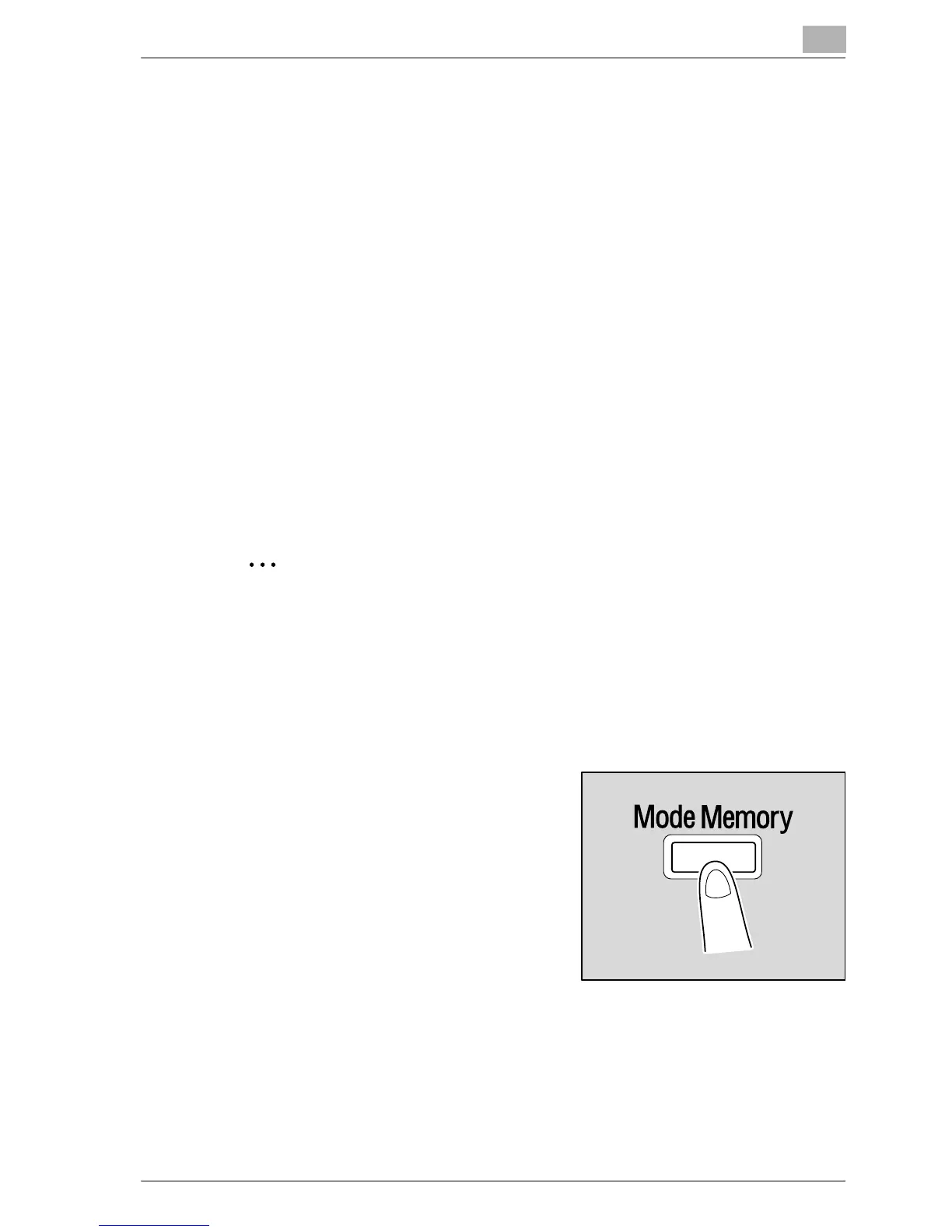
2 Press the [Mode Memory] key.










 To Next Page