Utility mode/Copy mode parameters
7
ineo 163/213 7-37
Displaying the "ADMIN. MANAGEMENT" menu
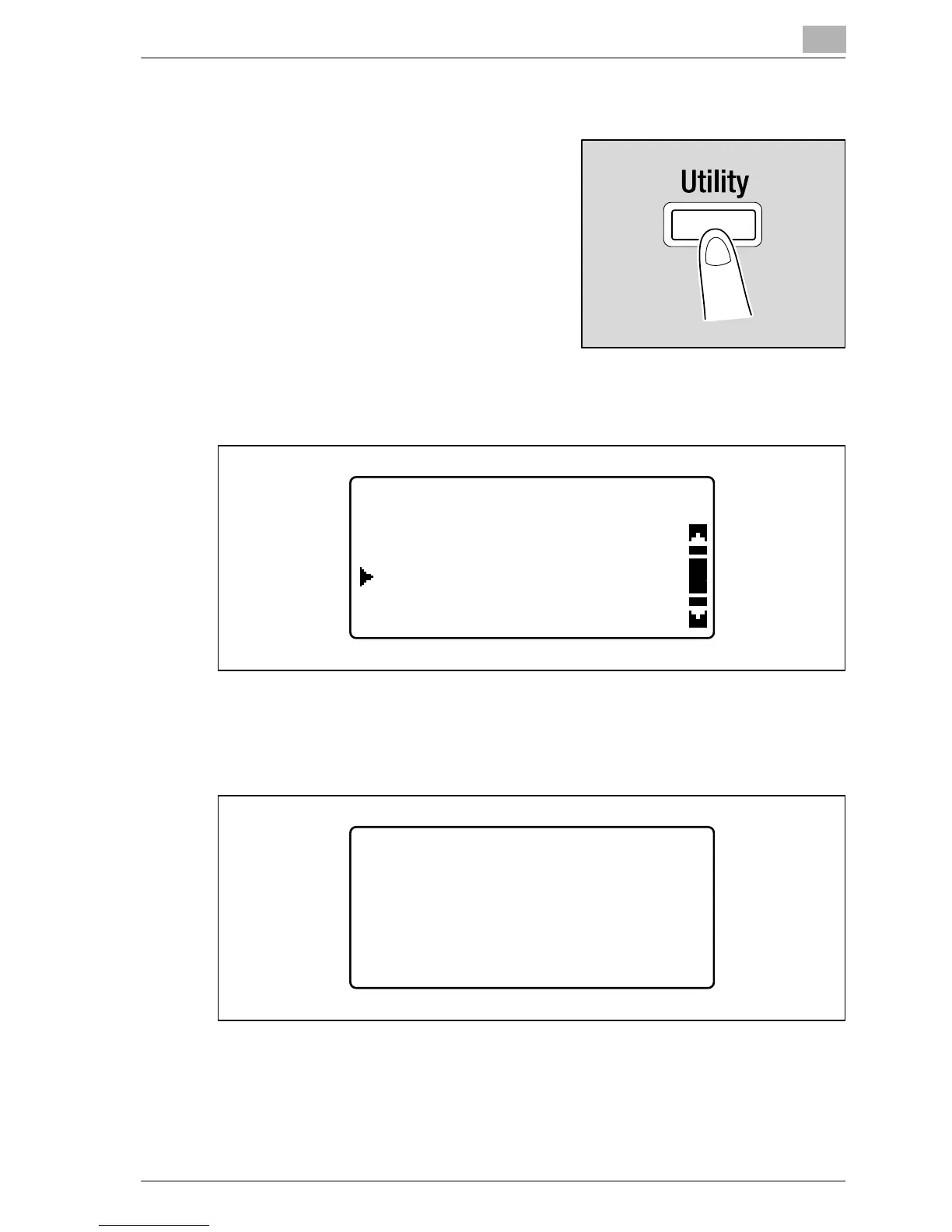
1 Press the [Utility] key.
The "UTILITY MODE" menu appears.
2 Press the [+] or [,] key until "ADMIN. MANAGEMENT" is selected, and
then press the [OK] key.
3 Use the keypad to type in the administrator access code, and then
press the [OK] key.
– The default administrator access code is "000000".
– To correct the entered number, press the [Clear/Stop] key, and then
type in the correct number.
The "ADMIN. MANAGEMENT" menu appears.
UTILITY MODE
ADMIN. MANAGEMENT
USER MANAGEMENT
COPY SETTING 1
ADMIN. MANAGEMENT
ADMIN. NO.:------










 To Next Page