Utility mode/Copy mode parameters
7
ineo 163/213 7-51
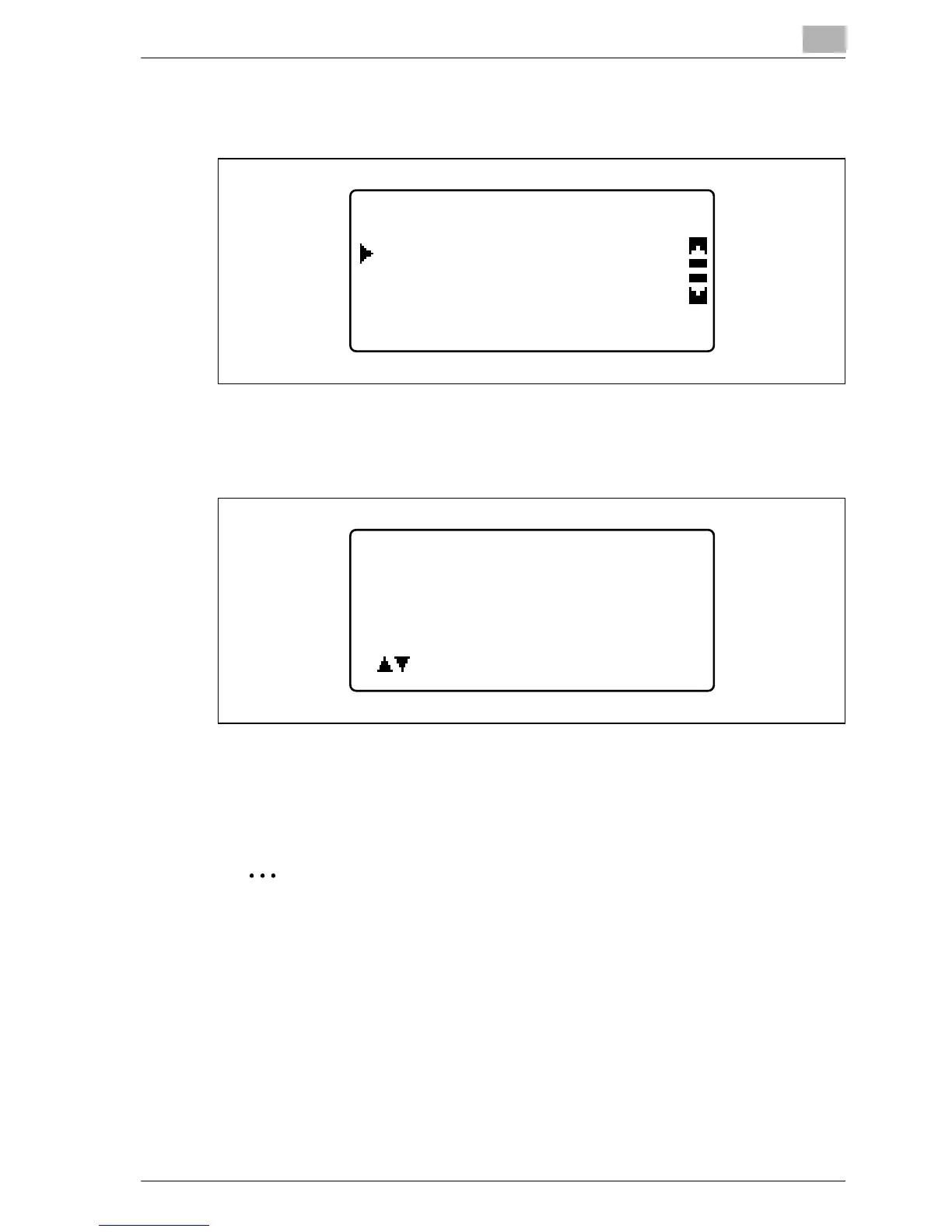
4 Press the [+] or [,] key until "DISPLAY" is selected, and then press the
[OK] key.
5 Press the [+] or [,] key or use the keypad to type in the account
number for the information to be displayed, and then press the [OK]
key.
The total counters for the selected account number is displayed.
6 To erase the displayed counters, press the [Clear/Stop] key.
The total counters for the selected account number is cleared.
2
Note
When optional fax kit FK-506 is installed, "LIST" is displayed in step 4.
If "LIST" is selected, the registered account track information is listed.
ACCOUNT TRACK DATA
ALL COUNTER CLEAR
DISPLAY
TRACK DATA DISPLAY
ACCOUNT NO.:---
or 10key input










 To Next Page