3
Precaution
3-22 ineo 163/213
3.5 Reducing electricity usage
The Power Save mode and auto shut-off operation are extremely useful for
conserving energy.
The procedures for specifying settings to automatically enter Power Save
mode and to automatically turn off the machine are described below.
Specifying settings for entering Power Save mode
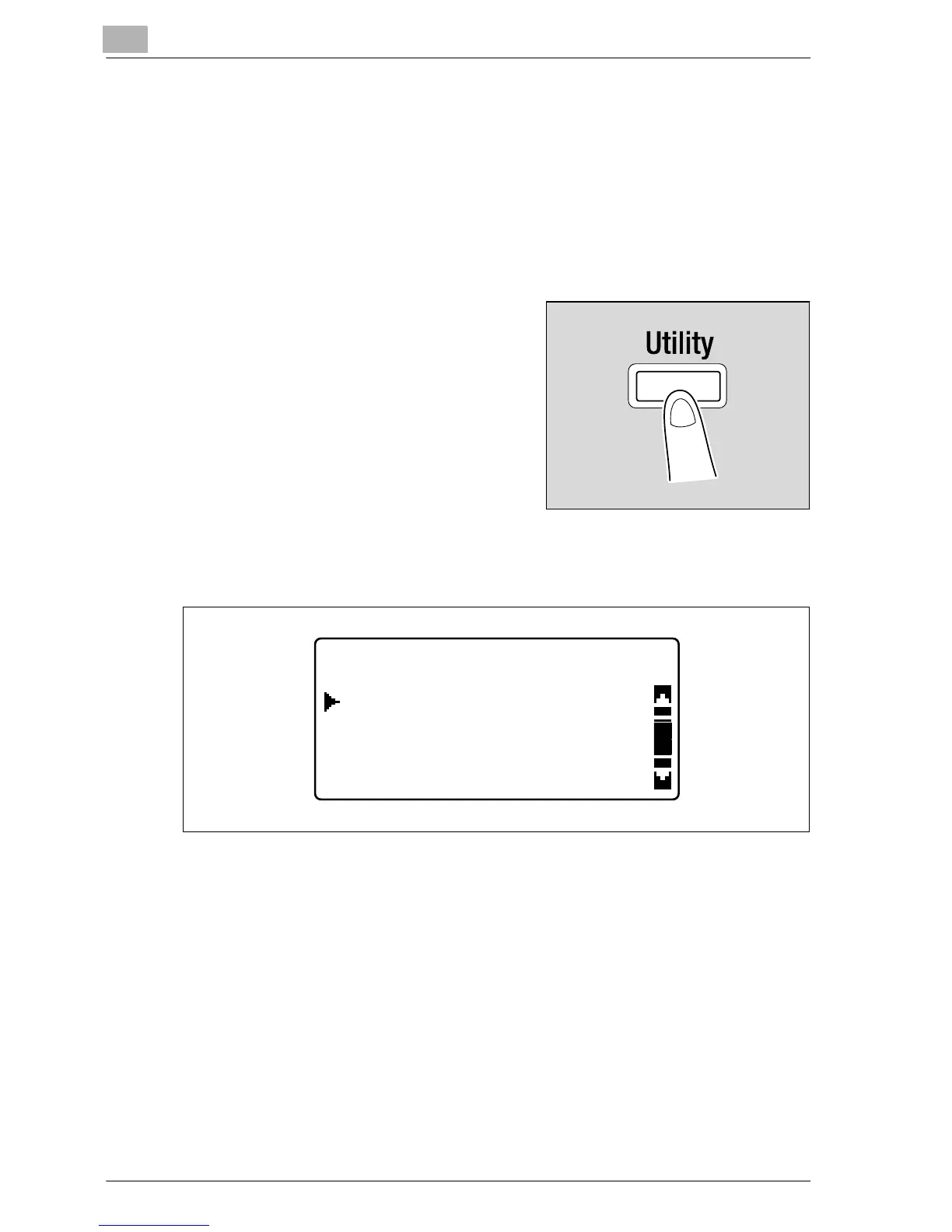
1 Press the [Utility] key.
The UTILITY MODE menu screen
appears.
2 Press the [+] or [,] key until "MACHINE SETTING" is selected, and
then press the [OK] key.
The MACHINE SETTING menu appears.
UTILITY MODE
PAPER SOURCE SETUP
MACHINE SETTING
CUSTOM SIZE MEMORY










 To Next Page