8
When a message appears
8-6 ineo 163/213
8.2 When the message "PAPER JAM" appears
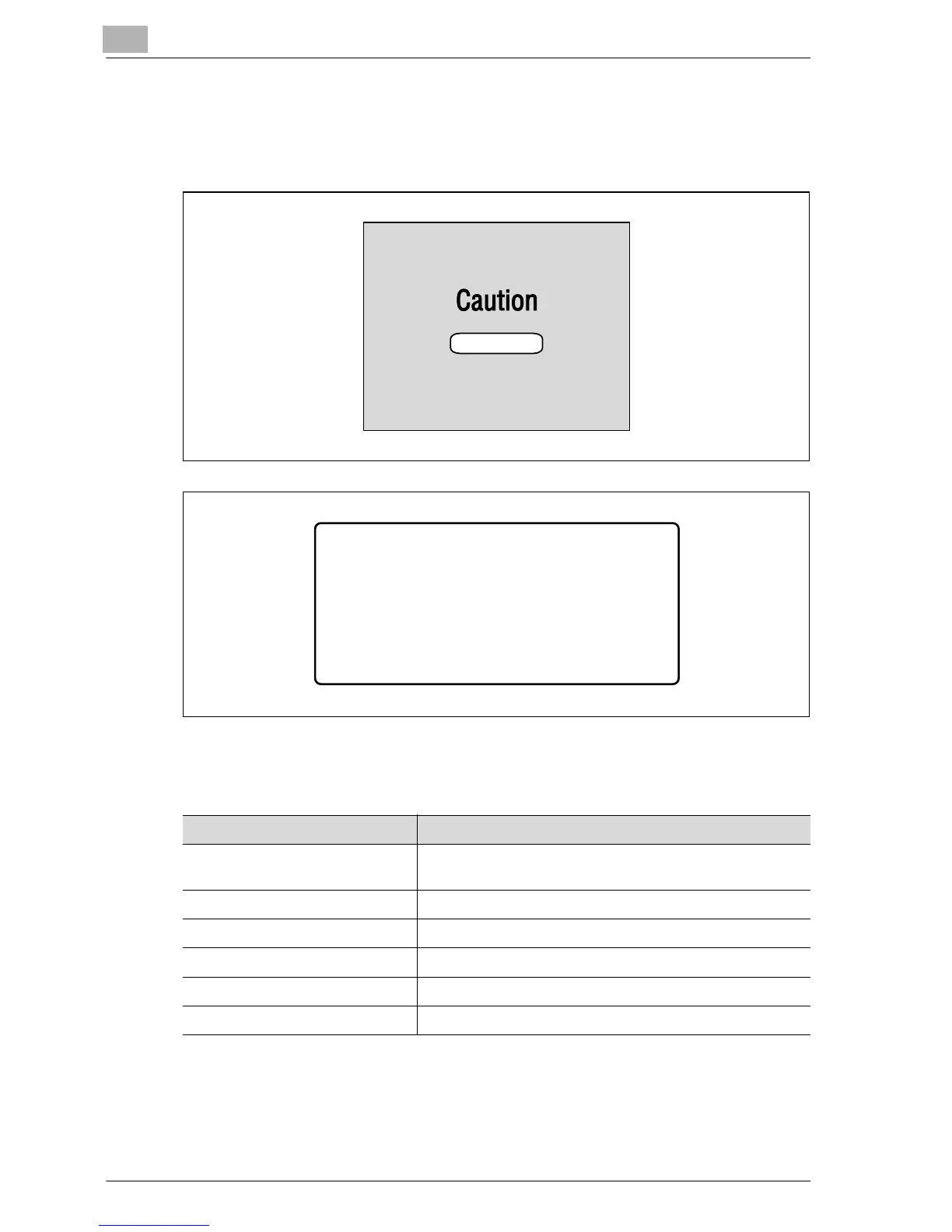
If a paper misfeed occurs while copying/printing, the following message
appears and copying/printing stops.
A message indicating the location of the paper misfeed appears in the
bottom line of the screen.
Follow the appropriate procedure described below to clear the misfed paper.
______CAUTION_______
OPEN 1st SIDE COVER
PAPER JAM
Message Location of the paper misfeed
OPEN 1st SIDE COVER Multi bypass tray (p. 8-15)
Inside the main unit or 1st paper drawer (p. 8-7)
OPEN 2nd SIDE COVER 2nd paper drawer (p. 8-12)
OPEN 3rd SIDE COVER 3rd paper drawer (p. 8-12)
OPEN 4th SIDE COVER 4th paper drawer (p. 8-12)
OPEN 5th SIDE COVER 5th paper drawer (p. 8-12)
OPEN DUPLEX COVER Duplex unit (p. 8-17)










 To Next Page