Making copies
5
ineo 163/213 5-55
Making copies using a preset zoom setting
1 Position the document to be copied.
– Refer to "Loading the document" on page 4-18.
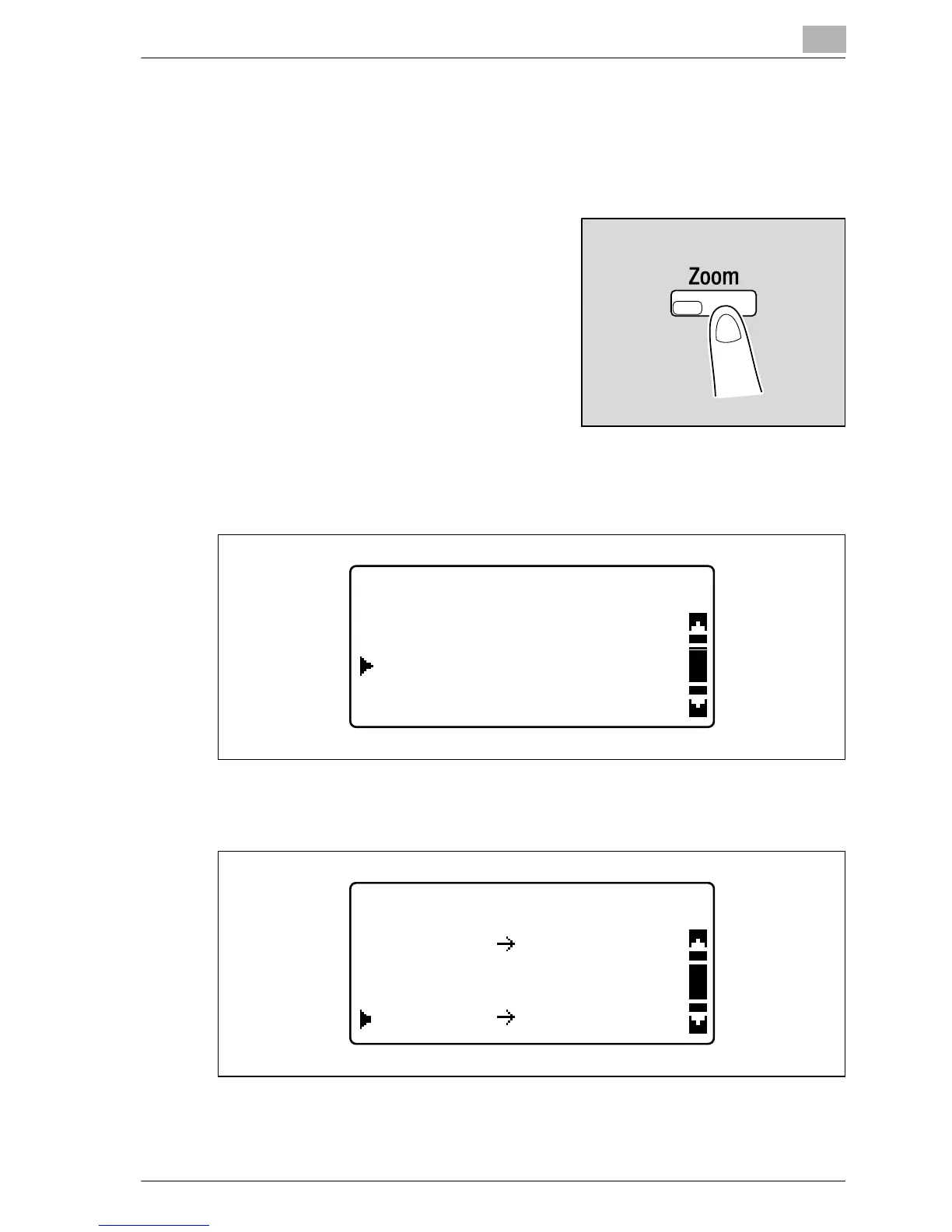
2 Press the [Zoom] key.
3 Press the [+] or [,] key until "FIXED" is selected, and then press the
[OK] key.
4 Press the [+] or [,] key until the desired zoom ratio is selected, and
then press the [OK] key.
ZOOM RATIO
FIXED
AUTO
MANUAL
FIXED ZOOM RATIO
100%
A4
100%
A4
B4
81%
B4










 To Next Page