Making copies
5
ineo 163/213 5-65
5.8 Interrupting a copy job
Long continuous copy or computer printing operations can quickly be
paused by pressing the [Interrupt] key in order to copy a different document.
To interrupt a copy job
!
Detail
Some copy operations cannot be interrupted. In addition, some functions
are not available while a copy job is interrupted. For details, refer to
"Function combination matrix" on page 10-10.
If the document is placed on the original glass and 2in1 or 4in1 copies are
being produced, the copy job cannot be interrupted.
When the [Interrupt] key is pressed, all settings are reset to their defaults.
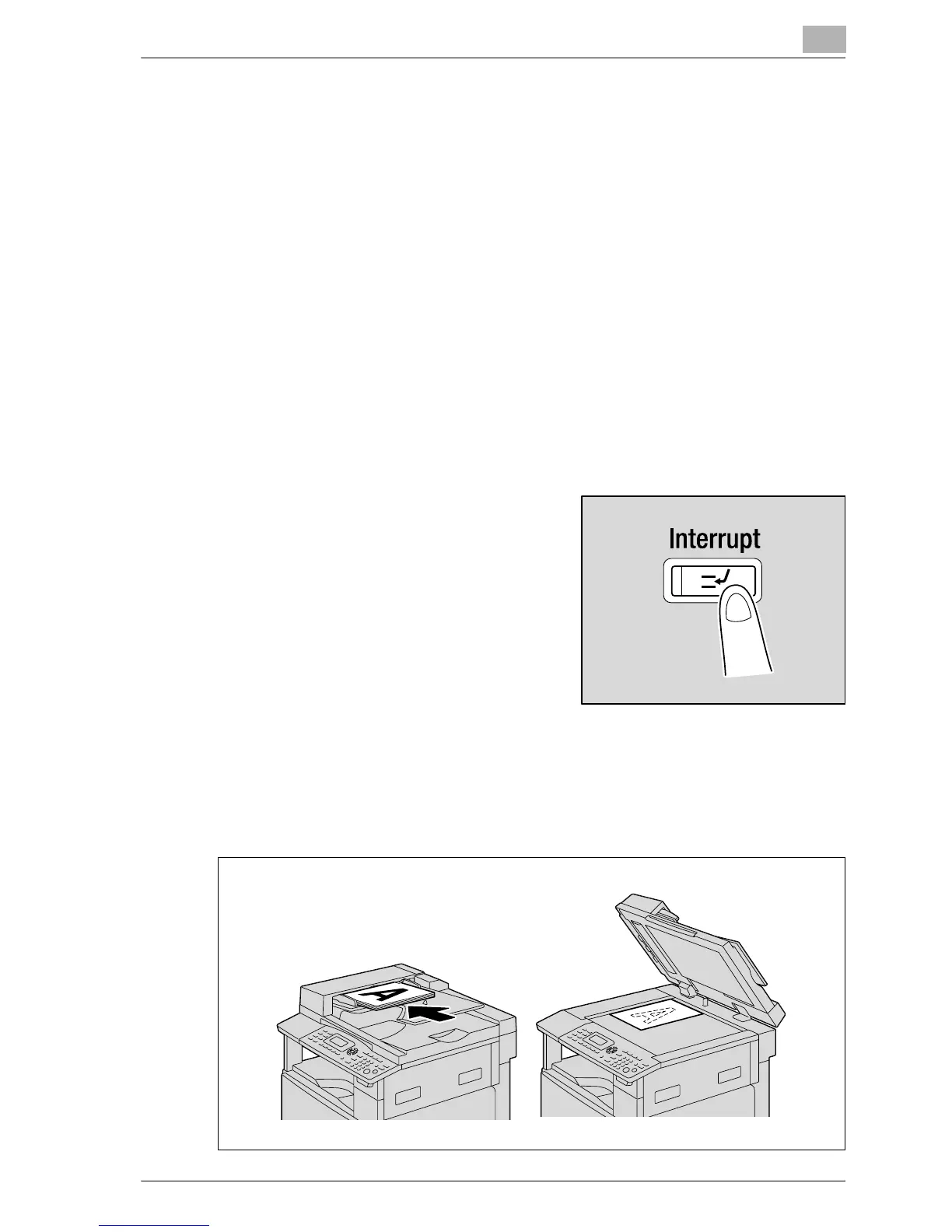
1 Press the [Interrupt] key.
The indicator on the [Interrupt] key
lights up, and the current copy/print
operation is paused.
2 Remove the current document, and then load the other document to
be copied.
– While a computer document is being printed, load the document to
be copied.










 To Next Page