4
Before making copies
4-20 ineo 163/213
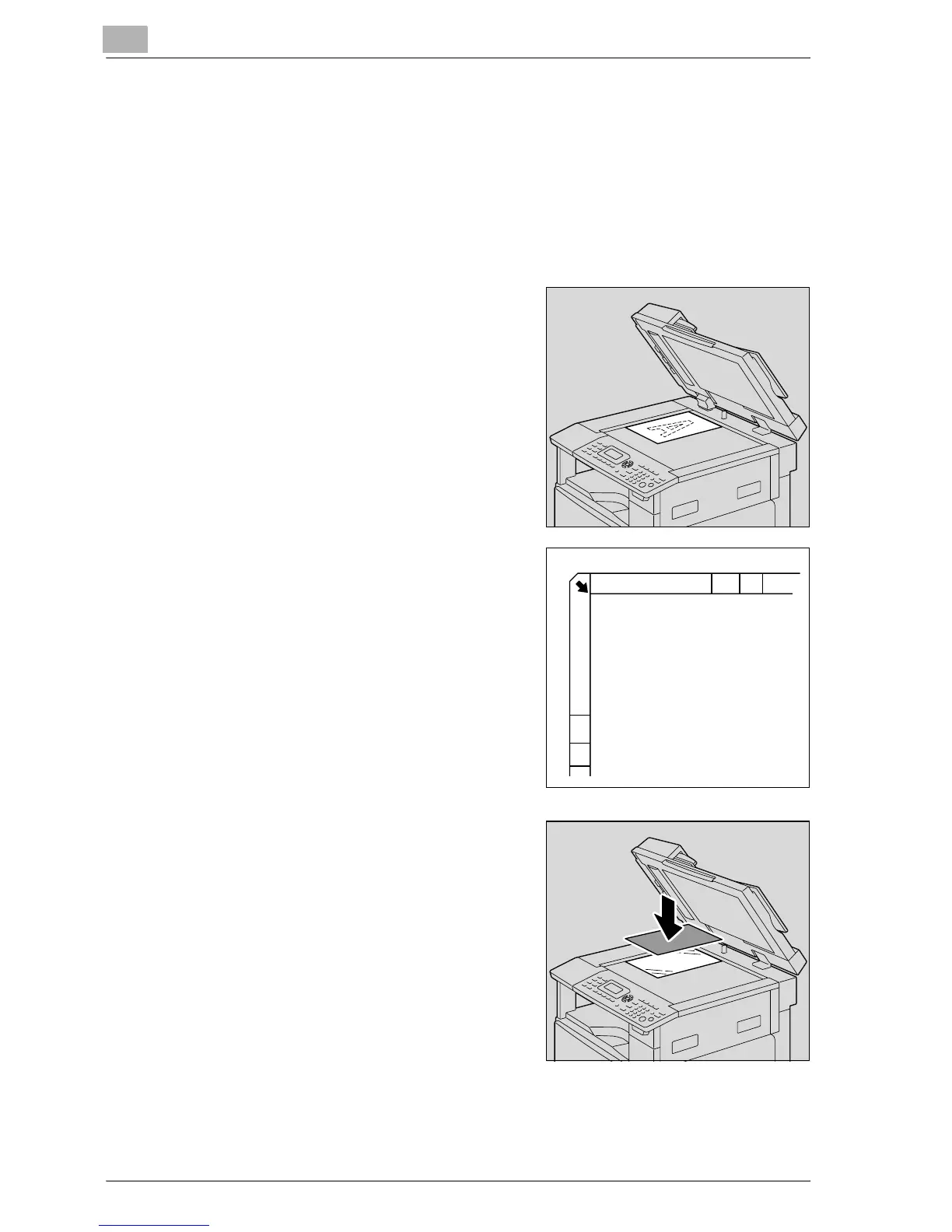
Placing highly translucent or transparent documents on the original
glass
When copying a highly translucent or transparent document, such as
overhead projector transparencies, tracing paper or diazo photosensitive
paper, position it as described below.
1 Lift open the document feeder.
2 Position the document so that the
side to be copied faces down.
– Align the document with the
document scales at the top and
at the left side of the original
glass.
3 Place a blank sheet of paper of the
same size over the document.
4 Carefully close the document feeder.










 To Next Page