6
Advanced copy operations
6-8 ineo 163/213
Making copies using a finishing setting (with the document placed on
the original glass)
2
Note
"GROUP" appears only if the document feeder or reverse automatic
document feeder is installed.
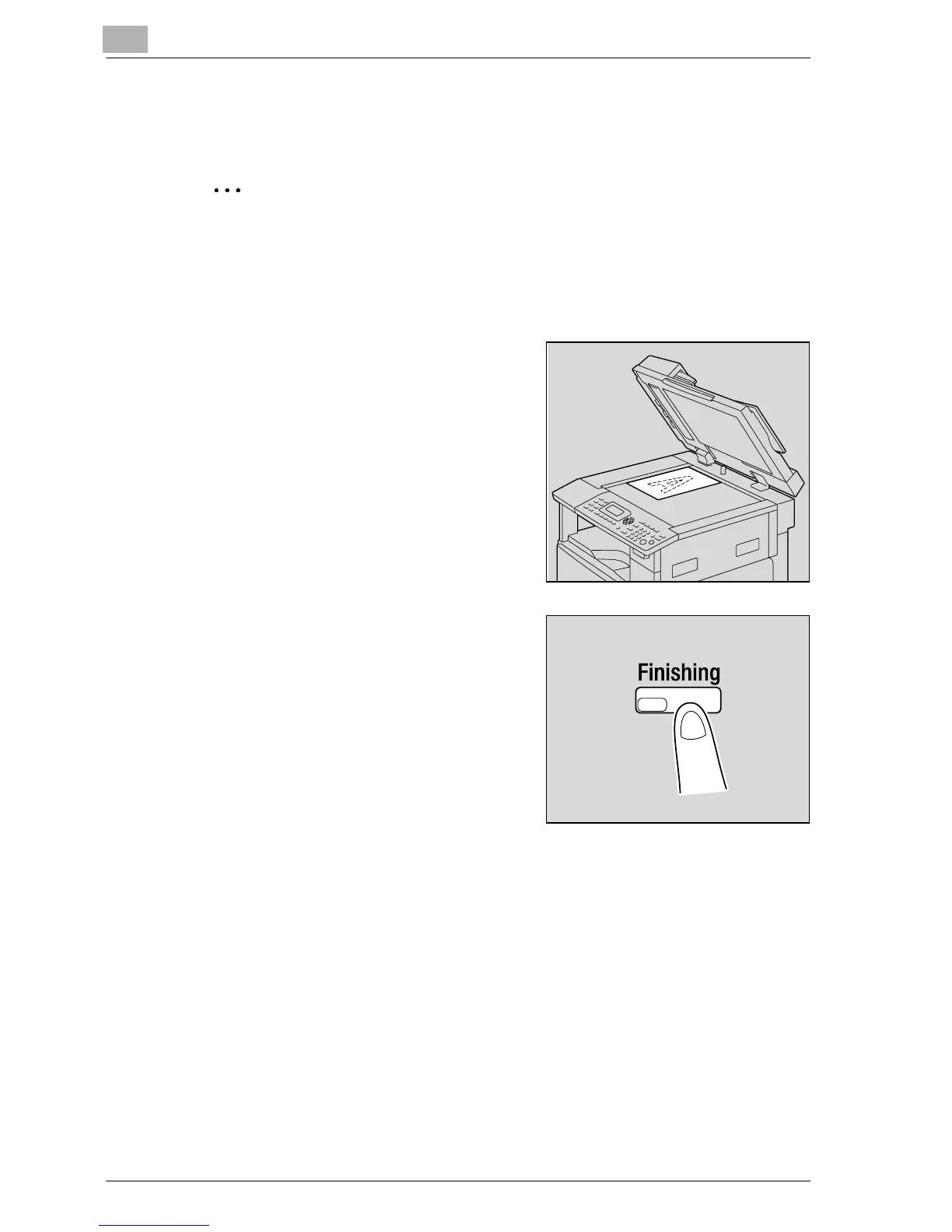
1 Lift open the document feeder.
2 Position the first page of the
document on the original glass.
– Refer to "Loading the document"
on page 4-18.
3 Press the [Finishing] key.
The COPY FINISHING menu
appears.










 To Next Page