Advanced copy operations
6
ineo 163/213 6-29
Making copies using the "PAGE MARGIN" function
1 Position the document to be copied.
– Refer to "Loading the document" on page 4-18.
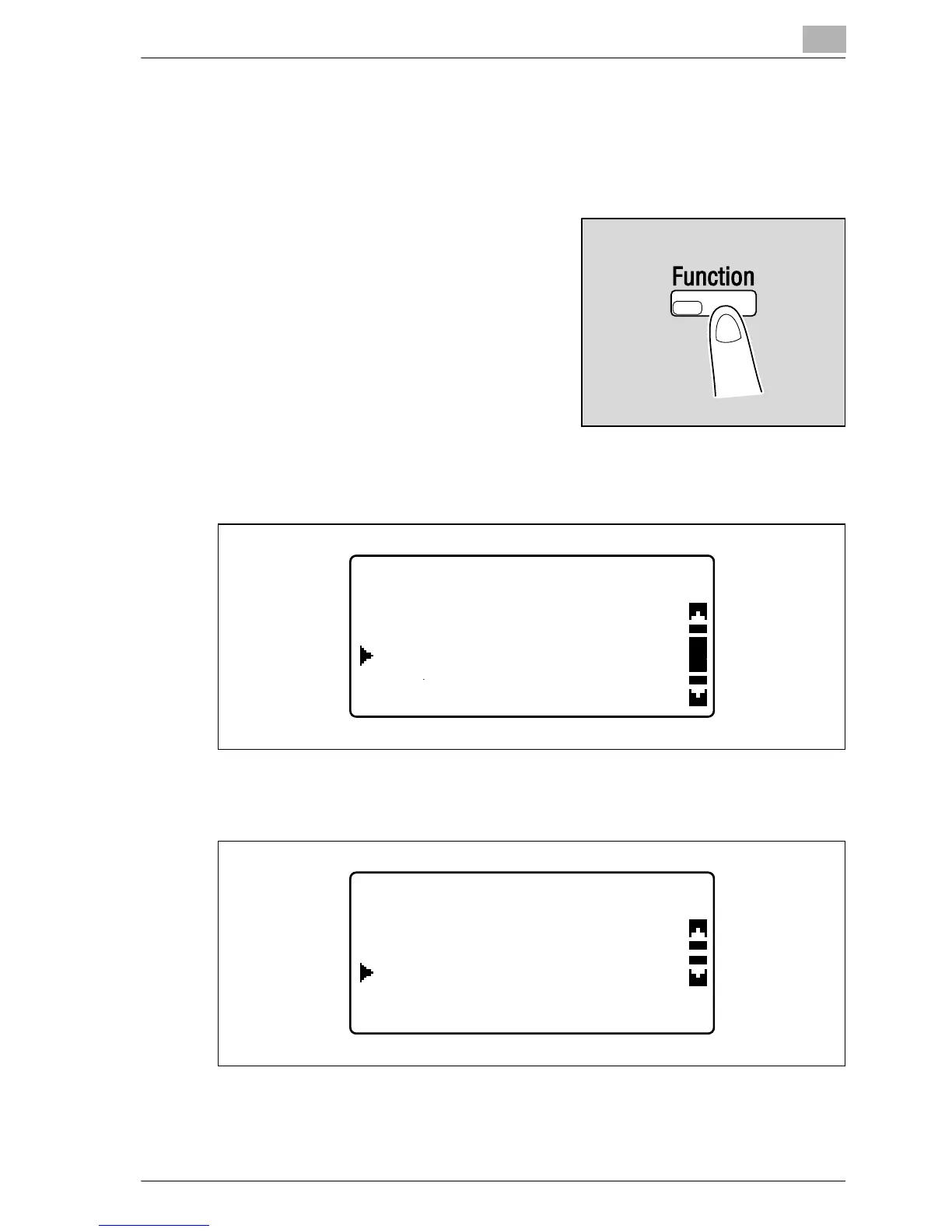
2 Press the [Function] key.
The COPY FUNCTION menu
appears.
3 Press the [+] or [,] key until "PAGE MARGIN" is selected, and then
press the [OK] key.
4 Press the [+] or [,] key until "ON" is selected, and then press the [OK]
key.
– The width for the binding can be set between 0 and 20 mm, in 1 mm
increments. The manufacturer’s default setting is 10 mm.
COPY FUNCTION
PAGE MARGIN
ERASE
X/Y ZOOM
PAGE MARGIN SETTING
ON
OFF










 To Next Page