Advanced copy operations
6
ineo 163/213 6-21
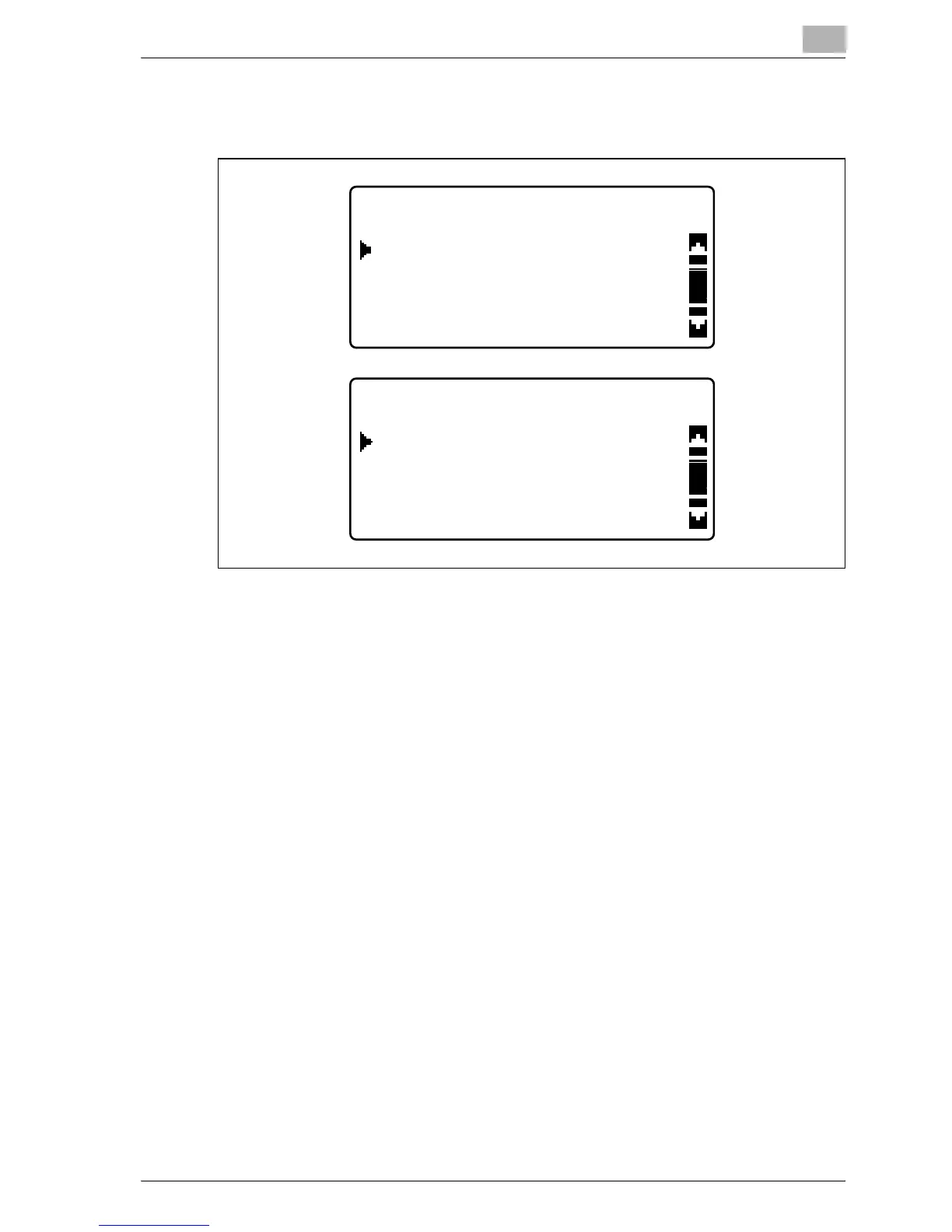
6 Press the [+] or [,] key until "FRAME ERASE", "CENTER ERASE" or
"CENTER+FRAME ERASE" is selected, and then press the [OK] key.
– For details on the areas that are erased, refer to "Frame/center
erasing methods" on page 6-22.
– The width of the erased area for the FRAME ERASE setting can be
set between 5 and 20 mm, in 1 mm increments. The manufacturer’s
default setting is 10 mm.
– The width of the erased area for the CENTER ERASE setting is fixed
at 10 mm.
– The width of the erased area for the FRAME ERASE setting can be
changed using the ERASE SETTING parameter in the Utility mode.
(Refer to "Adjusting the width of the erased area ("ERASE
SETTING" parameter)" on page 7-67.)
"/" appears beside "ERASE" in the COPY FUNCTION menu.
7 Press the [Back] key.
The main screen appears again.
8 If necessary, specify any other copy settings.
– Refer to "Before making copies" on page 4-3.
– Refer to "Advanced copy operations" on page 6-3.
9 Using the keypad, type in the desired number of copies, and then press
the [Start] key.
ERASE SETTING
FRAME ERASE
OFF
CENTER FRAME
ERASE SETTING
CENTER+FRAME ERASE










 To Next Page