Troubleshooting
9
ineo 163/213 9-3
9 Troubleshooting
9.1 When incorrect copies are produced
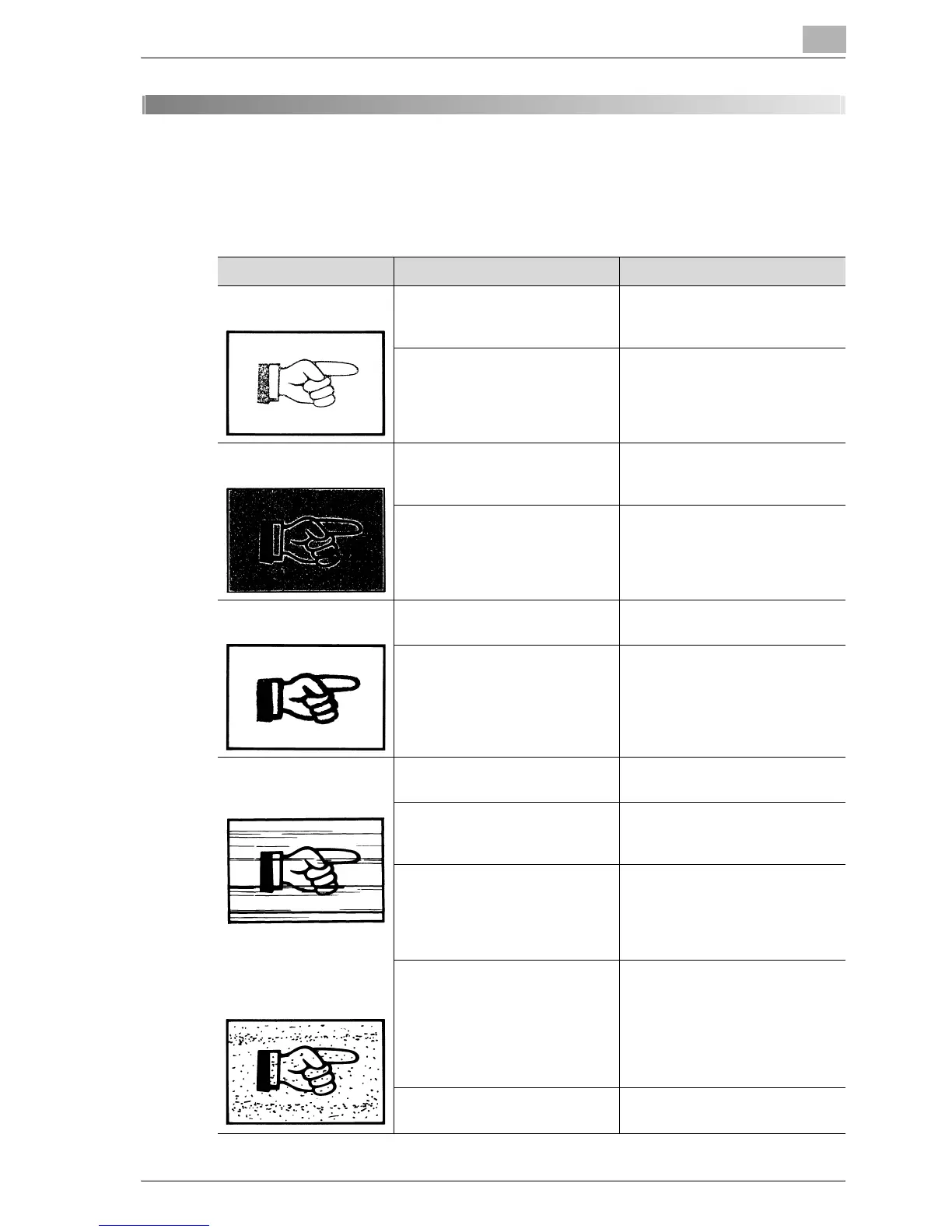
Symptom Possible Cause Remedy
The copy is too light. Is the copy density set too light? Press the [Density] key and se-
lect the desired copy density.
(See page 5-62.)
Is the paper damp? Replace the paper with new pa-
per. (See page 4-9.)
The copy is too dark. Is the copy density set too dark? Press the [Density] key and se-
lect the desired copy density.
(See page 5-9.)
Was the document not pressed
close enough against the original
glass?
Position the document so that it
is pressed closely against the
original glass. (See page 4-19.)
The copy is blurry. Is the paper damp? Replace the paper with new pa-
per. (See page 4-9.)
Was the document not pressed
close enough against the original
glass?
Position the document so that it
is pressed closely against the
original glass. (See page 4-19.)
There are streaks in the
copy.
There are dark specks or
spots throughout the
copy.
Is the original glass dirty? Wipe the glass with a soft, dry
cloth. (See page 10-8.)
Is the document pad dirty? Clean the document pad with a
soft cloth dampened with a mild
detergent. (See page 10-9.)
Was the original document print-
ed on highly translucent materi-
al, such as diazo photosensitive
paper or overhead projector
transparencies?
Place a blank sheet of paper on
top of the document. (See
page 4-20.)
Is a double-sided document be-
ing copied?
If a thin double-sided document
is being copied, the information
on the back side may be repro-
duced in the copy. Press the
[Density] key, and then select a
lighter density setting. (See
page 5-9.)
The PC drum unit has reached
the end of its service life.
Contact your service representa-
tive.










 To Next Page