9
Troubleshooting
9-4 ineo 163/213
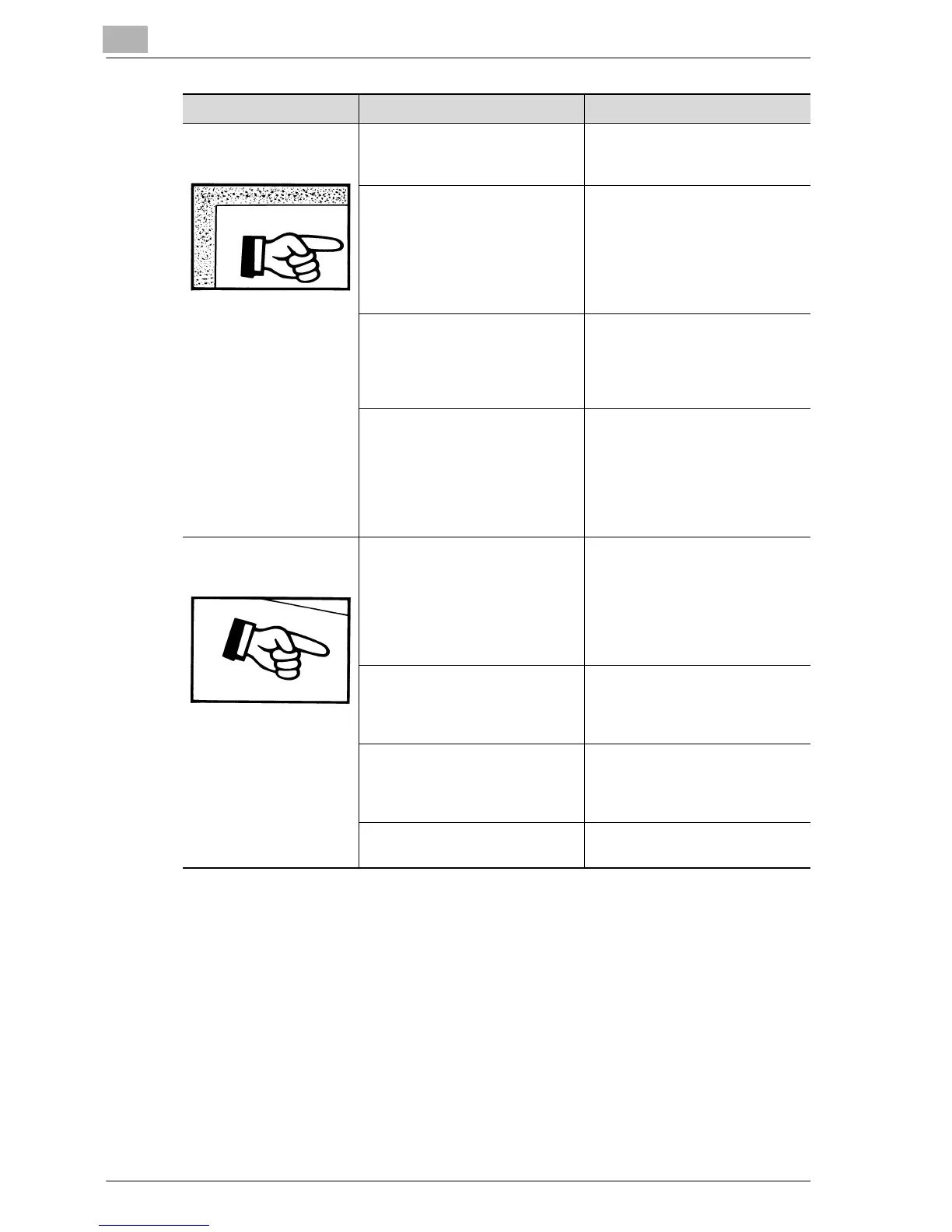
The edge of the copy is
dirty.
Is the document pad dirty? Clean the document pad with a
soft cloth dampened with a mild
detergent. (See page 10-9.)
Was the selected paper size
larger than the document?
(when copying at full size)
Select a paper size that is the
same size as the document. (See
page 5-13.)
Otherwise, select the "AUTO"
Zoom setting to enlarge the copy
to the selected paper size. (See
page 5-54.)
Are the document size and paper
orientation different?
(when copying at full size)
Select a paper size that is the
same size as the document. Oth-
erwise, select a paper orientation
that is the same as that of the
document.
Was the copy reduced to a size
smaller than the paper?
(when copying at a reduced size
specified manually)
Select a zoom ratio that adjusts
the document size to the select-
ed paper size. (See page 5-55.)
Otherwise, select the "AUTO"
Zoom setting to reduce the copy
to the selected paper size. (See
page 5-54.)
The image is not aligned
properly on the paper.
Is the document incorrectly posi-
tioned?
Correctly position the document
against the document scales.
(See page 4-19.)
If the document feeder is in-
stalled, correctly adjust the doc-
ument guides for the size of the
document. (See page 4-18.)
Is the document incorrectly posi-
tioned in the document feeder?
Lift open the document feeder,
and correctly position the docu-
ment against the document
scales. (See page 4-19.)
Are the adjustable document
guides incorrectly positioned
against the edges of the docu-
ment?
Slide the document guides
against the edges of the docu-
ment.
Was curled paper loaded into the
paper drawer?
Flatten the paper before loading
it into the paper drawer.
Symptom Possible Cause Remedy










 To Next Page