7
Utility mode/Copy mode parameters
7-70 ineo 163/213
7.9 COPY SETTING 2
The settings that are selected when the machine is turned on or when the
[Reset] key is pressed are called the "default settings". The default copy
settings can be changed from the "COPY SETTING 1" and "COPY SETTING
2" menus.
COPY SETTING 2 parameters
No. COPY SETTING 2 Description
1 COPY PRIORITY This parameter can be used to select whether the "AUTO" Pa-
per setting or the "AUTO" Zoom setting is selected or the set-
ting is selected manually in Copy mode when the machine is
turned on or the [Reset] key is pressed.
The manufacturer’s default setting is "AUTO PAPER SE-
LECT".
2 OUTPUT PRIORITY This parameter can be used to select "NON-SORT", "SORT"
or "GROUP" for the default Finishing setting selected when
the machine is turned on or the [Reset] key is pressed.
The manufacturer’s default setting is "NON-SORT".
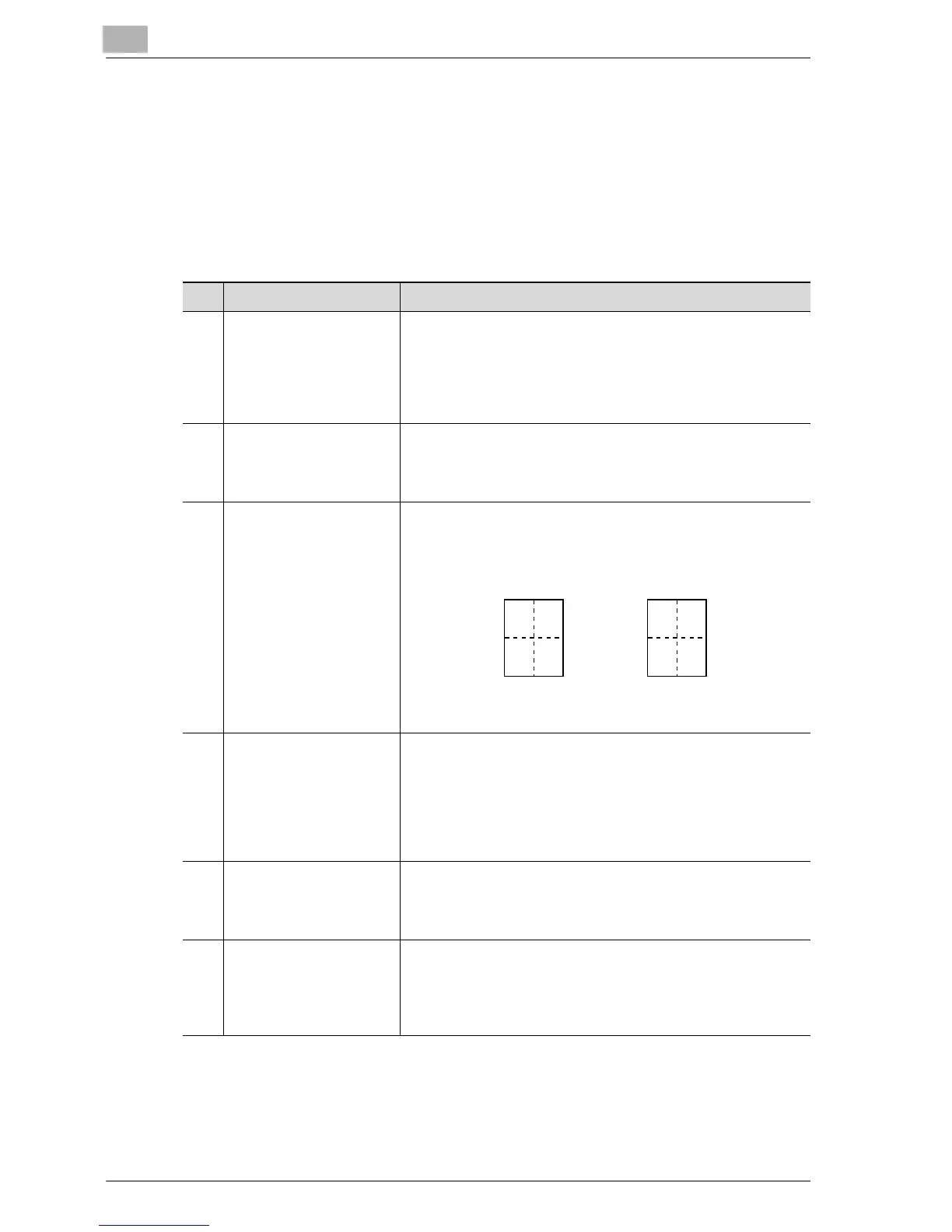
3 4IN1 COPY ORDER This parameter can be used to select the copy order during
4in1 copying.
The manufacturer’s default setting is "PATTERN1".
4 MIXED ORIGINAL This parameter can be used to select whether or not the
"Mixed Original" setting is selected when the machine is
turned on or the [Reset] key is pressed.
A setting can be selected for this parameter only if the optional
document feeder or reverse automatic document feeder is in-
stalled.
The manufacturer’s default setting is "OFF".
5 DUPLEX COPY This parameter can be used to select whether or not double-
sided printing is used. The optional duplex unit must be in-
stalled (option for ineo 213 only).
The manufacturer’s default setting is "OFF".
6 CRISSCROSS MODE This parameter can be used to select whether or not copies
are fed out in a crisscross pattern when the crisscross output
conditions are met.
This parameter is not available if shift tray SF-501 is installed.
The manufacturer’s default setting is "ON".
12
34
13
24
Pattern 1 Pattern 2










 To Next Page