6
Advanced copy operations
6-20 ineo 163/213
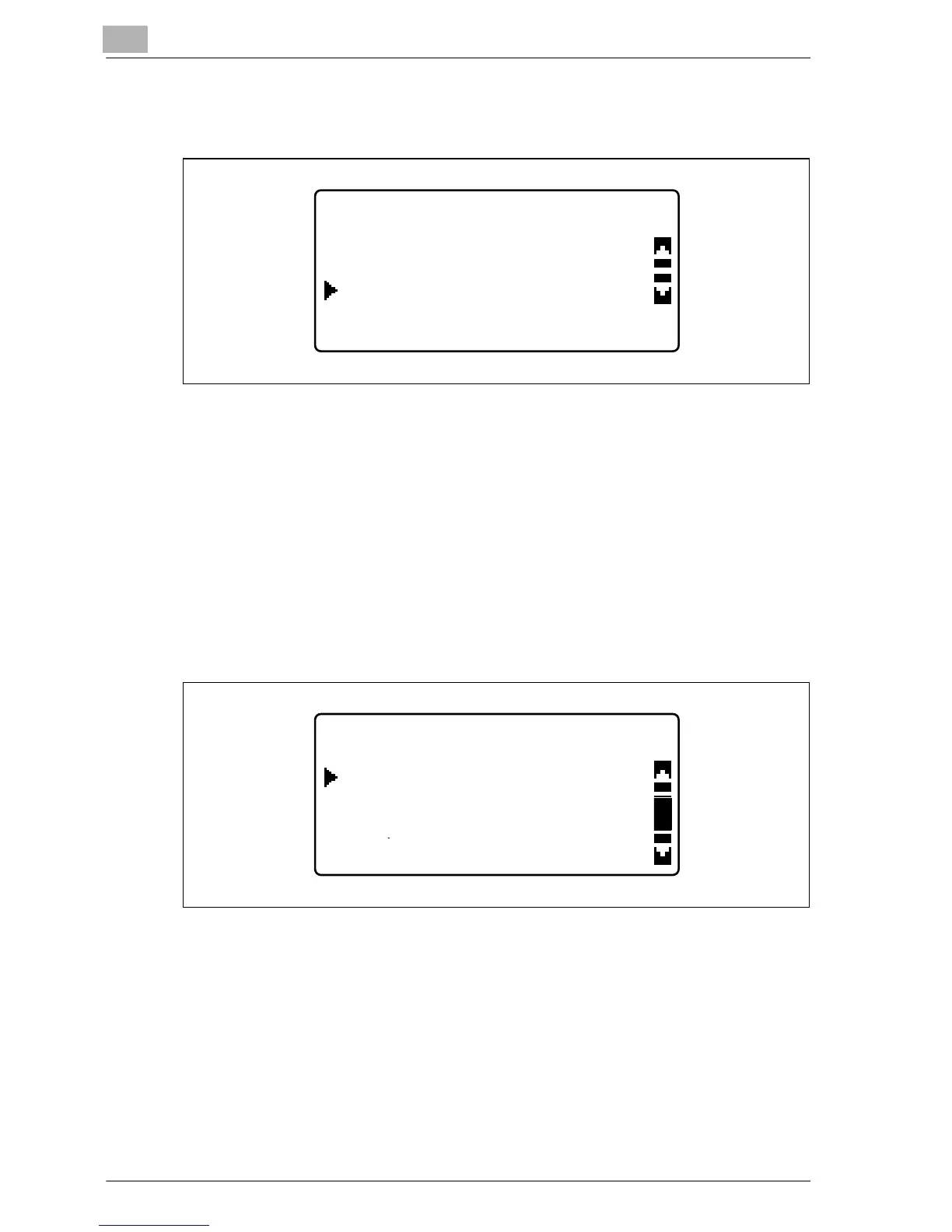
4 Press the [+] or [,] key until "ON" is selected, and then press the [OK]
key.
– The document type can be changed in the Utility mode. The default
binding setting is for left-bound books. To copy right-bound books,
change the document type using the "BINDING POSITION"
parameter in the Utility mode. (Refer to "Selecting the book binding
position ("BINDING POSITION" parameter)" on page 7-64.)
"/" appears beside "BOOK SEPARATION" in the COPY FUNCTION
menu.
5 To erase around the text or along the binding, select "ERASE" in the
COPY FUNCTION menu, and then press the [OK] key.
– To begin copying, continue with step 7.
BOOK SEPARATION SET
ON
OFF
ALIGN BOOK TO CENTER
COPY FUNCTION
PAGE MARGIN
ERASE
X/Y ZOOM










 To Next Page